So, you’ve finally done it. You’ve brought home a shiny new 4K monitor, ready to experience Cyberpunk 2077's Night City or the wilds of Horizon Forbidden West in breathtaking detail. But instead of silky-smooth visuals, you’re getting a stuttery mess that feels more like a slideshow. Eish. Don’t panic! Getting that buttery frame rate is possible. Let's dive into some pro secrets to properly optimise 4K gaming performance on your rig.
Beyond the Pixels: Is Your Rig Ready for 4K?
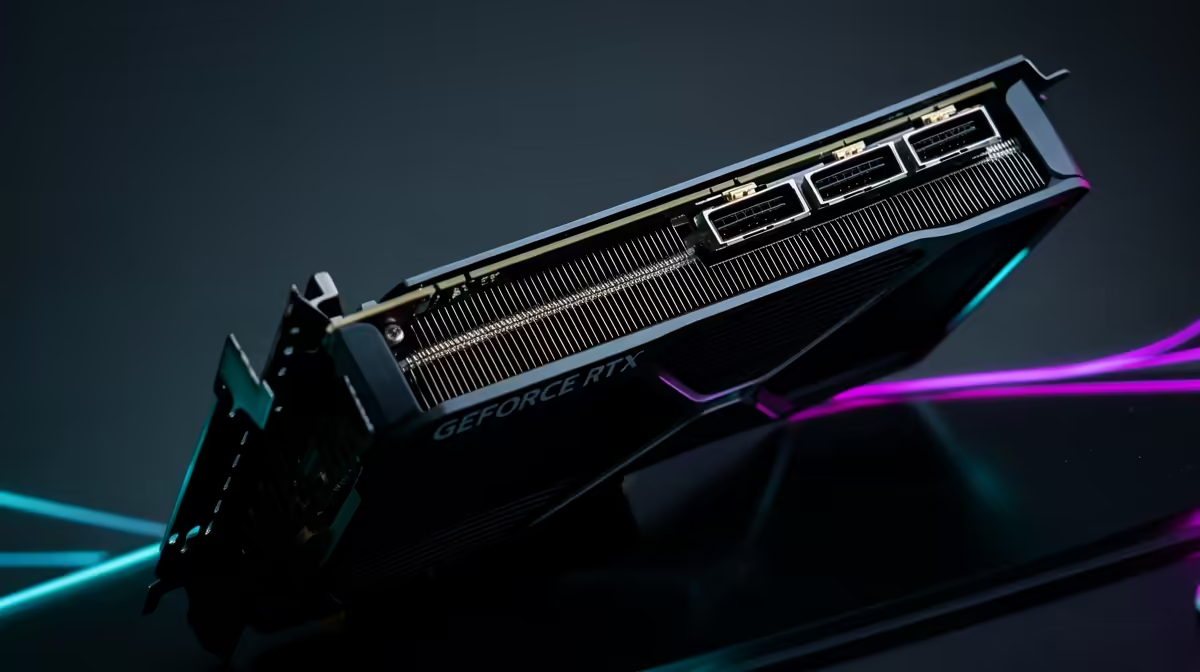
Before we tweak a single setting, let's be real: 4K gaming is demanding. Pushing over eight million pixels sixty times per second (or more!) requires serious graphical horsepower. Ideally, you're running a modern GPU like an NVIDIA GeForce RTX 40-series or an AMD Radeon RX 7000-series card.
But the GPU is only half the story. The display is where the magic happens. A great panel can make a world of difference, so ensuring you have one of the market's gorgeous 4K and 5K monitors is the perfect starting point for your high-fidelity journey.
Master Your In-Game Settings for Optimal 4K Performance
This is where you'll find the biggest gains without spending a Rand. Most gamers just crank everything to "Ultra" and hope for the best. Big mistake. A strategic approach is key to unlocking smooth 4K gaming performance.
The DLSS & FSR Revolution 🚀
If your GPU supports it, NVIDIA DLSS (Deep Learning Super Sampling) or AMD FSR (FidelityFX Super Resolution) is your new best friend. These brilliant technologies use AI to render the game at a lower resolution and then intelligently upscale it to 4K.
The result? A massive frame rate boost with almost no noticeable loss in visual quality. Setting DLSS or FSR to "Quality" or "Balanced" is often the single most effective step you can take.
Shadow, Texture, and Ray Tracing Tweaks
Not all settings are created equal. Here’s a quick hit-list of the biggest performance hogs:
- Shadow Quality: Dropping this from "Ultra" to "High" can claw back 10-15% of your FPS with very little visual impact.
- Volumetric Clouds/Fog: Another resource-heavy setting. "Medium" is usually the sweet spot.
- Ray Tracing: While stunning, full ray tracing can cripple even high-end cards at 4K. Use it wisely, or combine it with DLSS/FSR for a playable experience.
Experimenting with these settings on one of today's immersive curved monitors can help you find that perfect balance between eye-candy and performance.
Fine-Tuning Your System for Peak Gaming Output
Your PC itself can be a bottleneck. Before launching a game, make sure your system is primed for action. A few simple checks can ensure every bit of power is dedicated to your game.
System Optimisation 101 🔧
Always keep your graphics card drivers updated! Both NVIDIA and AMD release game-ready drivers that include specific performance optimisations for new titles. Also, enable "Game Mode" in Windows 11 (Settings > Gaming > Game Mode). It helps by preventing background tasks and Windows Update from interrupting your session.
A clean setup is a fast setup. This means closing unnecessary background applications like web browsers or streaming apps before you start playing. For the ultimate ergonomic and tidy battle station, consider investing in essential monitor accessories like VESA mounts or monitor arms. If you're just starting your build, browsing a wide variety of PC monitors can give you a great idea of what's possible.
Choosing the Right Display: More Than Just Resolution ✨
Achieving the best 4K gaming performance isn't just about frame rate; it's about the overall experience. Your monitor's specs play a huge role here.
- Refresh Rate (Hz): A 60Hz monitor can only display 60 FPS. For a truly fluid feel, you want a 120Hz or 144Hz panel. This allows you to see and feel the benefit of those higher frame rates.
- Response Time (ms): A low response time (like 1ms) reduces motion blur and ghosting, which is critical for fast-paced shooters.
- HDR (High Dynamic Range): This technology provides brighter whites, deeper blacks, and a more vibrant range of colours, making games look incredibly lifelike.
Whether you're looking for a primary screen or one of those surprisingly useful versatile portable monitors for a second screen, these specs matter. Take your time to browse the entire range of gaming monitors to see what fits your needs and budget. And always keep an eye out for the best PC monitor deals to snag a bargain.
Ready to Unleash True 4K Power?
Tweaking settings is one thing, but having the right hardware is everything. If you're ready to leave frame drops in the dust and experience silky-smooth 4K gameplay, your next upgrade is waiting. Explore our range of custom-built gaming PCs and build the ultimate 4K machine today.