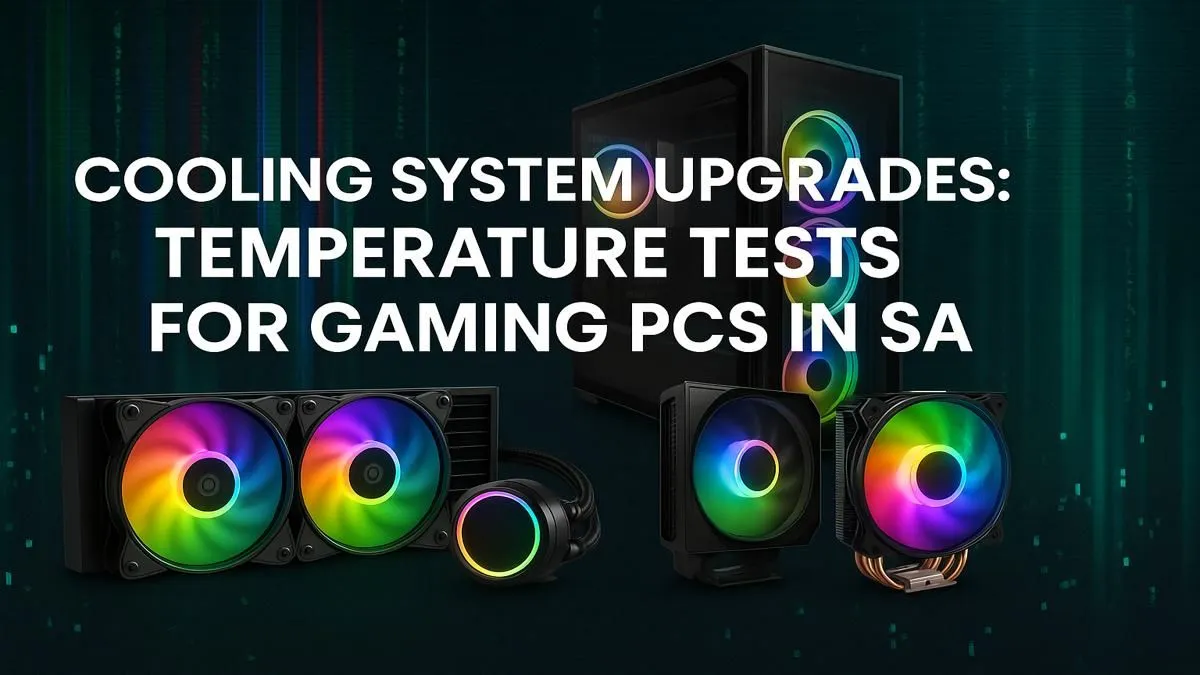
Is your gaming rig sounding more like a jet engine than a high-performance machine, especially during a tense match in Apex Legends? You're not alone. Here in Mzansi, our ambient heat adds a unique challenge to keeping PC components frosty. Effective PC cooling in South Africa isn't just a luxury for overclockers; it's the bedrock of stable frame rates and a longer lifespan for your precious hardware. Let's dive into keeping your rig cool. 🌡️
Why PC Cooling in South Africa is Non-Negotiable
A sweltering summer day in Gauteng can easily push room temperatures into the high 20s or 30s. This ambient heat directly impacts your PC's ability to dissipate its own heat, creating a stressful environment for your components. Modern hardware, especially today's powerful CPUs, can generate immense thermal loads under pressure.
When a processor gets too hot, it thermal throttles—automatically reducing its performance to prevent damage. Suddenly, your smooth 144 FPS gameplay stutters and drops. A solid PC cooling solution ensures your components perform at their peak, no matter the weather.
The Great Debate: Air Coolers vs. AIO Liquid Coolers
Choosing the right cooler is a crucial step. Both air and liquid cooling have their place, and the best choice depends on your budget, case, and performance goals.
Air Cooling: The Reliable Workhorse
An air cooler uses a combination of a metal heatsink and fans to draw heat away from your CPU. They are known for their simplicity and reliability.
- Pros: Cost-effective, highly reliable with fewer points of failure, and often surprisingly quiet.
- Cons: Can be bulky, potentially interfering with tall RAM modules or small cases.
AIO Liquid Cooling: The Performance King ❄️
All-in-One (AIO) liquid coolers use a closed loop of liquid to transfer heat from the CPU to a radiator, where it's expelled by fans. They offer superior thermal performance, making them ideal for high-end gaming rigs.
- Pros: Excellent cooling capacity, sleek aesthetics, and moves heat directly to the case exhaust.
- Cons: More expensive and technically have more potential points of failure (like the pump).
Case Compatibility Check 🔧
Before buying a new cooler, always check your case specifications. For large air coolers, verify the maximum 'CPU Cooler Height'. For AIOs, confirm the 'Radiator Support' (e.g., 240mm, 280mm, or 360mm) for the top, front, or rear panels. This simple step can save you a massive headache!
Understanding Temp Tests for Your Gaming Rig
So, what are "good" temperatures? Generally, for a gaming PC under load, you want to see your CPU stay below 85°C. Anything creeping towards 95°C is entering the danger zone where throttling is likely. These numbers are the core of any temp tests for gaming rigs.
Building a balanced system from the start is key. When you begin with a solid foundation, like one of the many Intel barebone kits available, you can pair it with a cooler designed to handle its specific thermal output, ensuring you stay well out of the red zone.
The same principle applies across platforms. Whether you're Team Blue or Team Red, starting with quality-matched components is essential. For instance, the diverse range of AMD barebone kits provides a fantastic starting point for a custom build where you can prioritise an effective PC cooling solution right from the beginning.
Beyond the Cooler: Simple Tweaks for Better Temps
Your main cooler does the heavy lifting, but overall system airflow is just as important. Ensure your case has a clear airflow path: intake fans at the front pulling cool air in, and exhaust fans at the back and top pushing hot air out. Good cable management isn't just for looks; it prevents stray cables from obstructing that crucial path. A little effort here can drop your temps by a few degrees. 🚀
Ready to Beat the Heat?
From powerful air coolers to sleek AIOs, the right PC cooling solution is your ticket to stable frames and peak performance in South Africa. Explore our massive range of cooling components and build a rig that never breaks a sweat.