


Customer Persona & Challenge: A Trader’s Display Dilemma ⚡
Meet Sipho, a Cape Town-based digital artist and day trader. His work demands razor-sharp visuals and ultra-reliable tech. But his current monitor had persistent dead pixels, and the pixel-perfect warranties seemed confusing. Which option protected his investment best, with minimal downtime? Sipho needed clarity and a dependable upgrade to get crisp images while tracking live trades.
Solution: Choosing the Right Monitor & Warranty
Sipho explored Evetech’s expansive selection of gaming monitors and discovered models with pixel clarity perfect for his detailed work and fast refresh rates ideal for market charts. He opted for a 4K screen from their 5K & 4K monitors range to balance crispness and speed.
To safeguard his expensive panel, Sipho paired it with Evetech’s monitor accessories, including a screen protector and a robust stand. For flexibility, he also added a portable monitor from Evetech’s portable monitors collection for work on the go.
Pro tip for pixel warranty
Choose a pixel warranty based on your tolerance for dead pixels — the fewer allowed, the tighter the quality control. This protects cash on high-end curved monitors that show defects easily.
Implementation: Step-by-Step Upgrade
- Assessment: Sipho tested different monitor types and sizes at Evetech, comparing curved models from their curved monitors range for immersive visuals.
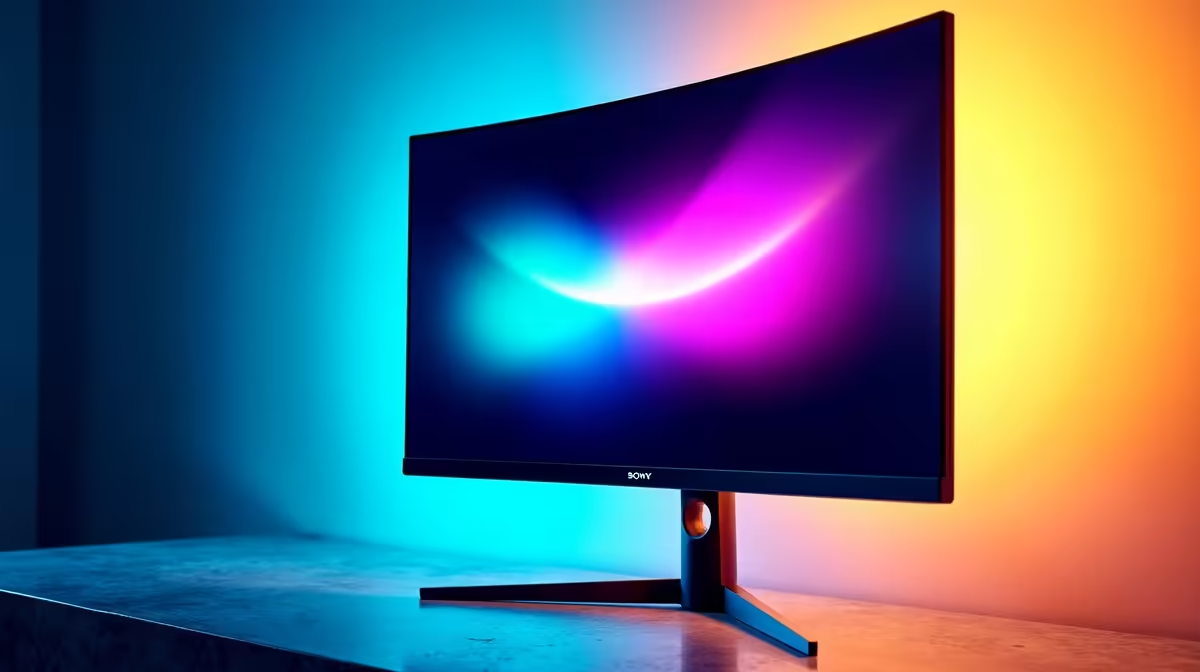
- Purchase: He purchased a premium curved 4K monitor from Evetech’s main PC monitors page.
- Setup: Sipho installed his new setup with accessories and enabled pixel warranty coverage.
- Calibration: Adjusted brightness, contrast, and colour settings for accurate work visuals.
Results: Clear View, No Annoying Pixels
| Metric | Before | After |
|---|---|---|
| Dead Pixels | Multiple persistent | Zero after warranty repair |
| Colour Accuracy | Good | Excellent (4K HDR) |
| Screen Size | 24" | 32" Curved |
| Trading Screen Setup | Single monitor | Dual with portable |
| Downtime Due to Faults | 3 days per incident | Virtually zero |
Sipho now enjoys flawless visuals with none of the pixel distractions he struggled with before. His trades load crisply, and his creative projects shine with vibrant colour. The pixel warranty gave him peace of mind, especially when a minor fault was quickly resolved by Evetech’s support team.
“Switching to a monitor with a solid pixel warranty changed how I work. Zero dead pixels means zero distractions — plus, effortless support when I needed it.” – Sipho M.
Get Your Perfect Monitor Setup Ready to upgrade your setup with warranty peace of mind? Explore top-tier options and unbeatable deals on Evetech’s best PC monitor deals. Shop now at Evetech for performance that leaves lag in the dust.









