There is nothing more frustrating than a render that should take ten minutes stretching into an hour because your silicon is gasping for air. In the heat of a South African summer, your PC faces a brutal battle. To prevent CPU throttling: manage thermals during render tasks effectively, or watch your productivity vanish. High temperatures force your processor to slow down to protect itself... ruining your workflow. 🔧
Why Your PC Slows Down During Heavy Renders
When you push your CPU to 100% usage during video exports or 3D renders, it generates massive amounts of heat. If your cooling solution cannot dissipate this heat fast enough, the processor hits its thermal limit. At this point, the motherboard reduces the voltage and clock speed. This is the definition of thermal throttling.
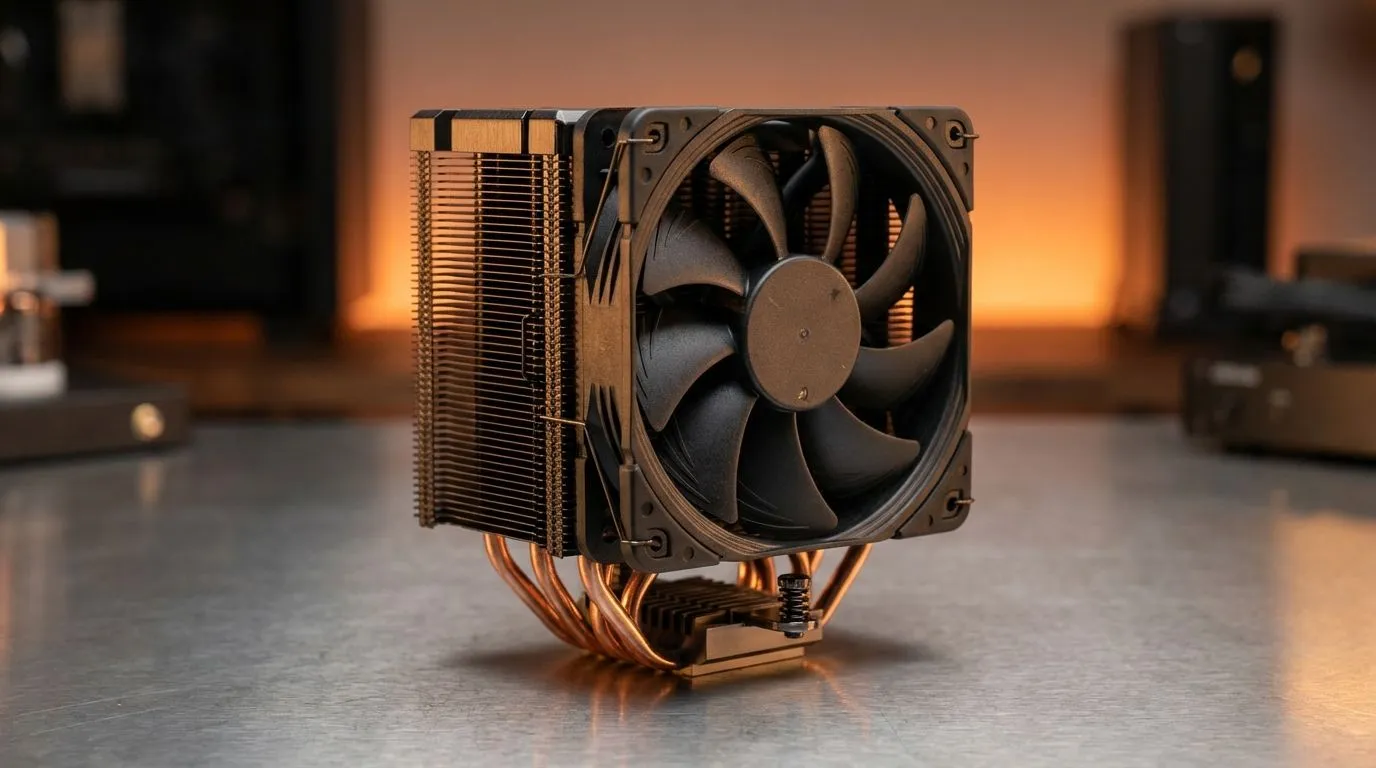
To keep your render times consistent, you need to ensure your hardware is up to the task. The most effective way to start is by browsing high-quality cpu coolers that can handle high TDP (Thermal Design Power) loads. Without proper heat dissipation, even the most expensive processor will perform like a budget chip within minutes of starting a heavy task.
Choosing the Right Hardware to Prevent CPU Throttling
Air cooling is often sufficient for gaming, but heavy rendering is a different beast entirely. Many professionals in South Africa are moving toward a Liquid Cooler (AIO) setup. These systems use liquid to transfer heat away from the CPU more efficiently than traditional heatsinks.
If you are looking for premium performance and customisable lighting, CORSAIR offers some of the most reliable units on the market. Their software integration allows you to monitor coolant temperatures in real-time. For those watching their budget but still needing serious cooling power, Deepcool provides exceptional value for money in ZAR without sacrificing build quality. 🚀
Radiator Size Matters for Long Exports
The size of your radiator determines how much surface area is available to cool the liquid. For top-tier processors like the Intel Core i9 or Ryzen 9, a 360mm Radiator is the gold standard. It provides the thermal headroom needed for multi-hour render sessions.
If your chassis is a bit more compact, a 240mm Radiator still offers a significant upgrade over stock cooling. It balances space-saving with the ability to manage thermals during render tasks effectively. ⚡
Productivity Pro Tip ⚡
When rendering long video projects, try undervolting your CPU slightly via the BIOS or software like Intel XTU. This reduces the heat output without necessarily lowering performance, often allowing your CPU to maintain higher "boost" clocks for longer periods without hitting thermal limits.
Software and Airflow Optimisation
Hardware is only half the battle. You must ensure your case has a clear path for air to move. Front intake fans should bring in cool air, while rear and top fans exhaust the hot air generated by your GPU and CPU.
Regularly cleaning dust filters is essential in South Africa... especially during the dry, dusty winter months. A clean PC is a cool PC. By combining a high-end AIO with smart fan curves, you can maintain peak performance and finally say goodbye to the dreaded slowdown. ✨
Ready to Find Your Perfect Match?
Preventing CPU throttling is the key to faster renders and a longer-lasting system. For maximum cooling power and the best tech value in South Africa, our selection is hard to beat. Explore our massive range of CPU Coolers and find the perfect partner for your high-performance processor.