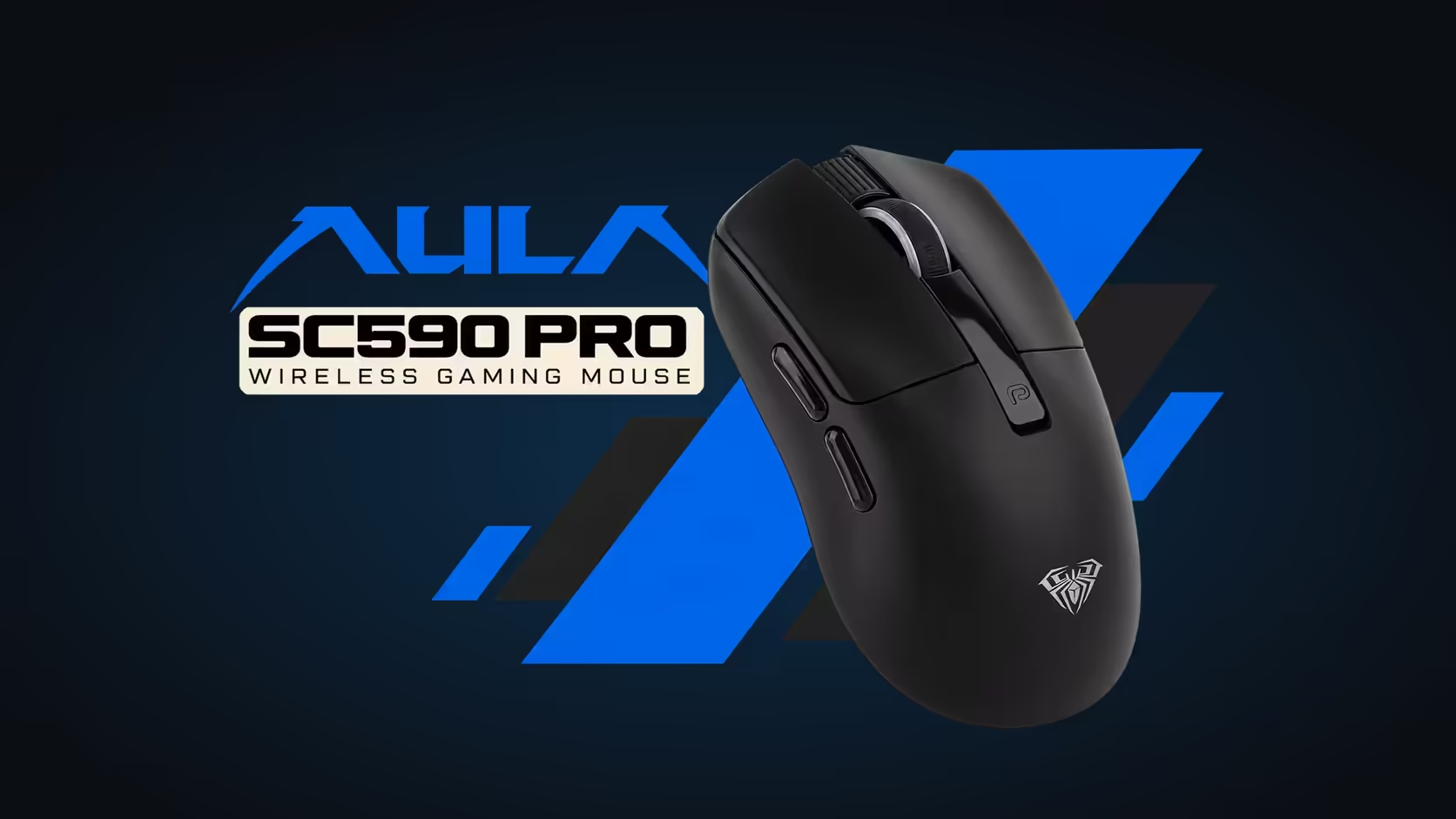
Spec sheets for gaming mice are full of large numbers that rarely come with an explanation. The AULA SC590 Pro lists 20,000 DPI, six levels and 1000Hz, and each of those means something practical once it is translated. Here are the SC590 Pro specs explained in plain terms, so you know which numbers matter to you and which simply look good on the box.
Quick Answer
The SC590 Pro, R319 at Evetech, uses a PAW3311 sensor that offers six DPI levels: 1200, 2400, 3200, 6400, 10,000 and 20,000. DPI sets how far the cursor moves per inch of hand movement. Its 1000Hz polling rate means it reports its position to the PC every millisecond. The built-in display shows which DPI level is active, so you always know where you stand.
📏 DPI in everyday language
DPI stands for dots per inch. Move the mouse one inch at 1200 DPI and the pointer travels roughly 1200 pixels. At 20,000 it covers vastly more ground for the same movement.
Higher DPI does not make the sensor more accurate. It makes the cursor more responsive to small movements. That is helpful on a very large screen and unhelpful when you want to hold a target steady, because tiny hand tremors become visible.
The six levels, and what each suits
- 1200: the lowest step, and the natural place to start for aiming in games.
- 2400: a comfortable everyday desktop speed on a typical monitor.
- 3200: quicker navigation, useful on a large screen.
- 6400: fast pointer movement for big or high-resolution displays.
- 10,000 and 20,000: very fast settings for multi-monitor layouts or people who like minimal hand movement.
⏱️ What 1000Hz means
Polling rate is how often the mouse tells the PC where it is. At 1000Hz that happens 1000 times a second, or once every millisecond. The result is a smooth cursor that responds without any delay you could feel.
Some competitive mice go higher, but for office work, general gaming and most competitive play, 1000Hz is a well-established standard. It is not the number that will decide your aim.
🔬 The sensor behind the numbers
All of this comes from the PAW3311, an optical sensor. The DPI steps and polling rate are the settings it runs at; the sensor itself is what reads the surface under the mouse. On a decent cloth or hard pad it tracks cleanly across all six levels.
🖥️ Knowing which level is active
This is where the SC590 Pro differs from most mice. Many models show the DPI step as a coloured light you need to decode. The SC590 Pro's display shows the actual number, next to battery level and connection mode, and DPI buttons beside the screen switch the level. If you change it mid-game by accident, you will see it straight away.
The mouse itself weighs about 64g, measures about 118 x 60 x 38mm and connects over 2.4GHz, Bluetooth or a USB-C cable, on a 500mAh battery. To see how these numbers compare with other models, browse Evetech's gaming mice, or narrow it to cable-free models via the wireless mouse page. Evetech lists the black SC590 Pro with a 1 Year Local Warranty.
Frequently Asked Questions
What does DPI mean on the SC590 Pro?
It is how far the cursor moves per inch of hand movement. The mouse offers six levels from 1200 to 20,000.
What does 1000Hz polling mean?
The mouse reports its position 1000 times a second, once every millisecond.
Does anyone actually use 20,000 DPI?
Mostly people with very large or multiple monitors. For aiming, the lower levels are far more common.
Which sensor sits inside the SC590 Pro?
The PAW3311 optical sensor.
How do I know which DPI level is on?
The built-in display shows the active level, and the buttons beside it switch between the six steps.
Does more DPI give better accuracy?
No. It changes cursor speed, not how precisely the sensor tracks.
Want the numbers to make sense before you buy?
Compare the SC590 Pro with other gaming mice in Evetech's range and pick the DPI spread that suits your screen.