


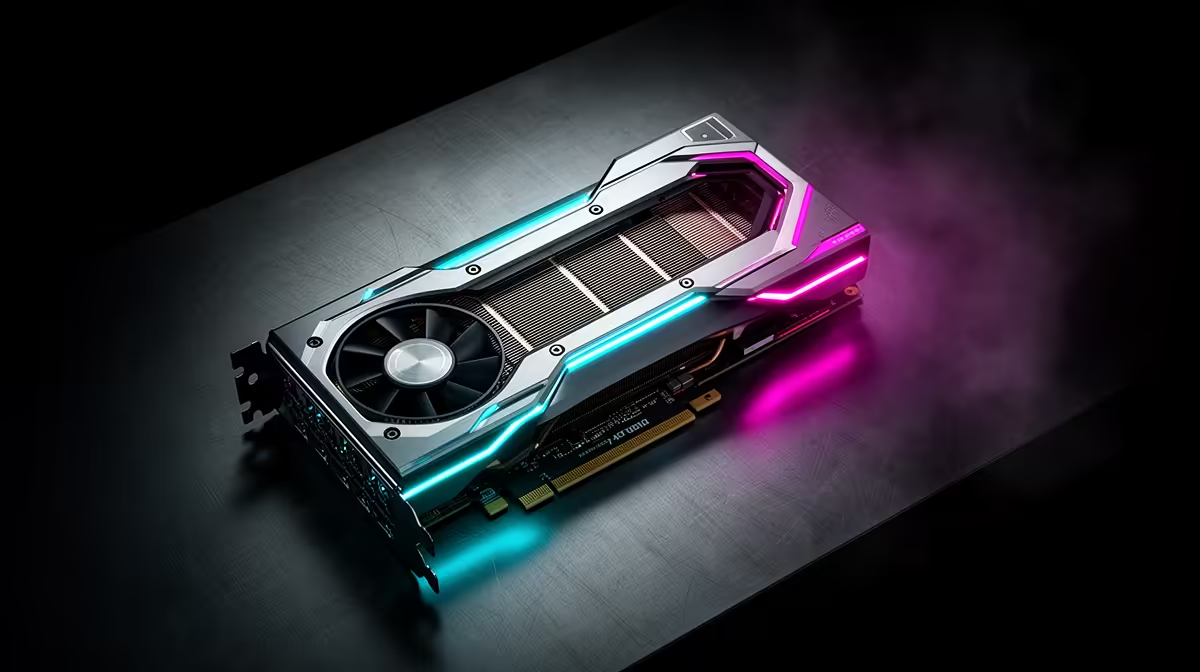
The RTX 5090 and Valorant at 1440p is a question about whether you are buying the right card for the job, and what the rest of your South African build needs to keep up.
Quick Answer
Comfortably. The RTX 5090 pushes Valorant at 1440p to 350-500 fps, well beyond what most monitors can show. Valorant is deliberately light so it runs on almost anything at very high fps. At around R55,000 to R70,000 the RTX 5090 is overkill for Valorant alone — you are really buying it for 1440p in heavier AAA titles.
What 1440p actually looks like on the RTX 5090
Valorant is deliberately light so it runs on almost anything at very high fps. On a RTX 5090 at 1440p, expect 350-500 fps. For a stable experience, target a 240Hz 1440p panel so the monitor can show the frames the card is producing. Turn DLSS to Quality before dropping in-game settings — on the RTX 5090 it lifts framerate with almost no visible cost, and where supported, NVIDIA frame generation roughly doubles the on-screen number again.
Is the RTX 5090 the right card for 1440p here?
Honestly, no — not for Valorant on its own. Valorant would run beautifully at 1440p on a card a fraction of the price. The RTX 5090 makes sense if your library also includes path-traced AAA games like Cyberpunk 2077 or Black Myth Wukong at high resolutions. If Valorant is genuinely your main title, a mid-range card stocked at Evetech (in the R8,000-R15,000 band) frees up cash for a better monitor, more storage, or a stronger CPU. Buy the RTX 5090 for headroom, not for this game.
FAQ
How many FPS does Valorant get on the RTX 5090 at 1440p?
Expect 350-500 fps at 1440p with high or ultra settings. Valorant is deliberately light so it runs on almost anything at very high fps.
How much does the RTX 5090 cost in South Africa?
At Evetech the RTX 5090 sits around R55,000 to R70,000 depending on the partner card (ASUS, MSI, Gigabyte). Prices move with the rand and stock, so confirm the live figure on the product page.
Do I need DLSS or frame generation for Valorant at 1440p?
At 1440p on the RTX 5090 you can run native, but switching DLSS to Quality adds free headroom and frame generation pushes you well past 120 fps.
Pro Tip
Set your monitor to its native resolution and full refresh rate first, update to the latest NVIDIA driver, then enable DLSS Quality in Valorant before touching any other setting.











