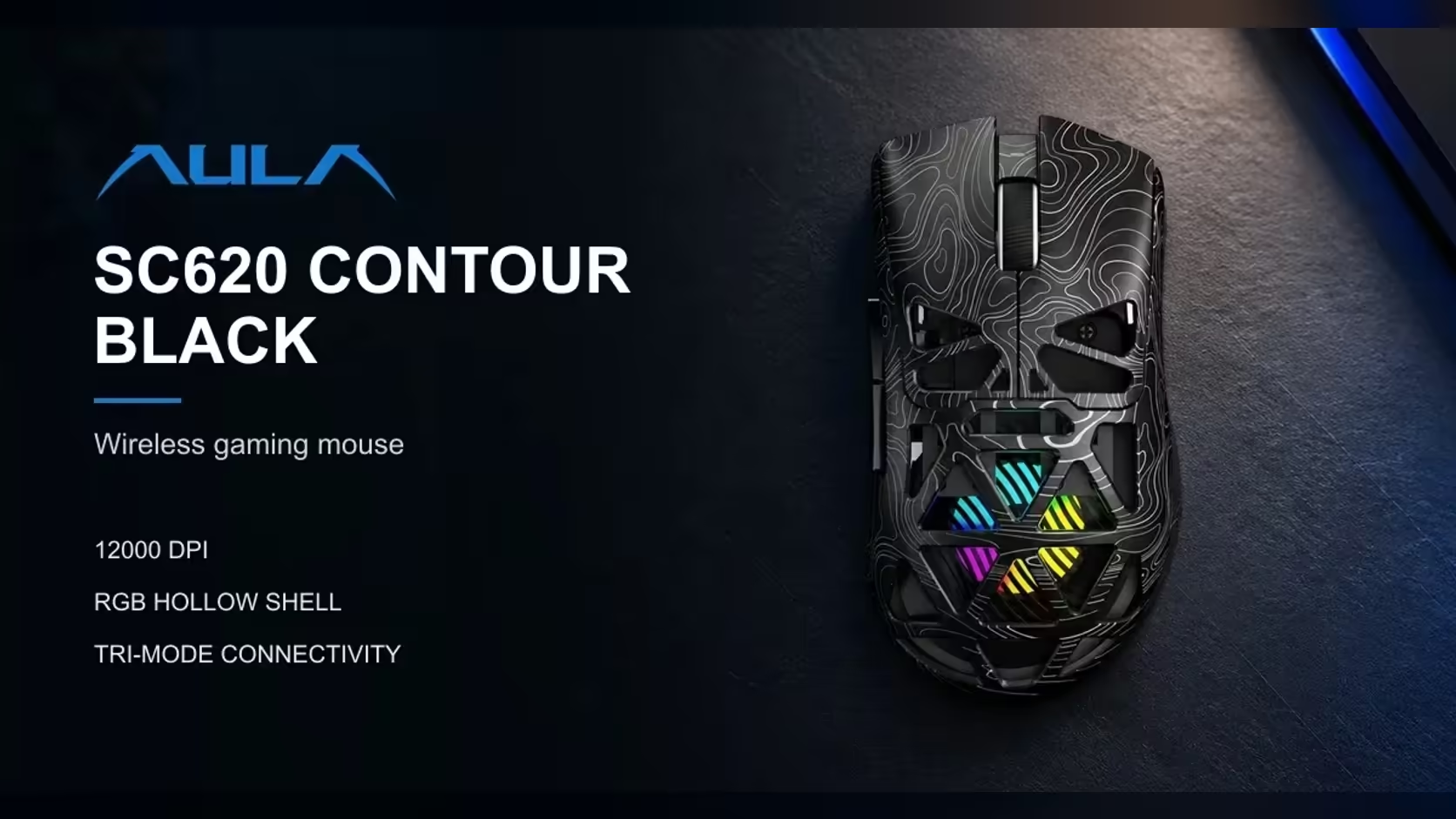
Phone shooters train your thumbs to hunt for an on-screen fire button, sometimes two, sometimes with auto-fire switched on. Moving to a PC changes the whole rhythm: your index finger fires, your wrist aims and the keyboard handles movement. The AULA SC620 Contour adds one familiar-feeling extra, a mouse fire button you can program, and it helps to know exactly where its powers stop.
Quick Answer
The SC620 Contour's Fire button runs one mapped command per press, such as a burst of clicks, set in AULA's Windows driver. It repeats an input; it does not aim, track targets or control recoil for you. The mouse is a 67g tri-mode model with a PAW3311 sensor, so the aiming itself comes down to your hand and your DPI setting. Evetech lists it at R349.
📱 What changes when you leave the touchscreen
On a phone, fire is a spot on the glass that your thumb covers, which also hides part of the screen. On PC, the left mouse button is always under your finger and never blocks the view. That alone is a big upgrade, and it takes most players a week or two to trust it.
The other change is aim. Instead of sliding a thumb across glass, you move the whole mouse. Small, controlled wrist and arm movements replace swipes, which is why sensitivity and DPI suddenly matter so much.
🔫 What the Fire button can do
Burst on one press
AULA gives a burst of clicks as an example of what the Fire button can run. If you are used to a tap-and-hold fire control, mapping a short burst can make the move to PC feel less foreign while you learn trigger control on the main button.
Shortcuts outside games
The same button can hold an app shortcut instead. That is handy if the PC is also your study or work machine.
Where it stops
It will not aim for you, correct recoil or react to what is on screen. It repeats the command you gave it, at the spot your cursor is already pointing. Many online games also have rules about repeated or automated inputs, and those differ between titles, so check your game's terms before relying on a burst binding in ranked play.
🎚️ Setting up for a smooth start
The left click keeps working as a normal fire button; the Fire key is extra, not a replacement. Do the setup with the dongle plugged in or the lead connected, as AULA's software cannot configure the mouse through Bluetooth 5.3.
For DPI, start low. The PAW3311 offers 800, 1600, 3200, 4800, 8000 and 12,000. Players coming from phones often try a high setting because it feels like a fast swipe, then struggle to hold a target. Try 800 or 1600 with a moderate in-game sensitivity and adjust from there. The 1000Hz polling rate is handled in the same driver.
Claw, palm and fingertip grips all suit the shape, and at 67g it is easy to start and stop. If you want to compare it with other mice for a new PC setup, Evetech's gaming mice range is the place to look, and the wireless mouse page trims that list to cable-free designs. Evetech carries it in black and white, sold with a 1 Year Local Warranty.
Frequently Asked Questions
What feels most different about firing with a mouse?
Your finger rests on the button all the time and nothing covers the screen, so firing becomes quicker and less clumsy once you adjust.
Is burst fire possible on the Fire key?
AULA lists a burst of clicks as one of the commands it can run, assigned in the Windows driver.
What can the Fire key not do?
It cannot aim, track or control recoil. It only repeats the one command you map to it.
Does the normal left click still fire in games?
Yes. The Fire button is an additional key; the left button works as usual.
Which DPI level is a good starting point?
Try 800 or 1600 with a moderate in-game sensitivity, then change one setting at a time.
Can the mouse be used with an Android tablet?
AULA lists Android among the supported systems, but the driver is for Windows, so set up the Fire key on a PC. How a mobile game treats extra mouse buttons depends on that game.
Moving your game from phone to PC?
Browse Evetech's gaming mouse range and find a light, programmable mouse to learn on, like the SC620 Contour.