


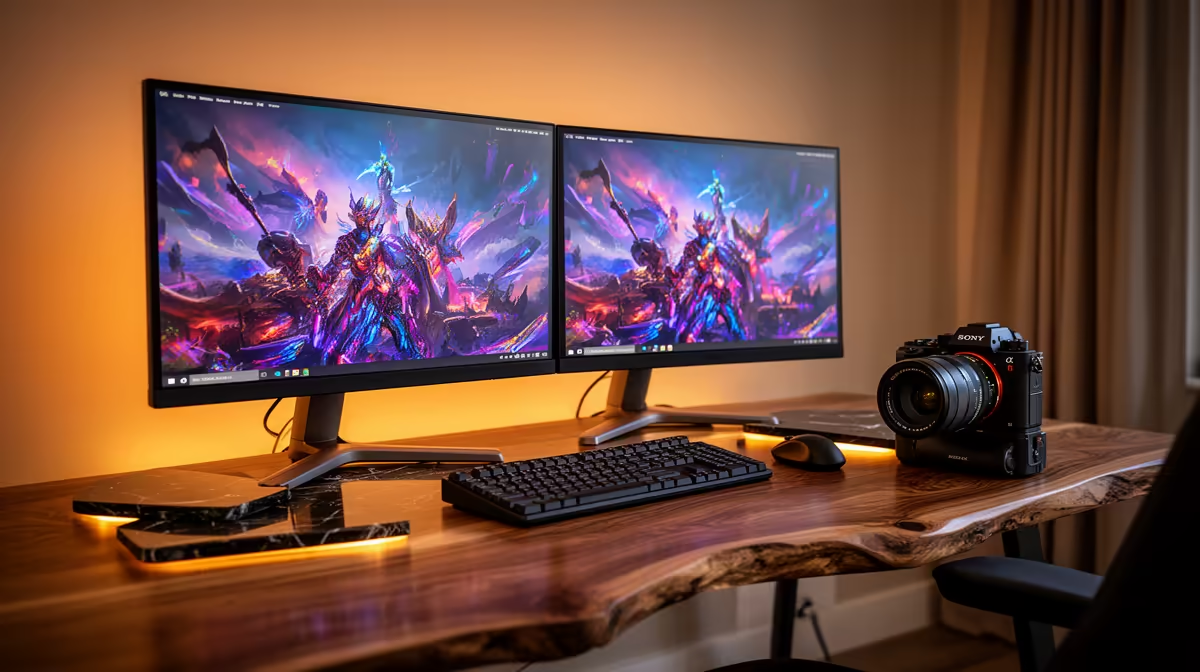
Dell SE2726H 27in FHD 144Hz at R1,797 suits SA buyers who want a smoother main screen for a dual monitor desk without pushing the second display into premium pricing. The common problem is not only buying two screens, but matching size, refresh feel, ports, stand space, and desk layout so the setup feels natural every day.
Start with the main screen first
The Dell SE2726H 27in FHD 144Hz at R1,797 makes sense as the primary display because the 27-inch size gives more working room, while the 144Hz refresh rate keeps mouse movement and game menus feeling smoother. Pairing it with a smaller second screen can work well if the main task stays on the larger panel.
The Dell SE2426H 23.8in FHD at R1,532 is a practical side screen for chat, email, notes, browser tabs, or a reference document. Its 23.8-inch FHD panel keeps the second display compact, which helps when a desk already has speakers, a keyboard, a mouse mat, and a laptop stand competing for space.
Student desk cable and spacing fixes
On a student desk, two large screens can feel impressive for one day and irritating for the rest of the semester. The Dahua LM27 100Hz at R1,500 gives a 27-inch screen at a low price, but buyers should measure desk depth first so the panel is not too close for reading notes or online classes.
The MSI PRO MP275W at R1,850 is another 27-inch option for a cleaner study or work setup, especially where the second screen is used for documents, spreadsheets, or a video call window. Keep the brighter, most-used screen directly in front, then angle the side display slightly inward to reduce neck strain.
Pro Tip ⚡
Ready to choose the right monitor? Start the monitor shortlist shortlist with Dell SE2726H 27in FHD 144Hz at R1,797, especially if common dual monitor setup problems points you toward its listed spec.











