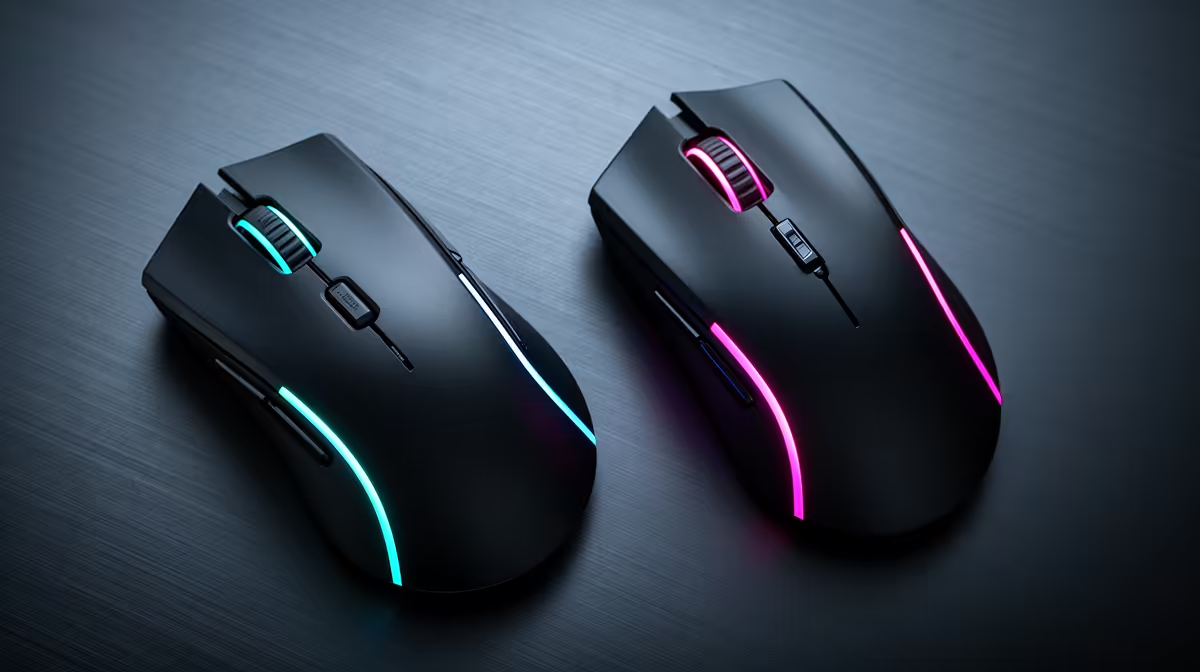
Two mice set to the same number can move different physical distances across the pad. DPI deviation is measured by real travel, letting you preserve effective sensitivity when a sensor calibration changes.
Quick Answer
Two mice set to 800 DPI can travel different cursor distances because the real counts per inch can deviate from the selected step. Firmware, sensor implementation, manufacturing tolerance, pad and test method all matter. Lift-off distance changes what happens while repositioning rather than the main on-pad count. Match feel by measured distance and in-game sensitivity, then record the working setup.
Use the gaming mouse deals page to compare shapes and sensor features. The best-selling mouse range provides another set of named models. DPI accuracy is one field beside shape, mass, click feel and wireless stability.
Measure a controlled distance
Turn off unwanted operating-system acceleration, use the same pad and select one DPI step. Mark a long straight distance on the pad without drawing on its play surface. Use a reputable measurement tool or game method.
Move the mouse slowly from one mark to the other without lifting. Repeat several times and average the result. Short tests magnify hand and ruler error.
Compare effective sensitivity
Record DPI, in-game sensitivity, field of view, resolution and any game-specific multiplier. Swap mice while keeping the game settings fixed, then measure the turn distance.
Adjust one setting until the new mouse matches the physical distance you prefer. The printed 800 label can remain different from the effective value; consistent aim is the goal.
Do not copy another player's sensitivity without their measurement method. Even matching numbers can feel different through mouse shape, grip, feet and pad friction.
Treat lift-off separately
Lift-off distance affects how high the mouse can rise before tracking stops. During a reposition, a higher setting may move the view while the mouse is being lifted. Sensor placement and tilt also influence that motion.
Use the maker's supported lift-off setting and test normal resets. Do not confuse lift movement with DPI deviation during a fully grounded swipe.
Check consistency across speeds
Run the distance test slowly, then at a normal gaming swipe. The result should remain close within your measurement error. Large speed-dependent changes can point to a test problem, surface issue, firmware setting or sensor behaviour that deserves support.
Repeat after cleaning the sensor opening and pad with approved methods. Keep angle snapping, motion sync, polling rate and surface tuning recorded. Those features do not all change CPI, but changing them between mice weakens the comparison.
If the selected step varies from boot to boot, test onboard and software profiles. A configuration application may apply 800 only after it starts, leaving another hardware default before login.
Decide whether it matters
Casual players can match feel and keep playing. Competitive users may want a measured physical sensitivity so replacement mice and tournament profiles remain consistent. The correction needs no judgement about mouse quality; it is calibration.
FAQ
Is deviation a defect?
Small variation can fall within design and measurement tolerance. Large or inconsistent results deserve another pad, port, firmware check and support assessment.
Should I change DPI to compensate?
You can adjust DPI or in-game sensitivity. Keep one recorded pair that produces your preferred physical turn distance.
Do premium sensors eliminate it?
No category guarantees zero deviation. Measure the exact mouse and firmware using a consistent method.
Measure a long physical swipe on the same pad, match your in-game turn distance, and save the effective DPI and sensitivity pair for each mouse.