Quick Answer
GTA 6 crashing due to SSD issues is typically caused by drive errors, insufficient NVMe thermal headroom, outdated firmware, or corrupted game files. Running CHKDSK, updating SSD firmware, and verifying game files through the launcher resolves the issue in most cases.
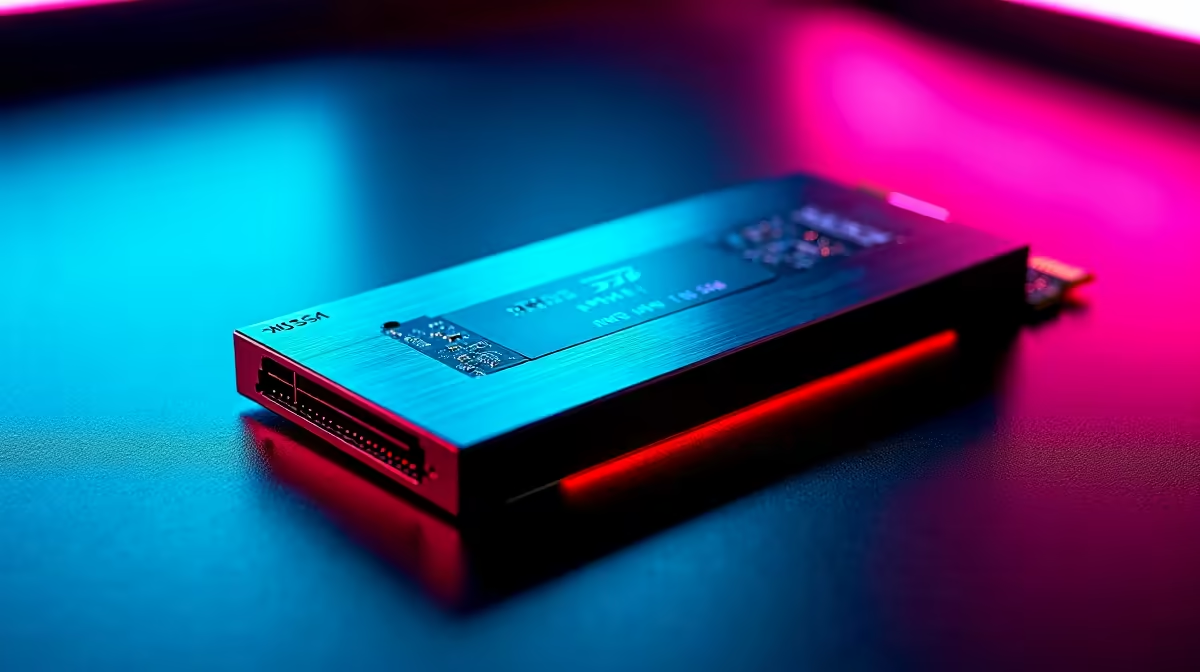
GTA 6 is one of the most storage-intensive PC games released in recent years, with an install size that stresses both the speed and health of your SSD more than most titles. When the game crashes specifically under load - during fast travel, loading between areas, or streaming open-world assets - the SSD is often the first component to investigate. SA players on mid-range NVMe drives should pay particular attention to thermals, as many budget M.2 drives lack heatspreaders and throttle under sustained load.
Diagnosing SSD-Related GTA 6 Crashes
The first step is identifying whether your SSD is actually the problem. Open Windows Event Viewer (search in Start menu) and look for disk errors in the System log around the time of each crash. Error codes like 11 (disk controller error) or 153 (disk reset) point directly to storage issues. Alternatively, run CrystalDiskInfo (free) to check your drive health - any "Caution" or "Bad" status on reallocated sectors or pending sectors indicates a failing drive that needs replacement. If the health looks good, the problem may be thermal throttling rather than drive failure.
Fixes for GTA 6 SSD Crashes
Start with the simplest fixes first. Verify game file integrity through Rockstar Games Launcher - corrupted install files are a common cause that get misdiagnosed as hardware problems. Next, run CHKDSK on the drive: open Command Prompt as administrator and type "chkdsk C: /f /r" (replace C with your game drive letter). This repairs file system errors and bad sectors. If your M.2 NVMe drive sits directly under your GPU with no airflow, it may throttle under GTA 6's sustained read loads. Adding a heatsink (M.2 heatspreaders cost under R150 in SA) or moving to a different M.2 slot with better airflow often eliminates the throttling. Also update your SSD firmware via the manufacturer's tool - firmware bugs affecting specific drive models have caused game crashes in several open-world titles.
Frequently Asked Questions
Q: Can a failing SSD cause GTA 6 to crash without giving any warning?
A: Yes - early-stage drive failures often only show symptoms under sustained heavy load, exactly the condition GTA 6 creates. Running CrystalDiskInfo is the quickest way to check drive health before the situation worsens.
Q: Does GTA 6 require NVMe or can it run from SATA SSD?
A: GTA 6 officially recommends NVMe for optimal loading and streaming performance. SATA SSDs may cause longer load times and potentially more streaming-related crashes in densely populated areas of the open world.
Q: Will reinstalling GTA 6 fix SSD crash issues?
A: A fresh install can fix corrupted file issues but will not solve underlying hardware problems. Always check drive health and run CHKDSK before reinstalling to avoid wasting time.