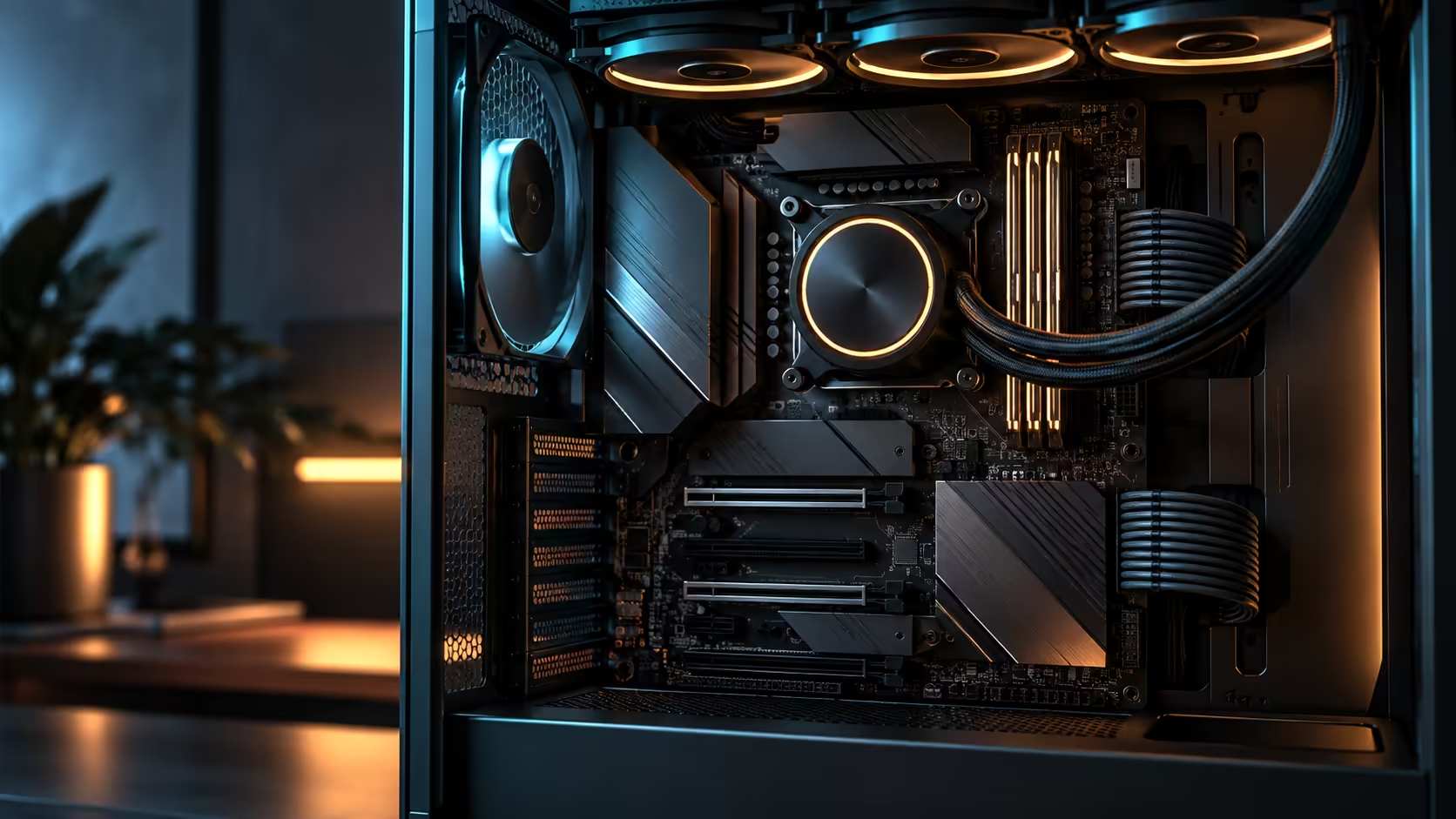
Memory capacity claims are one of the few PC specifications that genuinely move over time, which makes DDR5 RAM on an E-ATX AM5 motherboard a question with a moving target rather than a fixed number. Understanding why the ceiling shifts is more useful than memorising any single figure quoted today for a board pulled from the AMD motherboard range.
Quick Answer
Total capacity is simply slot count multiplied by the largest module the board actually supports, and on a four-slot AM5 board that ceiling moves upward as denser DDR5 modules reach the market. This specific flagship's four DIMM slots reach 256GB at an 8600+MT/s rating, which works out to four 64GB sticks, the densest tier that is realistically available and affordably priced on the DDR5 market today.
🧮 Why the ceiling is a moving number, not a fixed one
When a board launches, its stated capacity is validated against whatever DDR5 modules exist at that time. DDR5 has moved through several density tiers already: 8GB and 16GB chips were common at launch, 24GB and 32GB modules followed, and 48GB and 64GB modules are now the practical high end for mainstream desktop boards, with denser server-oriented modules existing but rarely fitting a consumer board's validated list.
That is why a capacity figure quoted today is really "as of today": a board's stated ceiling can rise through nothing more than a BIOS update once a manufacturer finishes testing a newly released, denser module against it, with no change to the physical board itself.
📋 What actually decides the number on four sticks
A stated maximum of 256GB assumes four modules at 64GB each, and buying a mismatched combination, two 64GB sticks plus two smaller ones, for instance, will not reach the same total even though four slots are filled. Match module density across all four sticks if the goal is the board's full stated ceiling.
Slot population also trades off against speed on most AM5 boards: running all four DIMM slots populated commonly drops the achievable memory frequency compared with running just two, because the memory controller has to drive more electrical load at once. A two-stick kit from the DDR5 range often clocks meaningfully higher than the same total capacity split across four sticks, which is the trade-off behind choosing capacity over speed or the reverse.
🕰️ How far capacity has moved on past platforms
Looking back at how quickly capacity ceilings moved on the retired DDR3 platform is a useful reminder that today's headline DDR5 capacity figure will look modest within a few years, as denser modules mature and become mainstream. That is not a reason to delay a purchase, since a board bought today is validated against today's real, available modules, but it is a reason to treat any capacity ceiling as current rather than permanent.
Frequently Asked Questions
Why does a board's maximum RAM capacity sometimes change after launch?
Because newer, denser DDR5 modules keep reaching the market after most boards ship, and a maker occasionally raises the stated maximum through a BIOS update alone once it has tested one of those newer modules.
Does a higher stated maximum always mean better performance for you?
No. It only matters if your workload genuinely needs that much memory; for most builds a smaller, faster kit outperforms a maxed-out, slower one in daily use.
Does filling all four DIMM slots reduce achievable memory speed?
On many boards, yes, compared to running just two slots, since the memory controller drives more electrical load with all four populated.
What DDR5 speed does this specific board support?
8600+MT/s is the published rating, though the frequency you actually reach depends on your specific memory kit and CPU as well.
Is buying the newest, densest modules always the safest choice?
Not necessarily. Very new, very dense modules sometimes reach the market before a specific board's maker has finished validating them, so a slightly older, well-established module density is often the safer buy for a build going together soon.
Ready to buy memory that actually matches your board's current capabilities?
Match module density across all four sticks, and weigh capacity against speed before committing to a specific kit.