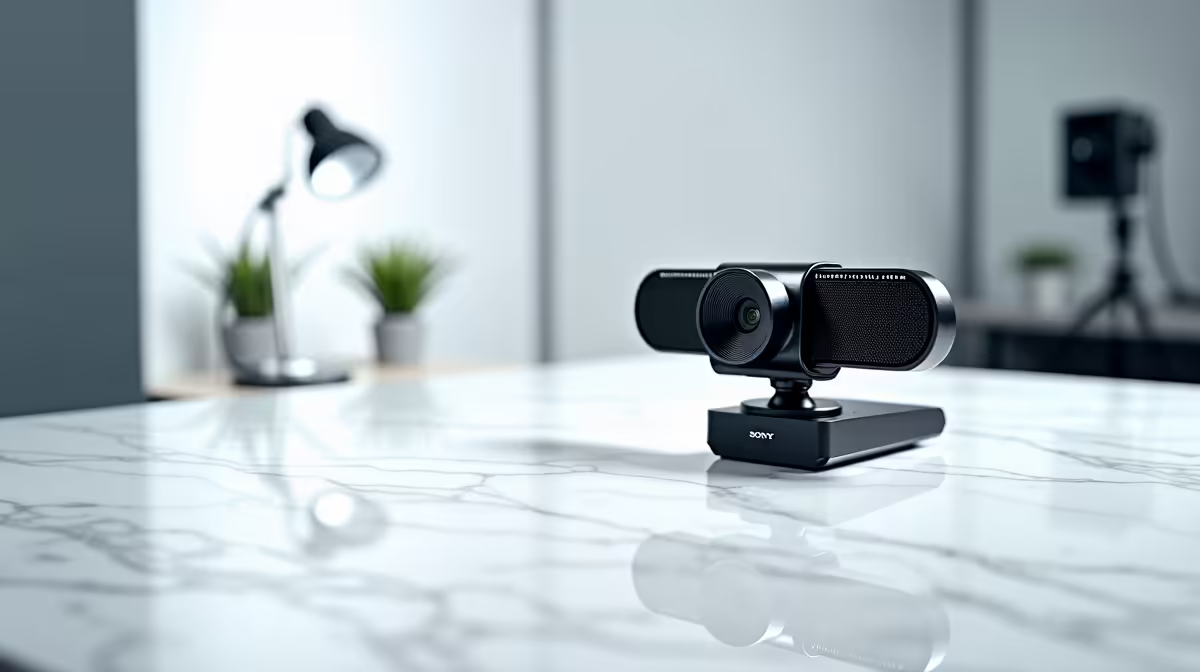
In today's world of remote work and online meetings, your webcam is your handshake. Whether you're pitching to a client in Cape Town or joining a team sync from your home in Jozi, first impressions are digital. A pixelated video or muffled audio can sink a great idea. That's why having a solid setup, like the one offered by the HP ZBook Firefly G11 webcam & mic, is no longer a luxury… it’s essential for looking and sounding professional.
Optimise Your Visuals with the Firefly G11 Webcam
A great webcam is only half the battle; how you use it makes all the difference. The sharp, clear image from the HP ZBook Firefly G11's webcam gives you a fantastic starting point. To truly shine, follow these simple rules. ✨
First, lighting is king. Always face your primary light source, like a window. Never sit with a bright window behind you, or you’ll become a silhouette. If natural light isn't an option, a simple ring light can work wonders.
Second, master your framing. Position the webcam at eye level so you're looking directly into the lens, not up or down. Your head and shoulders should fill most of the frame, with a little space above your head. This confident framing is standard across many high-performance Intel laptops on special, but it's particularly easy to achieve with a well-designed machine like the ZBook.
Achieve Crystal-Clear Audio with the ZBook's Mic
You’ve nailed the visuals, but what about your audio? Poor sound quality is often more distracting than a blurry video. The dual-array microphone on the HP ZBook Firefly G11 is designed to capture your voice clearly, but your environment plays a huge role.
Try to take calls in a room with soft furnishings like carpets, curtains, or a couch to absorb echo. While the built-in AI noise suppression is excellent for filtering out background chatter, starting in a quiet space gives you the best foundation. These tips are universal, whether you're using a ZBook or one of the many powerful AMD laptops on special that also boast impressive audio hardware.
Audio Pro Tip 🎤
Most video conferencing apps like Zoom and Microsoft Teams have audio settings to suppress background noise. Find the option (usually under Settings > Audio) and set it to 'High'. This uses software to complement your hardware's noise cancellation, ensuring your voice is the only thing the other person hears.
Bringing It All Together for a Flawless Call
Combining great video and audio creates a powerful, professional presence that builds trust and confidence. The integrated HP ZBook Firefly G11 webcam & mic system is engineered to make this effortless, so you can focus on your message, not your tech. 🚀
Interestingly, the same tech that makes for a great conference call—a high-res camera, a clear mic, and a powerful processor—also contributes to a killer gaming and streaming experience. The principles of clear communication and high-fidelity presentation are just as important on Twitch as they are on Teams, which is why you'll see similar high-end components in the best gaming laptop deals. Ultimately, a quality machine empowers you to do your best work… and play your best game. If you're looking to upgrade your entire setup, exploring the latest laptop specials for sale in South Africa is a great place to start.
Ready to Find Your Perfect Match?
The Mac vs Windows debate is complex, but for maximum power, choice, and value in South Africa, Windows is hard to beat. Explore our massive range of laptop specials and find the perfect machine to conquer your world.