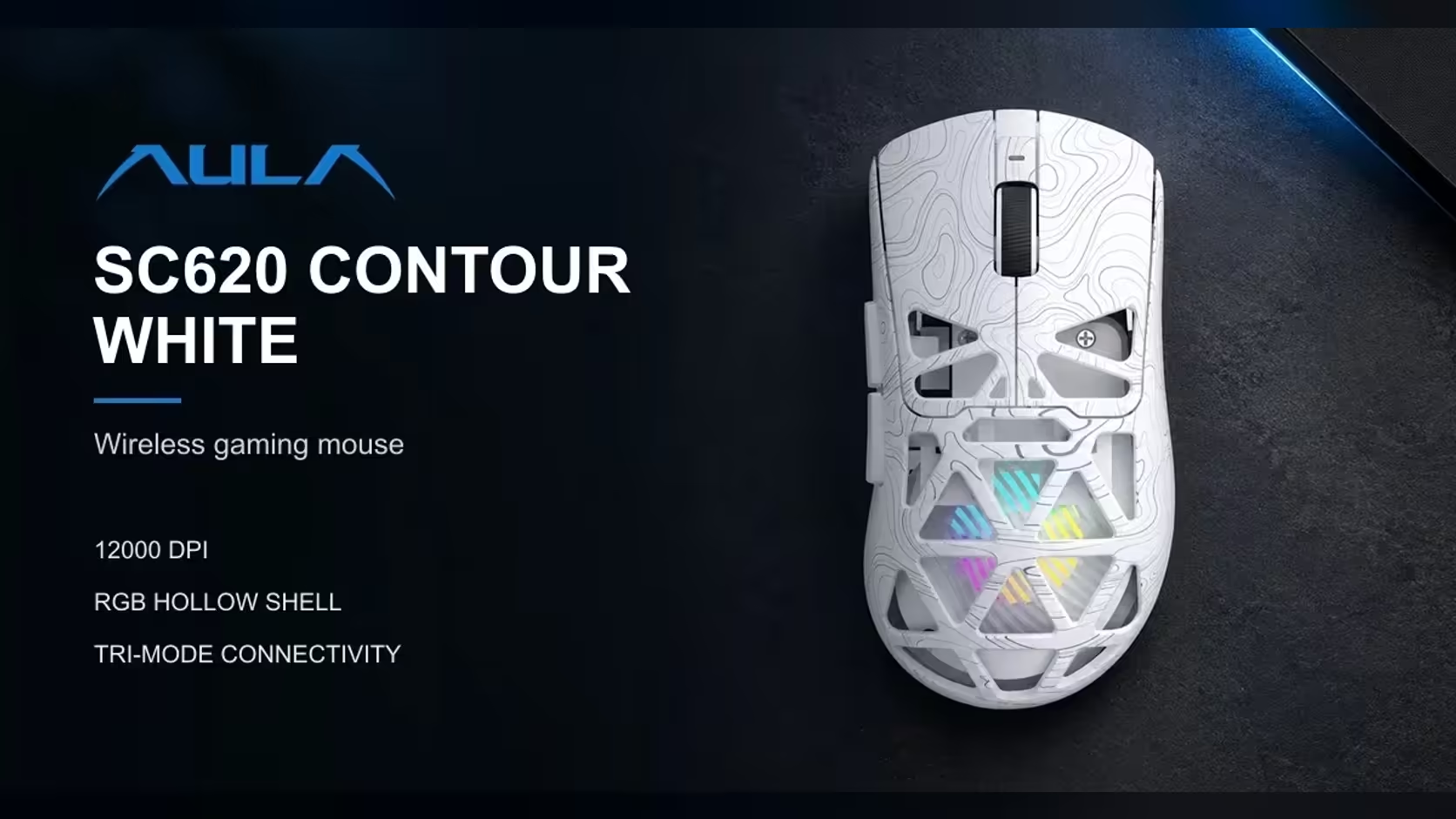
Thin laptops keep losing ports, and the ones left are often taken by a charger, a flash drive or a display adapter. Every wireless mouse that needs its own dongle makes that worse. The AULA SC620 Contour avoids the problem by connecting over Bluetooth 5.3 on a laptop, with no receiver at all, while keeping its 2.4GHz dongle and cable for a desk PC.
Quick Answer
Yes, the SC620 Contour pairs over Bluetooth 5.3, so a laptop with no free USB port can use it without a receiver. The 2.4GHz receiver and a wired connection remain available for a desktop. One trade-off: AULA's driver only works in 2.4GHz and wired modes on Windows, so button, DPI and lighting changes need one of those links. It is R349 from Evetech in black or white.
🔌 Saving ports without losing the mouse
Bluetooth uses the laptop's built-in radio, which is why it leaves every USB port free. Pair the SC620 Contour once and it reconnects when you switch it back on. That is ideal for working at a coffee shop, a lecture hall or a kitchen table where you do not want a dongle sticking out of the side of a machine in a bag.
The mouse is listed for Windows, macOS, Linux and Android, so it is not limited to one kind of laptop.
⚖️ What Bluetooth gives up
Driver access
AULA notes that its driver does not see the mouse over Bluetooth. Remapping buttons, recording macros, picking one of the six DPI levels, changing sleep time or adjusting the RGB all need the 2.4GHz receiver or the cable.
The desk-PC link
For gaming at a desk, the receiver is the natural choice. It is the connection the driver uses, and it is where you set the 1000Hz polling. A sensible routine is to set everything up once on the receiver, then use Bluetooth when you travel.
Keep the receiver safe
Because the laptop does not need it, the receiver is easy to leave in a drawer and forget. Keep it with the desktop, or somewhere you will find it the day you want to change a setting.
🎒 Why 67g suits a laptop bag
Weight adds up when you carry a laptop, charger and accessories every day. At 67g the SC620 Contour is a small addition, and its honeycomb shell is part of how it gets there. It runs on a 400mAh battery, and with the lighting dimmed the battery lasts longer between charges.
AULA designed the shape around claw, palm and fingertip holds, so it sits comfortably whether you are gaming after hours or scrolling through documents. Its PAW3311 sensor steps from 800 to 12,000 DPI, useful when a laptop is plugged into a large external screen.
For a closer look at what else fits a portable setup, Evetech's wireless mouse page lists cable-free designs, and the broader gaming mice section shows the full spread. Evetech sells both colourways with a 1 Year Local Warranty.
Frequently Asked Questions
With Bluetooth 5.3, are all USB ports left free?
Yes. The mouse uses the laptop's own Bluetooth radio, so no receiver or cable is needed.
Does it pair with a Mac or a Linux laptop?
AULA lists support for Windows, macOS, Linux and Android. The driver itself is for Windows.
What is lost when using Bluetooth?
Access to AULA's driver. Button mapping, DPI, sleep time and lighting changes need the receiver or cable.
Should the 2.4GHz receiver still be kept?
Yes. It is the everyday gaming link on a desktop and the route the driver uses for settings.
Why does the weight matter when travelling?
At 67g, the mouse adds very little to a loaded laptop bag and is easy to use on small surfaces.
Which colours does Evetech offer?
Black and white. Both share the same honeycomb shell and features.
Out of ports and out of patience?
Look through Evetech's wireless mouse range for Bluetooth-ready options like the SC620 Contour.