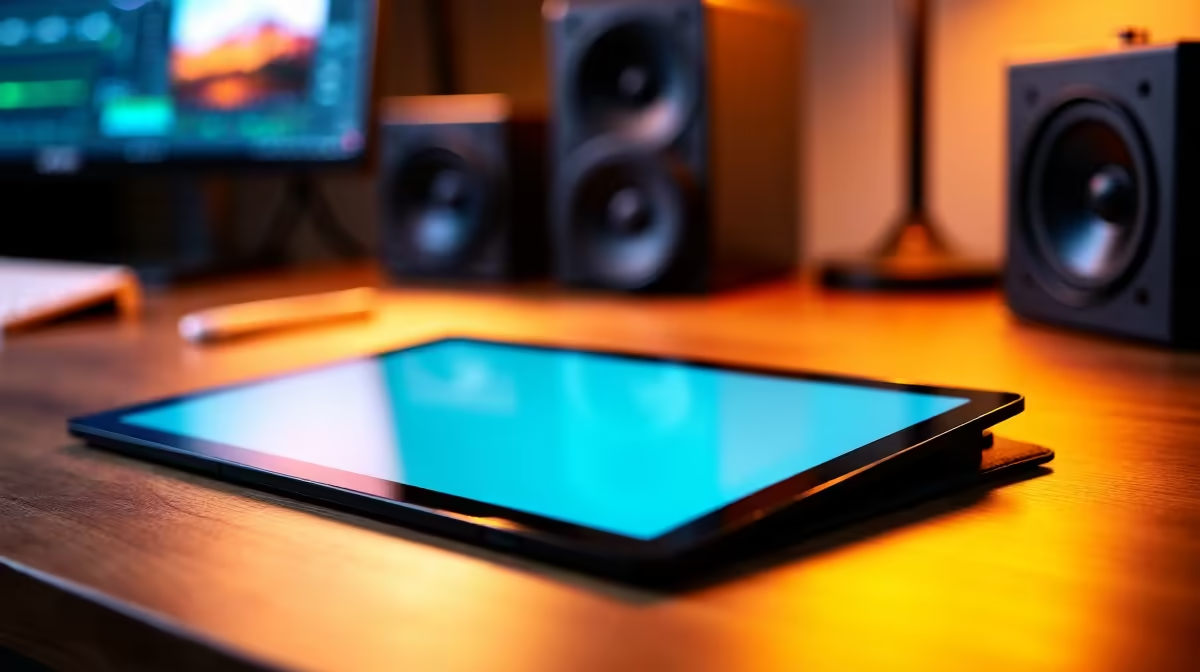
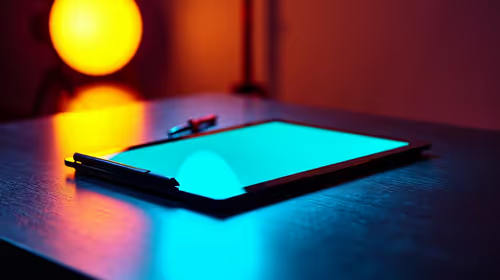
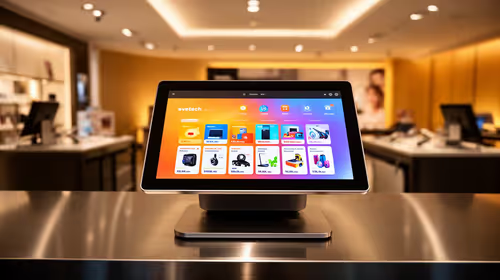
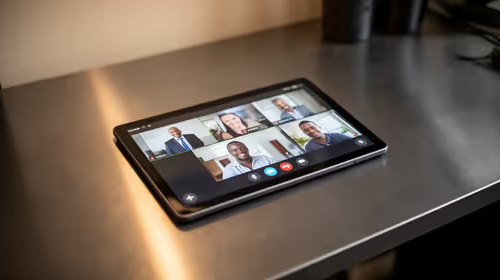
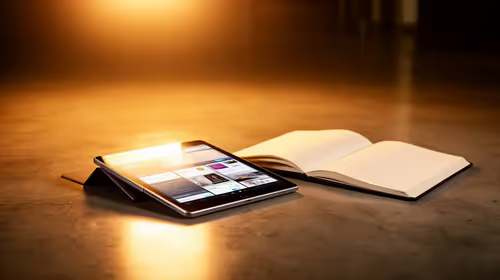
A note-taking tablet is not a suitable main device for editing in DaVinci Resolve. It can hold shot lists, annotate scripts or act as a reference screen, but the edit itself needs a supported computer with adequate processing, graphics, memory and storage.
Separate planning from production
Decide whether handwritten notes genuinely improve logging, review comments or client meetings. Check how the chosen app exports pages and whether those files remain readable on the editing computer. A paper notebook may be faster when synchronisation and another charger add friction.
No verified note-taking tablet SKU or price appears in the supplied product facts. Check current Evetech availability and confirm stylus inclusion, screen size, file export, operating-system support, battery guidance and warranty. Do not assume desktop Resolve runs on a tablet because a companion or mobile application exists.
Keep the project database, original media and exports on the supported editing system with independent backups. If the tablet is used for review, test whether frame references, timecodes and comments transfer accurately into the project workflow. Protect client notes with appropriate account and screen security.
Buy the tablet when portable annotation saves measurable time across productions. If the editing computer still drops frames or lacks storage, solve that bottleneck first; an extra screen for notes cannot improve render performance.
Adding digital notes to an edit workflow? > Check Evetech tablet availability and verify current stylus support.