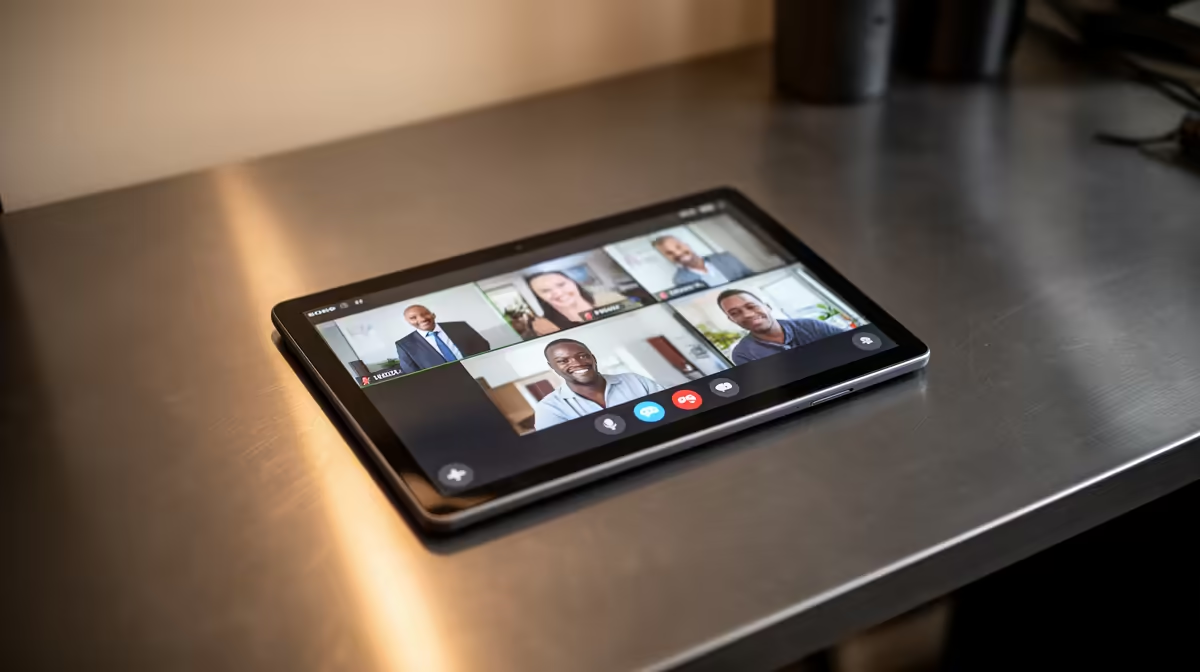
An Android tablet can be worthwhile for video calls and Teams when the current app supports the required meetings, the camera framing is acceptable and the device will be used away from a desk. It is less suitable for long sessions that involve documents, screen sharing, multitasking or several work accounts. No tablet model or price is verified in the supplied facts.
Rehearse the real meeting
Join a private test from the usual room. Check voice clarity, echo, camera angle, background light, Wi-Fi stability, battery drain and whether screen sharing exposes private notifications. Open the files and chat channels normally used during a call. A comfortable stand and headset can matter more than screen size.
For a desk computer, the Logitech Brio 100 webcam is factpack-verified at R458. The NearStream V08AF 4K webcam appears at R678, while the NearStream USB/XLR microphone is listed at R676. Confirm current software support, connection requirements and room fit. Higher camera resolution cannot repair poor lighting or unstable upload capacity.
Use an approved organisational account, multifactor authentication and a supported operating system. Update the meeting app before an important session and keep a charger available without creating a trip hazard. Buy a tablet if portability and touch control improve repeated calls after the rehearsal. If users must type, compare documents and share several windows, a laptop or desktop remains the more practical centre. Do not add a separate device simply because one meeting can technically run on it.
Improving a call-ready desk? > Compare verified computer and video accessories with Evetech around your meeting routine.