Where a keyboard keeps its settings shapes how you live with it. Some boards want a browser tab, some want a Windows program and a cable, and some let you change things without a computer at all. AULA's keyboards at Evetech use all three approaches, so a quick map of AULA keyboard software saves a lot of hunting after unboxing.
Quick Answer
The AULA WIN68, HERO 75 HE, HERO 84 HE and AG75 use AULA's browser-based web driver. The L99 handles settings and lighting on its own touchscreen. The F87 Pro V2 loads custom GIFs through AULA's software, the F99 Max uses Windows software with the keyboard in wired mode, and the S102 PRO works through Fn shortcuts and its knob. Across these boards, Evetech's prices span R299 for the S102 PRO to R2,799 for the AG75 Pro in Armor Silver.
🌐 The magnetic boards: a driver in your browser
All four magnetic lines are configured in a web driver, which runs in a browser tab rather than as an installed program.
- WIN68 HE and WIN68 MAX: the web driver sets per-key actuation, Rapid Trigger, remaps, macros and lighting, and on the MAX its extra modes and seven polling levels. AULA states this driver supports Windows only. On the MAX, AULA also lists a Mac mode: hold Fn + S for five seconds to swap the Win and Alt keys.
- HERO 75 HE: called AULA HUB, set up from a browser. It covers SOCD, DKS, END and Multi-Point Trigger, and adds switch calibration and a live view of key travel. AULA's own store lists it as a Windows tool; the board switches to Mac mode with Fn + S.
- HERO 84 HE: AULA's web driver asks for a Chromium-based browser and, per its product page, runs on Windows and Mac alike. It handles remaps, Mod-Tap, Dynamic Keystrokes and the light box.
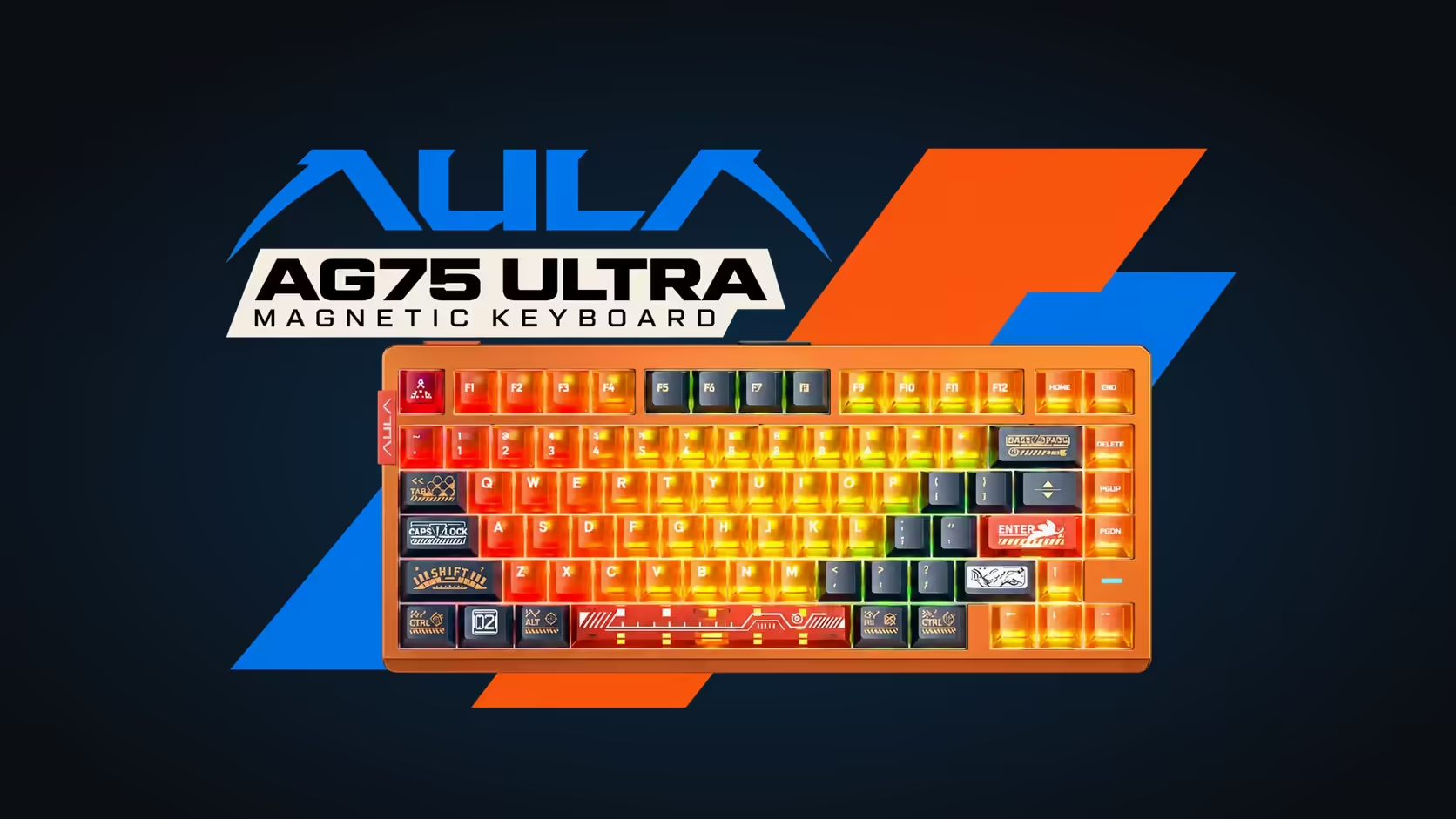
- AG75: the web HUB, browser-based, holding macros alongside Toggle, END, SOCD, Rapid Switch, DKS, Mod-Tap and Multi-Point Trigger.
The upside is nothing to install and nothing to update on your PC. The limit is platform: check the Windows-only notes if you use a Mac.
📱 L99: settings on the keyboard itself
The L99 takes a different route. Its 3.98-inch touchscreen sits on the right side of the board, and that screen is where you adjust settings and lighting, including its 20 preset RGB modes. It also turns into a numpad or a calculator and can simulate mouse functions.
For personal touches, the L99 plays your own GIF or JPG animations, and AULA lists importing, exporting and sharing lighting effects. The practical result is that day-to-day changes happen with a tap on the board rather than a trip to a menu on the PC.
🖥️ F87 Pro V2 and F99 Max: a Windows app for the extras
F87 Pro V2
Its 49-LED dot-matrix display shows a live audio spectrum on its own. To load custom GIF animations onto that display, AULA points you to its software.
F99 Max
The F99 Max's customisation software runs on Windows only and needs the keyboard in wired mode, so plug in the cable before you open it. Day to day, you rarely need it: the rotary knob controls volume, holding Fn while turning it adjusts the backlight, and Fn + Backspace switches the TFT screen off to save battery. The keyboard itself works with Windows and macOS; only the software is Windows-bound.
⌨️ S102 PRO: shortcuts and a knob
The S102 PRO keeps things simple for the office. AULA lists Fn shortcuts rather than an app: Fn + A sets Windows mode and Fn + S sets Mac mode. The rotary knob turns volume up and down, and Fn shortcuts cycle the RGB backlight. Its small TFT screen shows the current connection and battery level, so there is nothing hidden behind a menu.
🧭 Picking by how you like to tinker
- Deep tuning, happy in a browser: any of the magnetic boards.
- Changes without touching the PC: the L99's touchscreen.
- A Mac as your main machine: the HERO 84 HE's browser driver is listed for Mac too, and the S102 PRO switches layouts with an Fn shortcut.
- Set it once and forget it: the S102 PRO or F99 Max.
Warranty follows the type at Evetech: the magnetic boards carry 2 years of local warranty, and the screen boards plus the S102 PRO carry 1 year. Browse the range in Evetech's gaming keyboards category, and pair it with something from the gaming mice section.
Frequently Asked Questions
Is there a program to download for the magnetic boards?
No. They load in a browser tab. The HERO 84 HE's driver asks for a Chromium-based browser.
Which L99 settings live on the board itself?
Settings and lighting, plus the numpad, calculator and mouse functions, all from its 3.98-inch touchscreen.
Do I need to plug in the F99 Max to customise it?
Yes. Its software is Windows-only and expects the board on its cable before it will connect.
How do I switch the S102 PRO to Mac?
Press Fn + S. Fn + A returns it to Windows.
Is one driver used across the magnetic lines?
Broadly, yes. WIN68, HERO and AG75 boards all open in a browser-based AULA driver, even if the name on screen differs.
Ready to pick a keyboard that works the way you like to set things up?
Browse Evetech's keyboards and choose between browser drivers, touchscreens and simple shortcut control.