


Quick Answer
In a cheap mini PC used for recording lectures, the first failures are usually the storage filling and slowing down and the unit thermal-throttling during long captures. The fix is an NVMe SSD and a model with a real cooler; a 1TB NVMe drive around R900 to R1,500 at Evetech handles a semester of 1080p recordings without choking.
Storage is the first thing to break down
Lecture recordings are large; a 1-hour 1080p capture is roughly 2GB to 4GB. A cheap mini PC with a small 256GB eMMC drive fills within weeks, and eMMC storage slows badly when near full, causing dropped frames mid-recording. Upgrading to or buying with a 1TB NVMe SSD (around 3,000MB/s on Gen3) gives both the space and the sustained write speed lecture capture needs.
Heat is the second weak point
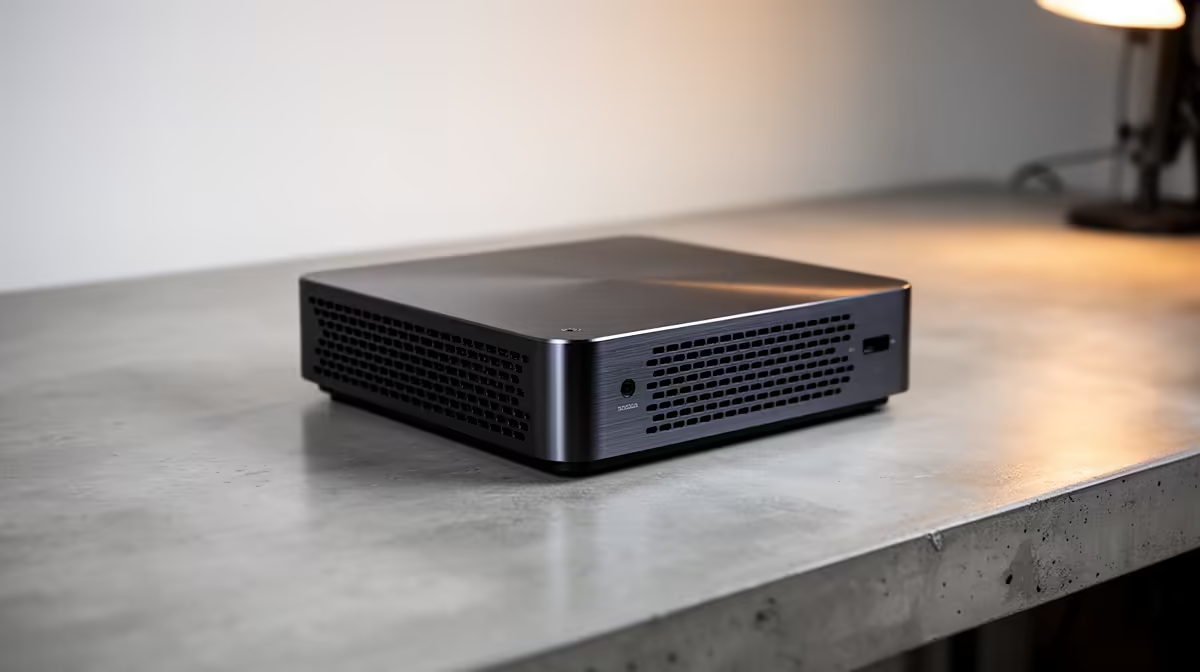
Recording plus encoding loads the CPU, and a cheap mini PC's tiny cooler can let temps hit 90C and throttle during a 90-minute session, which shows as stutter in the file. A unit with a metal chassis and a competent fan holds temps steady. Leave an air gap around the mini PC rather than burying it, so the cooler can actually do its job through a long capture.
Buying a mini PC that survives lecture capture
Prioritise an M.2 NVMe slot (not soldered eMMC), at least 16GB RAM so the browser and slides do not choke the encode, and a chassis that vents well. A mini PC meeting these holds up for years of recording. The cheapest eMMC units look fine on day one but fail at exactly the workload lecture capture demands.
FAQ
What breaks first in a cheap mini PC used for recording?
Storage and cooling. A small eMMC drive fills fast and slows when full, dropping frames, while a tiny cooler can throttle the CPU during long captures, causing stutter in the file.
How much storage do I need for lecture recording?
A 1-hour 1080p recording is roughly 2GB to 4GB, so a 1TB NVMe SSD around R900 to R1,500 holds a full semester with the sustained write speed capture needs.
What mini PC spec matters most for recording lectures in SA?
An M.2 NVMe slot rather than eMMC, at least 16GB RAM, and a chassis that vents well. Those three keep a mini PC fast and stutter-free through long recording-and-encode sessions.
mini PC with an M.2 NVMe slot and 16GB RAM for lecture capture, and never rely on a small soldered eMMC drive that fills in weeks.











