


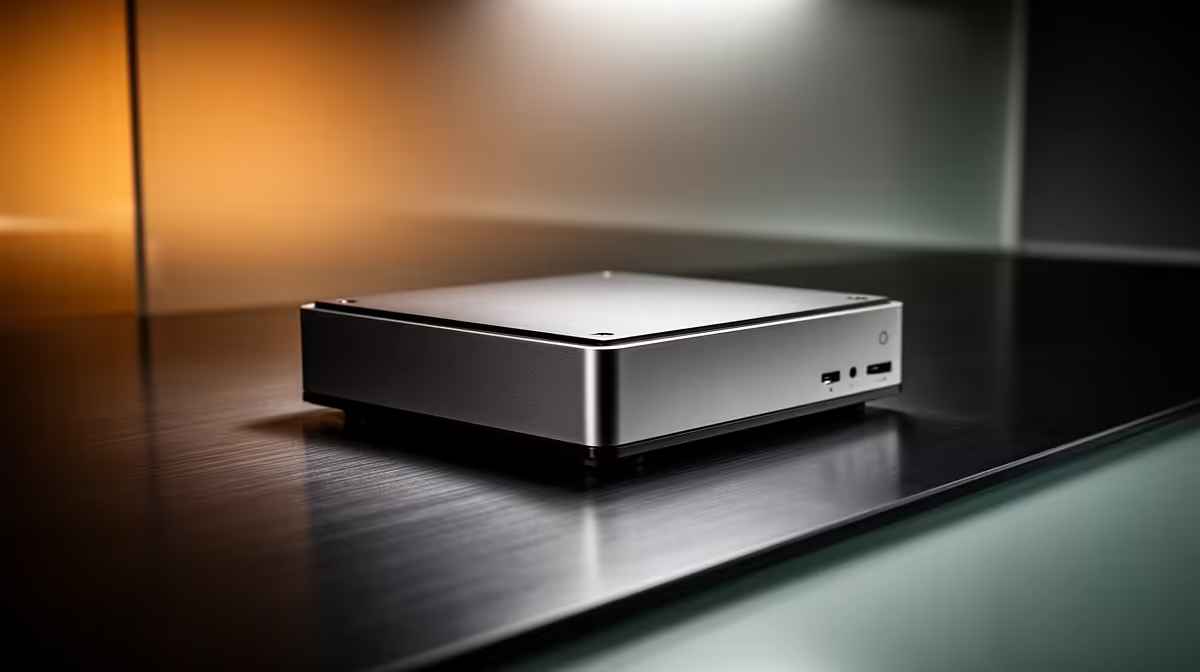
A thin client is a deliberately minimal mini PC built to connect to a remote desktop or virtual session rather than do heavy work itself. The compute happens on a central server somewhere else, and the thin client just sends your keyboard and mouse input there and shows the screen back. Because the box on your desk does almost no processing, it can be small, cheap and quiet, with as little as 8GB to 16GB of local storage and a low-power processor.
Quick Answer
A thin client is a stripped-down mini PC that connects to remote desktops or virtual sessions instead of running demanding software locally. It keeps desk hardware cheap by offloading all the real computing to a central server, often with only 8GB to 16GB of local storage. It makes sense for offices, call centres and remote workers who all run the same applications from a managed server.
How a Thin Client Actually Works
Instead of installing your applications on the desk machine, a thin client runs a remote desktop protocol such as RDP or a virtual desktop infrastructure client. You log in, and what you see is a session living on a server. Every spreadsheet recalculation, every database query, every bit of processing happens on that server. The thin client's only real job is to display the result and pass your input back.
That design has clear consequences. The desk hardware is inexpensive and uses little power, IT can manage everything centrally instead of touching dozens of individual PCs, and a failed thin client is trivial to swap because nothing important lives on it. The catch is that a thin client is only as good as its server and network, so a slow connection or an overloaded server is felt by everyone. If your team needs machines that do their own work, the mini PC range at Evetech covers the fuller-featured small-form-factor options too.
Thin Client Versus a Regular Mini PC
The difference is what does the computing. A regular mini PC is a complete computer that runs Windows or Linux and your applications locally, with proper storage and enough power to work offline. A thin client depends on a server and is nearly useless without one. So the choice comes down to your workflow: identical, server-based tasks across many desks favour thin clients, while varied or offline work favours full mini PCs.
For a South African business running a call centre, a reception desk, or a row of identical workstations, thin clients cut per-desk cost and simplify management. For staff who edit media, develop software or need to work without a constant connection, a full mini PC is the right tool. Teams comparing both can look at how others have configured their setups in the best-selling PCs at Evetech before deciding which model fits the way they work.
When a Thin Client Is the Smart Choice
Reach for thin clients when many people run the same applications, when IT wants central control and easy replacement, and when keeping per-seat hardware cost and power draw low matters. Avoid them when staff need local processing power, work offline, or run heavy creative software. Get the server and network right, and a fleet of thin clients is a tidy, affordable backbone for office and remote work.
Frequently Asked Questions
What is the difference between a thin client and a mini PC?
A mini PC is a full computer that runs applications locally. A thin client is a minimal device that connects to a server and lets that server do the work, so it is cheaper but depends on a constant connection.
Can a thin client work without a network connection?
Not really. Because it relies on a remote server for almost everything, a thin client is close to useless offline. If staff need to work without a connection, choose a full mini PC instead.
Why do thin clients have so little storage?
They do not store applications or large files locally, since those live on the server. Local storage of 8GB to 16GB is enough for the operating environment and the remote desktop client.
Are thin clients good for office work?
Yes, when many desks run the same server-based applications. They lower hardware cost, reduce power use and let IT manage everything centrally, which suits call centres, reception desks and standardised workstations.
Do thin clients save money?
They can, by cutting per-desk hardware cost, power draw and maintenance effort. The saving depends on already having, or being willing to run, the central server they connect to.
Sizing up desk hardware for your team? Explore mini PCs and small-form-factor options at Evetech (https://www.evetech.co.za/PC-Components/mini-pcs-194) and match the right machine to how your people actually work.











