


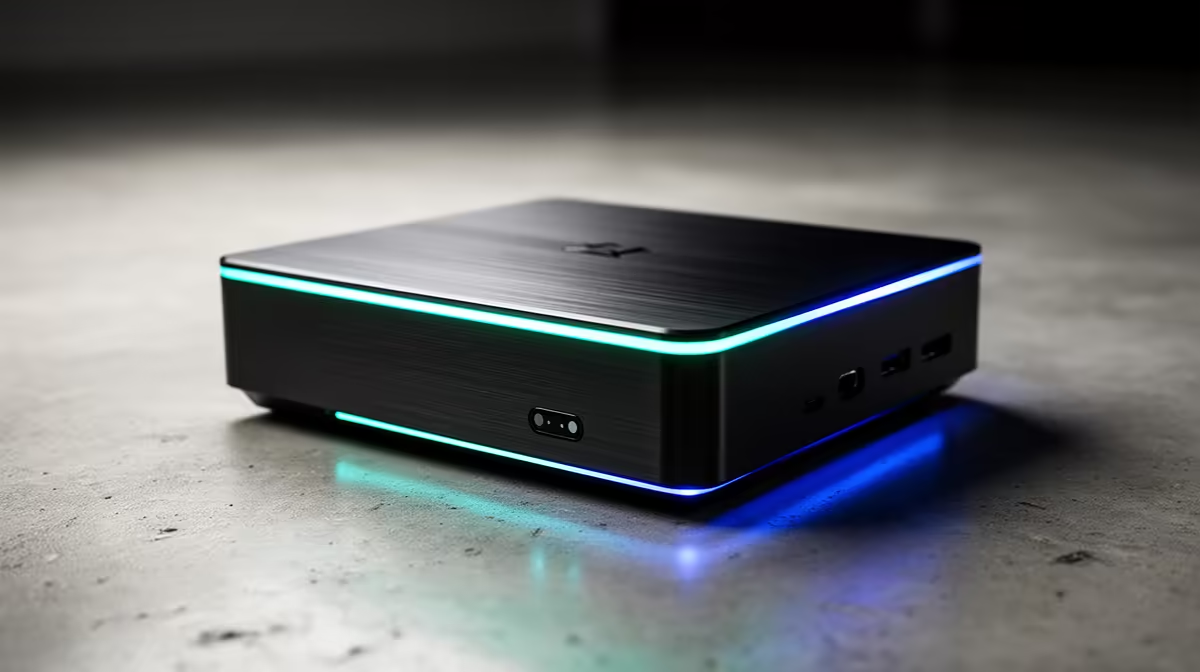
Mini PCs are compact and tempting, but Premiere Pro is demanding, especially at 4K. Whether an entry mini PC suffices depends entirely on your footage resolution and project complexity, so set realistic expectations before buying.
Quick Answer
Entry-level mini PCs are not enough for serious Adobe Premiere Pro editing, since 4K timelines need a capable CPU, 32GB RAM, and dedicated graphics that entry mini PCs lack. For 1080p light edits an entry mini PC near R8,000 to R12,000 can cope; for 4K, choose a stronger mini PC or a desktop with a discrete GPU.
Where entry mini PCs cope
An entry mini PC with a recent integrated-graphics CPU and 16GB RAM, near R8,000 to R12,000, can handle 1080p editing of short, simple projects: basic cuts, titles, and light colour work. For students editing 1080p coursework or social clips, it may be adequate. The integrated graphics and modest CPU manage 1080p timelines if you keep effects and layers light, so undemanding editing is feasible.
Where entry mini PCs fall short
4K editing, heavy effects, multi-layer timelines, and long exports overwhelm entry mini PCs: they lack the CPU cores, the 32GB-plus RAM, and the dedicated GPU that Premiere uses for acceleration. Playback stutters, exports crawl, and the system can run hot in a small chassis. For serious 4K work, an entry mini PC is the wrong tool, and pushing it leads to constant frustration rather than smooth editing.
What to buy for real editing
For comfortable Premiere work, choose a stronger mini PC with a discrete GPU and 32GB RAM, or a compact desktop with a capable GPU and an NVMe scratch disk. A desktop near R18,000 to R25,000 with a discrete GPU edits 4K far more smoothly than any entry mini PC. Match the machine to your footage: entry mini PCs for light 1080p, a GPU-equipped system for 4K and effects-heavy projects.
FAQ
Can an entry mini PC edit 4K in Premiere Pro?
Not comfortably. 4K timelines need a strong CPU, 32GB-plus RAM, and a dedicated GPU that entry mini PCs lack, so playback stutters and exports crawl. For 4K, choose a stronger mini PC or a desktop with discrete graphics.
Is a mini PC enough for 1080p editing?
For light 1080p work, often yes. An entry mini PC with 16GB RAM near R8,000 to R12,000 handles simple cuts, titles, and light colour. Keep effects and layers minimal, as heavy projects still overwhelm it.
What do I need for smooth Premiere Pro editing?
A capable multi-core CPU, at least 32GB RAM, a dedicated GPU for acceleration, and a fast NVMe scratch disk. A desktop near R18,000 to R25,000 with discrete graphics edits 4K far more smoothly than an entry mini PC.
Match the machine to your footage; an entry mini PC suits light 1080p edits, but for 4K choose a system with a discrete GPU, 32GB RAM, and an NVMe scratch disk.











