Adding a sound card or a capture card alongside a vertically mounted graphics card sounds like a simple expansion, right up until you look at where the vertical bracket physically sits and realise it covers more of the slot area than expected.
Quick Answer
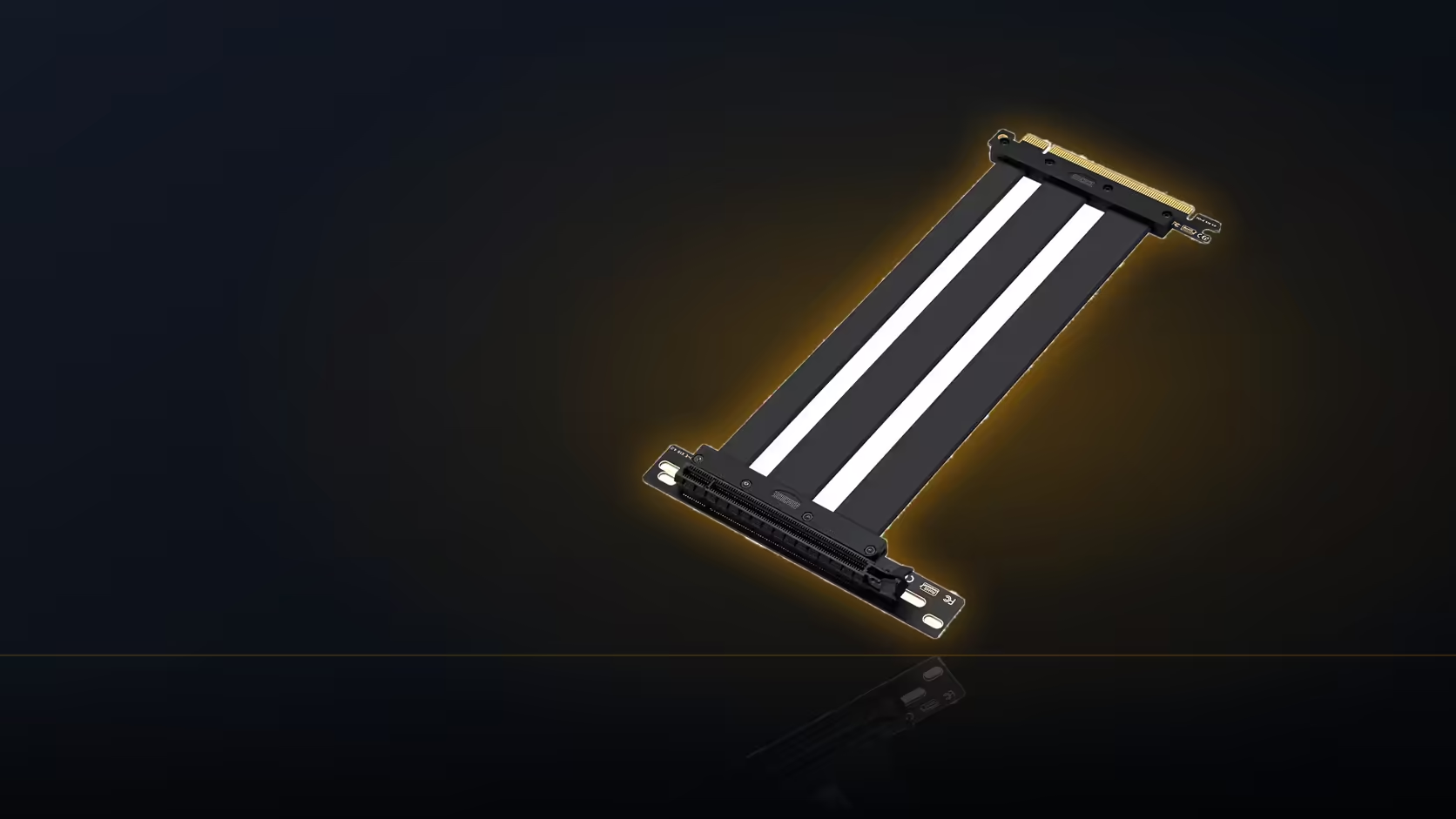
A vertically mounted graphics card can obstruct other expansion slots, and whether it does depends entirely on the specific bracket used. At R1,299 including VAT for the AsiaHorse riser, the cable itself has no bearing on this; the bracket's own footprint is what decides which slots remain usable.
🧩 Why a vertical mount competes for slot space
Moving a graphics card off the board slot and into a vertical bracket relocates it into a different part of the case, and many brackets designed for this achieve their mounting by covering a section of the same rear slot area a standard case uses for other expansion cards. That overlap is where the conflict arises: a bracket occupying that space can physically cover the positions beneath it, leaving less room, or none at all, for a second card.
🔍 Does every bracket cause this?
No, and the variation between brackets on this specific point is significant. Some brackets occupy several slot positions across the rear panel, effectively claiming that whole area for the vertical mount alone. Others are arranged more narrowly, designed specifically to leave some slot positions accessible even with the vertical card installed. Checking a bracket's actual layout against your board's populated slots, before buying either the bracket or the riser, is the only reliable way to know which category a given product falls into.
🎙️ Planning around a second expansion card
If a sound card, capture card, or any other expansion card is already part of the build, or planned for later, its slot requirements need factoring into the bracket choice from the start rather than discovered as a conflict after the vertical mount is already fitted. This is worth checking early precisely because retrofitting a solution after the fact, once a bracket is installed and a build is otherwise finished, is considerably more disruptive than choosing the right hardware upfront.
What if the second card could move instead?
Where the motherboard has a spare slot the bracket does not cover, relocating the second card to that free position is often the simplest fix, provided that slot suits the card in question. This avoids needing a different bracket altogether and keeps the vertical mount's original hardware in place.
🔗 Does the riser cable itself play a role here?
Only indirectly. The riser enables the vertical position by carrying the electrical connection to wherever the bracket places the card, but it has no say in what that bracket physically covers or blocks. The obstruction question is entirely a bracket-and-case matter, separate from the cable's own specification.
Before finalising the mounting hardware for a build running more than one expansion card, case accessories is worth checking for brackets designed around this exact overlap. Graphics card accessories covers whatever else the layout still needs.
Is running two relocated cards a workable option?
Technically, yes, using two risers to relocate both cards is possible in some larger cases, but it adds meaningful complexity and cost to the build for what is usually a modest gain in flexibility. In most cases, checking bracket coverage against slot needs upfront, or moving the second card to a spare slot, is the more practical route.
Frequently Asked Questions
Why would other expansion slots be affected by a vertical mount?
Because many vertical brackets physically cover part of the rear slot area, which can block the positions beneath them.
Does every bracket cause this obstruction?
No, it varies. Some cover several slot positions while others are designed to leave some remaining accessible.
What if I need a second expansion card alongside the GPU?
Check the bracket's coverage against your board's populated slots before committing, since the bracket determines what stays usable.
Could the second card be relocated instead?
If the board has a spare slot the bracket does not cover, moving the second card there is often the simplest solution.
Does the riser cable itself cause any obstruction?
No, only indirectly. It enables the vertical position, but the bracket's own footprint is what determines any conflict with other slots.
Is running two relocated cards with separate risers practical?
It is possible in some larger cases, but adds real complexity and cost, so it is rarely the simplest answer.
Planning a build with a vertical GPU plus other expansion cards?
Check Evetech's motherboard range to confirm your slot layout before choosing a bracket.