


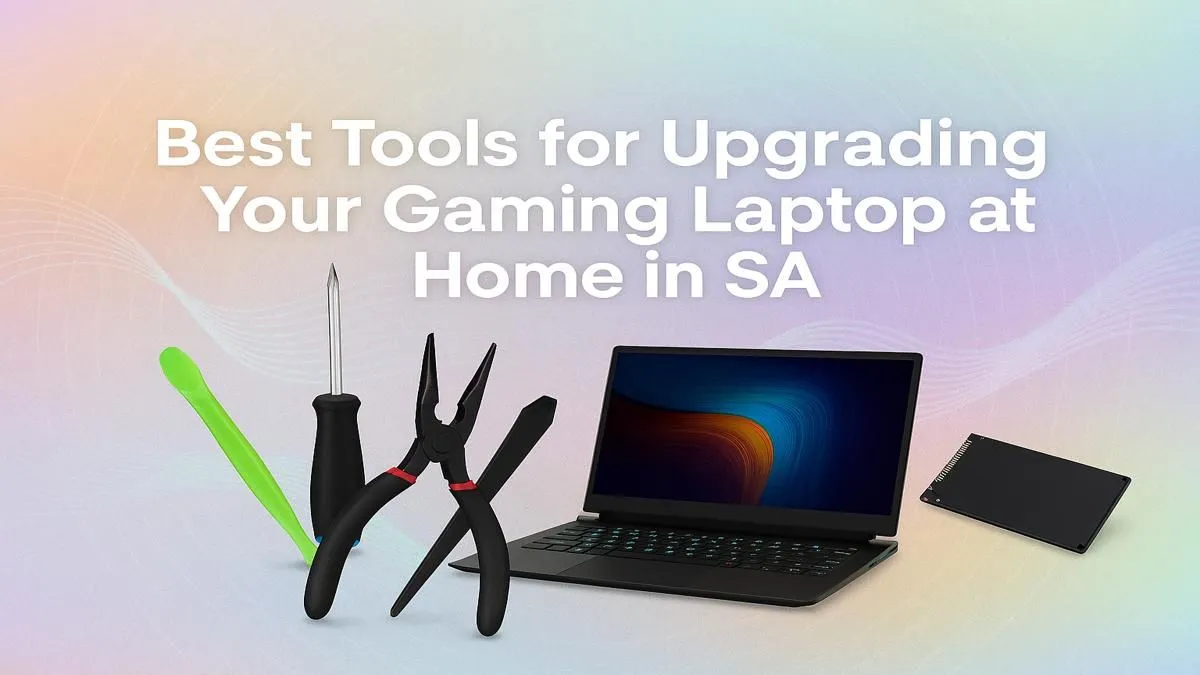
So, your gaming laptop is starting to feel a bit sluggish? Before you drop a ton of cash on a new machine, consider a DIY upgrade. A new SSD or an extra stick of RAM can breathe new life into your portable powerhouse. But popping the hood on a modern laptop requires more than just guts… it requires the right equipment. This guide covers the essential gaming laptop upgrade tools you need to build a proper home toolkit here in South Africa. 🔧
Your Essential Gaming Laptop Upgrade Toolkit
Embarking on a DIY upgrade is a rewarding experience, but going in unprepared can lead to stripped screws and cracked plastic. A small investment in the proper gaming laptop upgrade tools makes the entire process smoother, safer, and far more professional. Think of it as gearing up for a high-stakes mission… you wouldn't go in without the right loadout, would you?
### Precision Screwdriver Set
This is non-negotiable. Laptops use a variety of tiny screws, most commonly Phillips #00 and #0, along with the occasional Torx screw. A good magnetic-tipped precision set prevents you from stripping a screw head, which can instantly turn a simple upgrade into a nightmare. Don't try to make do with that chunky screwdriver from the garage; it won't end well.
### Plastic Prying Tools (Spudgers)
Never, ever use a metal flathead screwdriver to pry open your laptop's chassis. You will scratch and gouge the plastic. A set of plastic prying tools, often called spudgers, is designed to safely separate the plastic clips holding the case together without leaving a mark. They are essential for getting inside without causing cosmetic damage.
Pro Tip for Screw Management 💡
When you're disassembling your laptop, use an ice cube tray or a magnetic project mat to keep your screws organised. Label each compartment corresponding to the part you removed (e.g., 'bottom case', 'battery bracket'). This simple habit saves you from a massive headache during reassembly!
### Anti-Static Wrist Strap
Static electricity is the silent killer of sensitive electronic components like RAM modules and SSDs. Even a small, unfelt zap from your body can permanently fry your new hardware. An anti-static wrist strap is a cheap and effective piece of kit. You simply clip it to a large metal object (like a desk leg) to ground yourself, ensuring you can handle components safely.
When an Upgrade Isn't the Answer
A DIY upgrade is fantastic for storage and memory, but some bottlenecks are permanent. You can't upgrade your laptop's processor or graphics card. If your CPU is holding you back, even the fastest SSD won't fix stuttering in the latest titles. That's when you have to weigh the cost of parts against the performance jump of a new machine.
For instance, if you're craving the latest ray-tracing performance, you'll need to look at powerful new GeForce RTX gaming laptops. The performance difference between an older CPU and the latest platforms from Intel or AMD can also be massive, especially for CPU-intensive games and productivity tasks.
Sometimes, the most sensible upgrade path is a completely new laptop. You might be surprised at what you can get, with fantastic options available whether you're looking for gaming laptops under R20k or have the budget for a high-end beast above R20k. For many gamers, a powerful Intel Core i7 gaming laptop hits that sweet spot of price and performance. Before you commit to an internal upgrade, it’s always worth checking out the best gaming laptop deals currently running. ✨
Ready for More Power? Upgrading your machine is a rewarding challenge. But sometimes, the biggest leap forward comes from a brand new rig. If your CPU is bottlenecking your ambitions or you're craving that next-gen GPU, we've got you covered. Explore our massive range of laptop specials and find the perfect machine to conquer your world.









