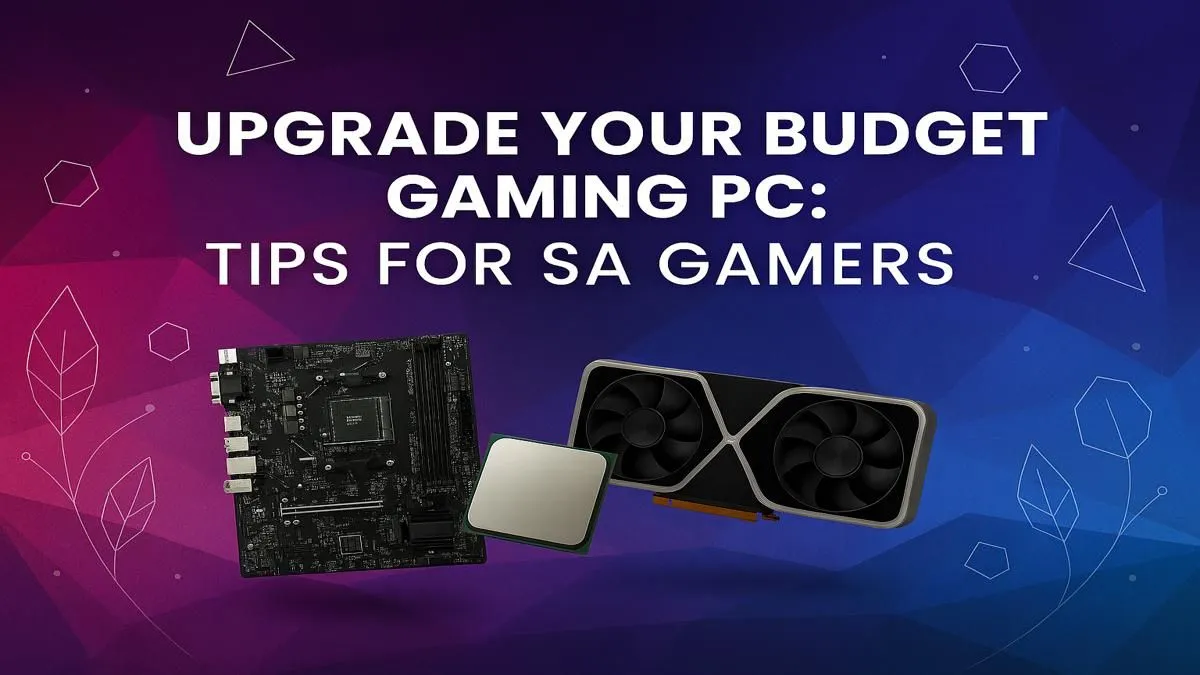
Is your trusty gaming rig starting to feel a bit... slow? When the latest titles stutter and frame rates drop faster than the Rand during a budget speech, you know it’s time for a change. But a brand-new PC isn't always on the cards. Don’t stress! A strategic, affordable budget gaming PC upgrade is the smartest way to get back in the game, boosting performance without breaking the bank. Let’s dive into how to do it right. 🚀
First Steps: What to Prioritise in Your Upgrade
Before you start adding items to your cart, you need a plan. Not all components are created equal when it comes to performance gains. For any gamer looking for a budget gaming PC upgrade, the focus should almost always be on three key areas: the graphics card (GPU), memory (RAM), and storage (SSD).
Getting these right will deliver the most noticeable improvements in your gaming experience. Even our entry-level budget gaming PCs are built around this principle, balancing components for maximum frames per Rand.
The Graphics Card (GPU): Your FPS King
This is the single most important component for gaming. Upgrading your GPU will give you the biggest jump in frame rates, allowing you to turn up those graphics settings from "Low" to "High" or even "Ultra". A modern GPU can make a three-year-old system feel brand new.
Memory (RAM): The End of Stuttering
If you're still running on 8GB of RAM, you're leaving performance on the table. Modern games, and even background apps like Discord and Chrome, are memory-hungry. Upgrading to 16GB is the new standard for smooth, stutter-free gameplay. It's a relatively cheap but highly effective part of any budget gaming PC upgrade path.
The Storage Drive (SSD): Slaying Load Times
Still booting from a mechanical hard drive (HDD)? An upgrade to a Solid-State Drive (SSD) is a night-and-day difference. Games will load in seconds, not minutes, and your whole system will feel snappier. This is a quality-of-life upgrade you won't regret. Many modern gaming PCs under R20,000 now include a fast NVMe SSD as standard for this very reason.
Power Check Pro Tip ⚡
Before you buy a powerful new graphics card, check your Power Supply Unit (PSU)! Your PSU must have enough wattage and the correct PCIe power connectors for your new GPU. A weak or incompatible PSU can cause crashes or even damage your components. Check the GPU's product page for its minimum PSU recommendation.
Knowing When a Fresh Start is the Better Move
Sometimes, a simple component swap isn't enough. If your processor (CPU) is more than five or six years old, it will likely "bottleneck" a new GPU, meaning your shiny new graphics card can't run at its full potential. An outdated motherboard can also limit your options for modern RAM and SSDs.
At this point, you might spend more money on incremental upgrades than you would on a new, balanced system. This is where exploring our latest pre-built PC deals can offer incredible value. A pre-built machine ensures all components work together perfectly, often covered by a single warranty for peace of mind. ✨
For those with a bit more to invest, seeing what powerful rigs above R20,000 offer can provide a great benchmark for what a complete modern system looks like.
Ultimately, the goal is to play your favourite games smoothly. Whether it's through a targeted budget gaming PC upgrade or a new build, the right choice depends on your current hardware and your performance goals. Before you decide, it's always smart to check out our best gaming PC deals to see what’s currently on offer. You might be surprised at what your budget can get you! 🔧
Ready for Your Upgrade?
A smart upgrade can breathe new life into your gaming PC. Whether you need a single component or a full new rig, getting the right part is key. Browse our massive range of PC components and find the perfect hardware to dominate your favourite games.