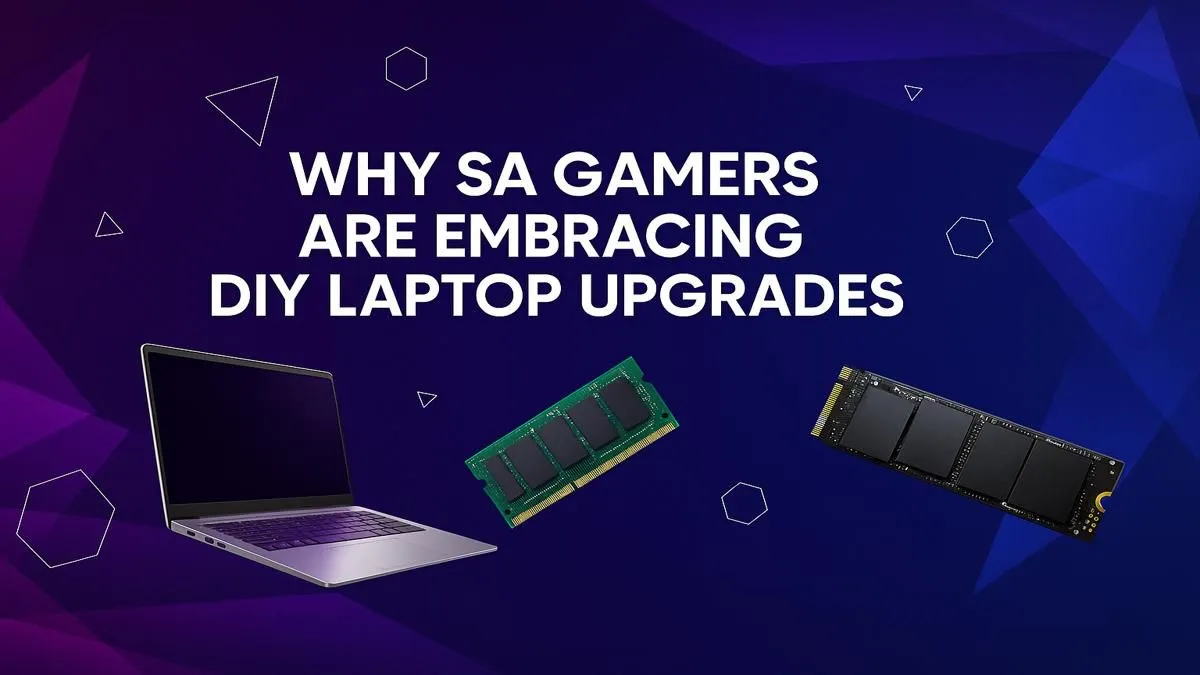
Is your trusty gaming laptop starting to feel... a bit sluggish? Before you drain your savings on a brand-new rig, let's talk about a smarter play. For many South African gamers, a strategic DIY gaming laptop upgrade is the most cost-effective way to get back in the game, boosting performance without breaking the bank. It's simpler than you think and gives you a powerful sense of control over the hardware you own. 🚀
Why Consider a Gaming Laptop Upgrade?
In a world of rising costs, getting more life out of your tech just makes sense. A targeted gaming laptop upgrade in South Africa isn't just about saving money; it's about unlocking performance you've already paid for. The biggest benefits are immediate: slashing game load times from minutes to seconds and eliminating those frustrating stutters when you have Discord and your game running simultaneously.
For a fraction of the price of a new machine, you can make your current laptop feel significantly faster. When you compare the cost of a RAM or SSD upgrade to even our best-value gaming laptops under R20k, the appeal of a DIY boost becomes crystal clear.
What You Can Actually Upgrade (And What You Can't)
This is the most important part of any DIY journey. Unlike a desktop PC, a laptop's modularity is limited. Knowing what you can and can't swap out is key to a successful upgrade.
The Easy Wins: RAM and Storage 🔧
These two components are the low-hanging fruit of laptop performance.
- RAM (Random Access Memory): Think of RAM as your laptop's short-term memory. If you only have 8GB, jumping to 16GB or 32GB can be a night-and-day difference for multitasking and modern games that love to eat up memory. Your laptop will feel snappier and more responsive overall.
- Storage (SSD/HDD): If your laptop still runs on a mechanical Hard Disk Drive (HDD), upgrading to a Solid-State Drive (SSD) is the single biggest performance boost you can make. Games will load faster, Windows will boot in seconds, and the entire system becomes more responsive. Many laptops even have a spare M.2 slot for an extra-fast NVMe SSD.
Compatibility Check ⚡
Before buying any parts, open your laptop's back panel (or find a teardown video on YouTube for your model). Check what type of RAM it uses (e.g., DDR4 SODIMM) and what storage slots are available (e.g., M.2 NVMe, 2.5-inch SATA). This five-minute check saves you from buying the wrong components!
A quick look at the specs of modern Intel Core i7 gaming laptops shows that 16GB of RAM and a fast NVMe SSD are now the standard for a reason.
The Hard Truths: CPU and GPU
Here's where we need to be realistic. In 99% of gaming laptops, the processor (CPU) and graphics card (GPU) are soldered directly onto the motherboard. This means they are not user-replaceable. If your frame rates are low because your GPU is showing its age, a RAM upgrade won't fix the core issue. Your performance is ultimately capped by these two components, whether you're running one of the versatile all-Intel gaming laptops or a powerhouse from the AMD Ryzen gaming laptops range.
Is a DIY Upgrade Worth It For You?
So, should you get out the screwdriver or start browsing for a new machine? Here’s a simple guide.
A DIY gaming laptop upgrade is your best move if:
- Your CPU and GPU are still reasonably capable (e.g., a Core i5/Ryzen 5 from the last 3-4 years).
- You have 8GB of RAM or less.
- You are still using a mechanical hard drive as your primary boot drive.
However, it's time to consider a new laptop if:
- Your graphics card is the main bottleneck. You simply can't play the latest titles at your desired settings. Making the jump to one of our GeForce RTX gaming laptops on special is the only way to get modern features like DLSS and ray tracing.
- Your processor is too old and is holding back even a decent GPU.
- You want to invest in a machine that will last for years, like one of the premium gaming laptops above R20k that offer the best of today's technology.
Ultimately, a gaming laptop upgrade for your South African setup is a fantastic way to breathe new life into an older machine. But it's also crucial to know its limits. Before you commit, it's always worth checking the latest and best gaming laptop deals to see how much performance a new investment could get you. ✨
Ready to Boost Your FPS?
Whether you're hunting for a speedy NVMe SSD or ready to invest in a whole new rig, getting the best performance for your Rand is what matters. Explore our massive range of gaming laptops and find the perfect machine to conquer your world.