


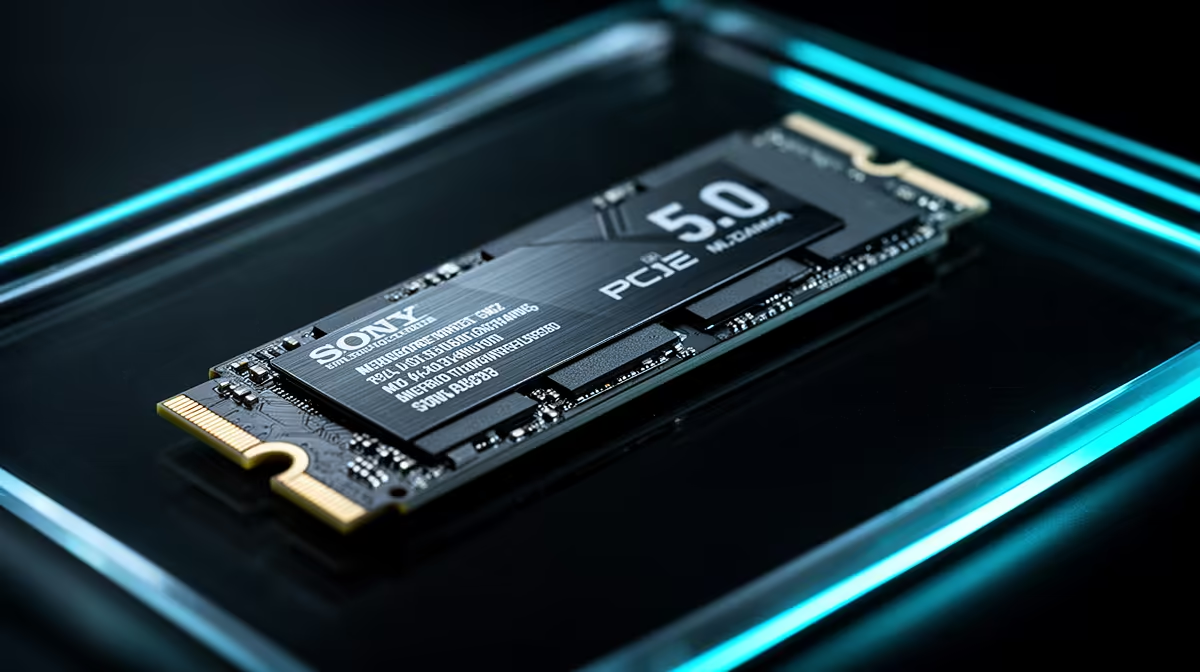
Is that shiny new PCIe 5.0 SSD really going to boost your frame rates, or is it just expensive overkill for your rig? We get it. With tech prices in South Africa, every Rand counts. The debate over PCIe 5.0 vs 4.0 SSDs is heating up, and it's easy to get lost in the hype. Let’s cut through the noise and figure out if the massive speed jump is actually worth the cash for your gaming setup.
Understanding the Core Speed Difference
At its heart, the difference between PCIe 5.0 and 4.0 is bandwidth… think of it as the number of lanes on a highway. PCIe 5.0 effectively doubles the lanes compared to 4.0.
This translates to staggering sequential read/write speeds. While a top-tier Gen 4 NVMe SSD clocks in around a blistering 7,000 MB/s, the new wave of Gen 5 drives can push past 12,000 MB/s and beyond. ⚡ On paper, the numbers are incredible. But does your gaming PC actually need that six-lane superhighway, or is the standard three-lane highway more than enough for now?
How PCIe 5.0 vs 4.0 SSDs Affect Gaming Today
Here’s the honest truth for most South African gamers in 2024: when it comes to loading your favourite games like Apex Legends or Baldur's Gate 3, the difference between a high-end PCIe 4.0 and a PCIe 5.0 SSD is… minimal. We're talking a second or two at most.
Why? Because game loading isn't just about raw storage speed. It also depends on your CPU decompressing the assets. Right now, for pure gaming, a fast PCIe 4.0 drive is already so quick that it's rarely the bottleneck. Your CPU or GPU is likely working harder. This makes Gen 4 the undisputed king of price-to-performance for gaming rigs.
Check Your Motherboard! 🔧
Before you even think about a Gen 5 SSD, check your hardware. You need a compatible motherboard (like an AMD AM5 or Intel Z790 series) and a CPU that supports PCIe 5.0 lanes for your M.2 slot. Plugging a Gen 5 drive into a Gen 4 slot will work, but it will run at slower Gen 4 speeds, wasting your money.
The Future-Proof Argument: DirectStorage and Beyond 🚀
So, if today's games don't see a huge benefit, why do Gen 5 NVMe SSDs even exist? The answer is the future.
Technologies like Microsoft’s DirectStorage are designed to change how games stream assets. By allowing the GPU to pull compressed data directly from the SSD, it bypasses the CPU bottleneck. This is where the insane bandwidth of a PCIe 5.0 SSD could truly shine, enabling massive, detailed open worlds with virtually zero loading screens or pop-in.
While we're still waiting for games to fully harness this power, buying a Gen 5 drive today is a bet on tomorrow's technology. It's for the enthusiast who wants the absolute best and is building a top-tier rig to last for years to come.
The Verdict: Where Should You Spend Your Rands?
So, is the upgrade worth it? The PCIe 5.0 vs 4.0 SSD decision comes down to your budget and goals.
- For the vast majority of gamers: A PCIe 4.0 SSD is the smart choice. It offers incredible speeds that are more than enough for today's titles and provides the best bang for your buck by a long shot.
- For elite builders, content creators, and future-proofers: If you're building a no-compromise machine with the latest CPU and GPU, and you want to be ready for the next wave of gaming tech, a PCIe 5.0 SSD is the pinnacle of performance.
Ultimately, both are fantastic technologies. The key is matching the drive to your needs and budget. Whether you're looking for bleeding-edge speed or maximum value, there are amazing NVMe SSDs ready to transform your PC's performance. Finding the right balance is easy when you can compare the best SSD deals available right now.
Ready to Supercharge Your Load Times? Whether you're future-proofing with Gen 5 or grabbing amazing value with Gen 4, the right SSD makes all the difference. Explore our massive range of SSD deals and find the perfect drive to conquer your load screens.









