Building a new PC in South Africa? You’re likely staring at two motherboard specs: PCIe 5.0 and 4.0. It feels like a massive decision, with marketing hype promising lightning-fast speeds. But is the newer, pricier standard actually worth your hard-earned Rands for gaming right now? Or is it an expensive "nice-to-have" for a future that hasn't arrived yet? Let's cut through the noise and figure out the smart upgrade path for your next build.
Understanding the PCIe 5.0 vs 4.0 Speed Difference
At its core, Peripheral Component Interconnect Express (PCIe) is the super-highway that connects the most important parts of your PC—like your graphics card and SSD—to your CPU. Each new generation effectively doubles the number of lanes on this highway.
The jump from PCIe 4.0 to 5.0 is a massive leap in theoretical performance:
- PCIe 4.0: Offers a bandwidth of up to ~64 GB/s on a full x16 slot (the one your GPU uses).
- PCIe 5.0: Doubles that to a staggering ~128 GB/s on an x16 slot. 🚀
This extra bandwidth is designed for next-generation components. But the real question is, can today's hardware even use all that speed?
For Gamers: Does PCIe 5.0 Actually Boost FPS?
This is the big one for most PC builders. Will a PCIe 5.0 motherboard and GPU give you a higher frame rate in Helldivers 2 or Apex Legends?
The short answer: not really.
Even the most powerful graphics cards on the market today, like the NVIDIA GeForce RTX 4090, don't fully saturate the bandwidth of a PCIe 4.0 x16 slot. Extensive testing by tech reviewers shows the performance difference between running a top-tier card on a 4.0 vs 5.0 slot is often less than 1-2%... well within the margin of error. For most gamers, investing that budget into a better CPU or more RAM will yield far more noticeable results. You can find excellent value across a wide range of motherboards that deliver all the performance you need for today's titles.
The Real Winner: Next-Gen NVMe SSDs ⚡
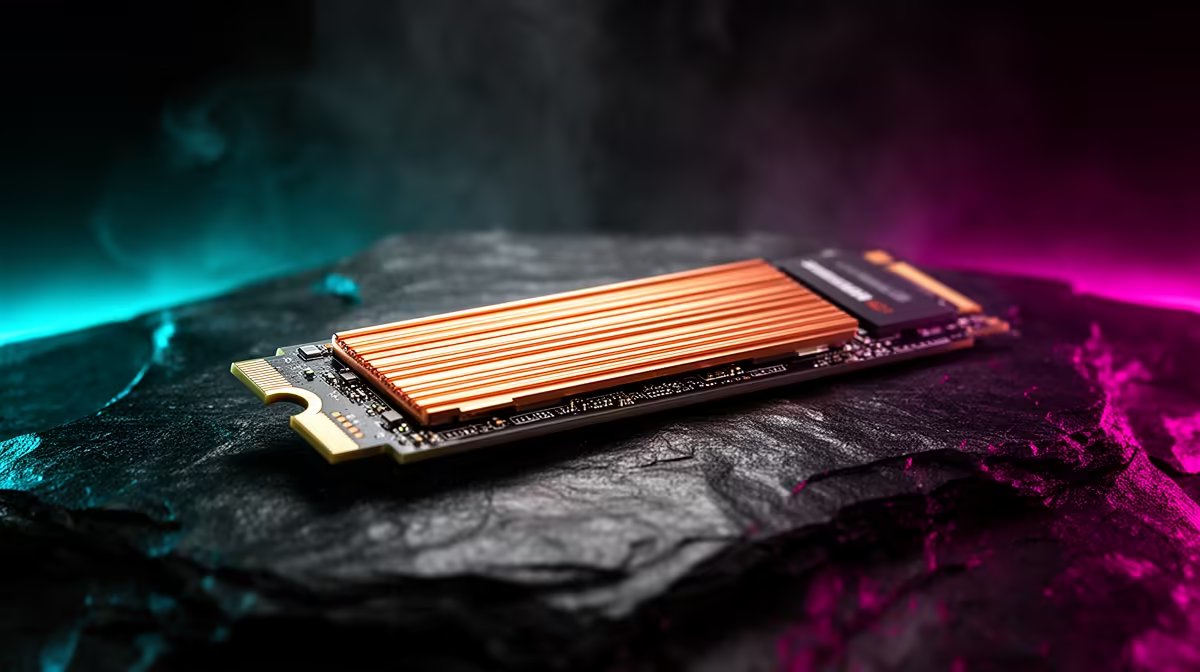
While the gaming benefits of PCIe 5.0 are minimal for now, the story changes when we talk about storage. PCIe 5.0 NVMe SSDs are where the new standard truly shines. These drives offer sequential read/write speeds that can exceed 12,000 MB/s, more than double their PCIe 4.0 counterparts.
What does this mean for you?
- Insanely Fast Loading: Games that support DirectStorage technology can load assets almost instantly.
- Creative Powerhouse: For video editors and 3D artists, transferring and working with massive files becomes incredibly fluid.
- Instant OS Boot: Your entire system will feel more responsive.
Check Your Lanes! 🔧
Not all slots are created equal. Your motherboard's primary M.2 slot and top PCIe x16 slot usually get the full, direct connection to the CPU. Secondary slots might share bandwidth or run at slower speeds (e.g., x8 or x4). Always check your motherboard manual to ensure your fastest components are in the fastest slots to optimise performance.
The South African Upgrade Choice: Cost vs. Future-Proofing
So, how do you decide in the PCIe 5.0 vs 4.0 debate? It boils down to your budget and build philosophy.
The Smart Money Build (PCIe 4.0)
For 99% of gamers and everyday users in South Africa, a PCIe 4.0 system is the undisputed champion of value. The ecosystem is mature, prices are competitive, and the performance is more than enough for any game or application today. You can build an incredibly powerful and balanced rig without paying the "early adopter tax." Whether you're looking at the latest Intel motherboards or pairing your CPU with one of the new AMD motherboards, the PCIe 4.0 platform offers incredible performance-per-Rand.
The Enthusiast Build (PCIe 5.0)
Are you building a top-of-the-line PC with the absolute best components, intending for it to last the next 3-5 years with minimal upgrades? Then PCIe 5.0 makes sense. It provides a forward-looking foundation, ensuring you're ready for future GPUs and SSDs that will eventually take full advantage of the extra bandwidth. It's an investment in tomorrow's performance, today. ✨
Ready to Build Your Ultimate Rig?
The PCIe 5.0 vs 4.0 debate comes down to your budget and goals. For maximum performance-per-Rand today, PCIe 4.0 is king. For the ultimate future-proof build, 5.0 is the way forward. Explore our massive range of motherboards and find the perfect foundation for your next PC.