


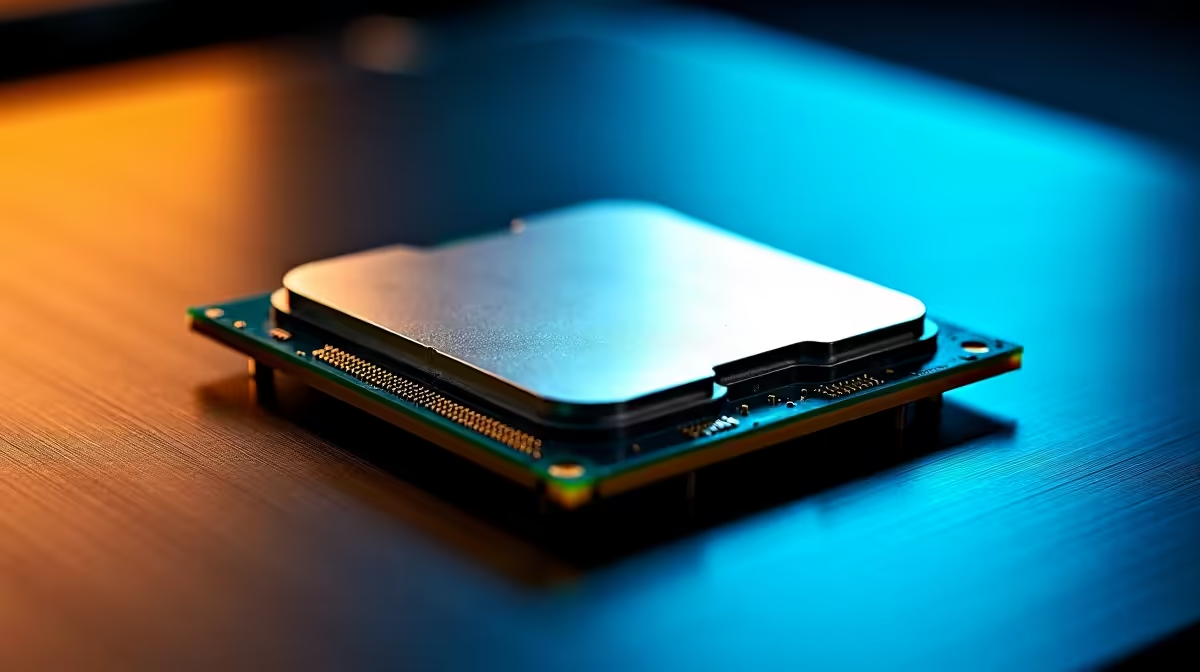
Ja, Mzansi! The AI wave is here, and tools like DeepSeek are changing how we code, write, and create. But running these powerful models locally isn't like firing up a game... it demands serious processing power. If your PC is groaning under the strain, your CPU is likely the bottleneck. Choosing the right processor is crucial, so let's break down the ultimate showdown: finding the best CPU for DeepSeek in South Africa by pitting Intel against AMD. 🧠
Why Your CPU is Critical for DeepSeek Performance
While GPUs get all the glory for training massive AI models, the Central Processing Unit (CPU) is the unsung hero for inference—the actual process of using a model like DeepSeek to get an answer. Your CPU manages the complex logic, juggles data between your RAM and storage, and executes the parts of the workload that can't be easily offloaded to a graphics card.
A powerful CPU means:
- Faster Code Generation: Get suggestions and completed blocks of code almost instantly.
- Quicker Responses: Less waiting for the model to "think" when you ask it a complex question.
- Smoother Multitasking: Run DeepSeek alongside your IDE, browser, and other apps without your system grinding to a halt.
Choosing the right CPU for AI in South Africa is about finding the perfect balance of core count, clock speed, and platform features for your specific needs.
Team Blue: The Case for Intel in Your DeepSeek Build
For years, Intel has been a top choice for workloads that favour high clock speeds and strong single-core performance. This is where their latest Core i7 and i9 processors truly shine. ✨
Intel's hybrid architecture, combining powerful Performance-cores (P-cores) with numerous Efficient-cores (E-cores), is brilliant for the mixed workloads that AI development involves. The P-cores can hammer away at the main DeepSeek task, while the E-cores handle background processes, keeping your entire system responsive. This makes them a fantastic foundation for many of the top-tier NVIDIA GeForce gaming PCs that double as productivity powerhouses. If your work involves tasks that rely on raw, single-threaded speed, an Intel CPU is a formidable contender.
Team Red: Why AMD Ryzen Might Be Your AI Champion
AMD's Ryzen processors stormed the market by offering incredible multi-core performance, and they haven't slowed down. For AI tasks that can be broken down into many parallel threads, having more cores is a massive advantage. This is where a Ryzen 7 or, even better, a Ryzen 9 CPU excels.
If you're compiling large codebases, running virtual machines, or using DeepSeek while juggling other heavy applications, the sheer number of cores in an AMD chip can provide a significant performance lift. This multi-threaded muscle is why you'll find Ryzen CPUs at the heart of many powerful AMD Radeon gaming PCs, which are just as capable of crunching data as they are of rendering frames. For users looking for the best multi-core value, AMD often presents an unbeatable argument.
Optimise Your OS for AI Workloads 🚀
Before running an intensive DeepSeek task, open Task Manager (Ctrl+Shift+Esc), find the DeepSeek process under the 'Details' tab, right-click it, and set its priority to 'High' or 'Above normal'. This tells Windows to give it more CPU resources, potentially speeding up your results without needing a hardware upgrade.
Beyond the Processor: Building a Complete AI Rig
Remember, the best CPU for DeepSeek is only one part of the equation. A lightning-fast processor will be held back by slow RAM or a clunky hard drive. To build a truly optimised rig, you need a balanced system.
Consider these essentials:
- RAM: Aim for at least 32GB of fast DDR4 or DDR5 RAM. AI models can be memory-hungry, and having enough capacity is non-negotiable.
- Storage: A fast NVMe SSD is a must. It dramatically reduces load times for the model and your applications, making the entire experience feel snappier.
- Cooling: High-end CPUs generate a lot of heat. A quality air or liquid cooler is essential to prevent thermal throttling and maintain peak performance.
For those who want a perfectly balanced, no-compromise machine out of the box, exploring custom-built workstation PCs is an excellent option, as they are designed specifically for these demanding workloads.
The Verdict: The Best CPU for DeepSeek in South Africa?
So, after the dust settles, who wins the Intel vs. AMD battle for DeepSeek supremacy? The honest answer is... it depends on you.
- Choose Intel (Core i7/i9): If your workflow benefits from the absolute fastest single-core speeds and you want excellent all-round performance for both AI and general use.
- Choose AMD (Ryzen 7/Ryzen 9): If you are a heavy multitasker and your projects can leverage massive core counts for parallel processing, offering incredible value.
Ultimately, you can't go wrong with a modern, high-end chip from either camp. The best choice is the one that fits your budget and specific AI-driven tasks here in South Africa.
Ready to Build Your AI Powerhouse? Choosing between Intel and AMD is a tough call, but the power to run models like DeepSeek locally is within reach. Whether you need maximum cores or blistering clock speeds, the perfect chip is waiting. Explore our massive range of Intel and AMD CPUs and find the heart of your new AI machine today.









