


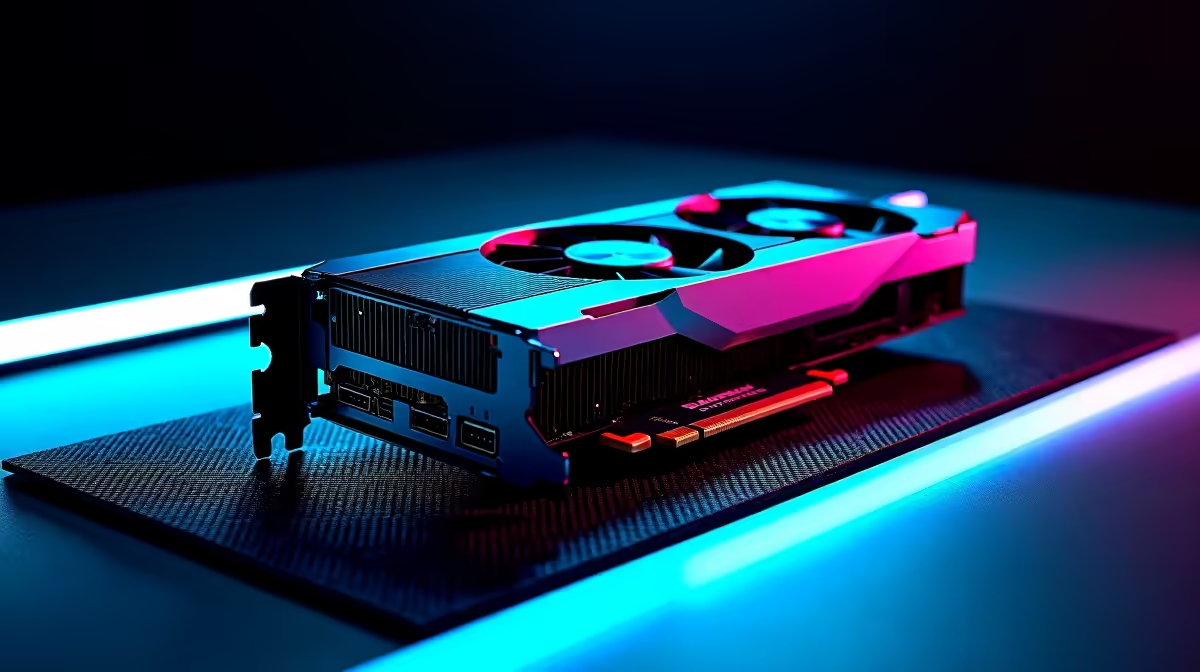
Artificial intelligence isn't just a buzzword from Silicon Valley anymore; it's right here in South Africa, powering everything from advanced gaming features to groundbreaking local tech startups. Whether you're a developer training a new model, a creative using generative AI tools, or a gamer benefiting from DLSS, the right hardware is crucial. This guide breaks down the best PC components for AI, helping you build a machine that won't just keep up… it'll lead the pack. 🚀
The GPU: Your AI Supercomputer Core
When it comes to building an effective AI machine, one component stands head and shoulders above the rest: the Graphics Processing Unit (GPU). Modern AI, especially deep learning, relies on performing thousands of calculations simultaneously. This is called parallel processing, and it's exactly what GPUs were designed for. More than any other part, your choice here will define your system's performance.
Why NVIDIA is the De Facto Choice
For years, NVIDIA has dominated the AI space, and it comes down to one crucial piece of software: CUDA (Compute Unified Device Architecture). This platform allows developers to directly access the GPU's immense processing power. Most major AI frameworks, like TensorFlow and PyTorch, are built with CUDA in mind. For this reason, choosing an NVIDIA card from our range of NVIDIA GeForce gaming PCs is the most straightforward path to success. Their RTX cards also feature Tensor Cores, specialised hardware designed specifically to accelerate AI operations, making them incredibly efficient.
Are AMD and Intel Viable Alternatives?
While NVIDIA holds the crown, competitors are making strides. AMD's ROCm and Intel's oneAPI are open-source alternatives to CUDA, and the hardware is certainly powerful. A high-end Radeon card from our selection of AMD Radeon gaming PCs offers incredible raw performance for your ZAR. Similarly, the latest Intel Arc gaming PCs are showing promise in the AI field. However, the software support and community knowledge base are still maturing, which can mean more tinkering to get things running smoothly. For beginners or professionals needing reliability, NVIDIA is currently the safer bet.
The CPU: The Master Conductor 🧠
While the GPU does the heavy lifting, the Central Processing Unit (CPU) plays the vital role of the orchestra's conductor. It manages your operating system, prepares data to be fed to the GPU (a process called data preprocessing), and handles any tasks that can't be easily parallelised.
When selecting a CPU for your AI build, focus on core count and clock speed. More cores mean the CPU can juggle more tasks at once, which is perfect for preparing complex datasets. Both major players offer fantastic options. The latest Intel processors, found in our wide range of Intel PC deals, provide a brilliant balance of single-core speed and multi-core power. On the other side, the incredible multi-threaded performance of rigs in our AMD Ryzen PC deals makes them a favourite for heavy-duty data handling.
RAM and Storage: Fuel for the Fire
Don't let a powerful CPU and GPU get bottlenecked by slow memory or storage. These components are critical for a responsive and efficient AI workflow.
- RAM (System Memory): AI models and the datasets they train on can be massive. 16GB is the absolute minimum, but 32GB of fast DDR5 RAM should be your starting point. For serious work with large language models (LLMs) or high-resolution image generation, 64GB or even 128GB is not overkill. The more RAM you have, the more complex the data your PC can handle without constantly swapping to your much slower storage drive.
- Storage (SSD): Speed is everything. An NVMe SSD is non-negotiable for your primary drive. It will dramatically reduce the time it takes to load datasets, launch applications, and boot your OS. A fast 1TB or 2TB NVMe for your OS and active projects, paired with a larger, more affordable SATA SSD or HDD for long-term storage, is an ideal setup.
AI Project Management Tip 🔧
AI projects can get messy with different software versions and dependencies. Use a tool like Docker or Conda to create isolated virtual environments for each project. This prevents conflicts and makes your work easily reproducible. You can have one environment for a Stable Diffusion project and a completely separate one for a TensorFlow experiment, all on the same machine!
Putting It All Together: Custom Build or Pre-Built Powerhouse?
Sourcing the best PC components for AI and assembling them is a rewarding experience. But it also requires research and time. If you'd rather jump straight into your project, a professionally assembled system is an excellent choice.
For the ultimate in performance and reliability, our purpose-built Workstation PCs are optimised for demanding computational loads like machine learning. Alternatively, our wide variety of pre-built PC deals offers a convenient, plug-and-play solution with guaranteed compatibility. ✨
The great news is that the hardware that makes for a killer gaming rig also makes for a potent AI machine. Many of the systems in our best gaming PC deals are perfectly suited for dual-use. And if you're just starting your AI journey, you don't need to break the bank; even our budget gaming PCs have enough power to get you started with learning the fundamentals.
Ready to Build Your AI Future? Whether you're training neural networks or creating AI-powered art, having the right hardware is the first step to success. Explore our powerful range of Workstation PCs and configure the ultimate machine to power your next big project.










