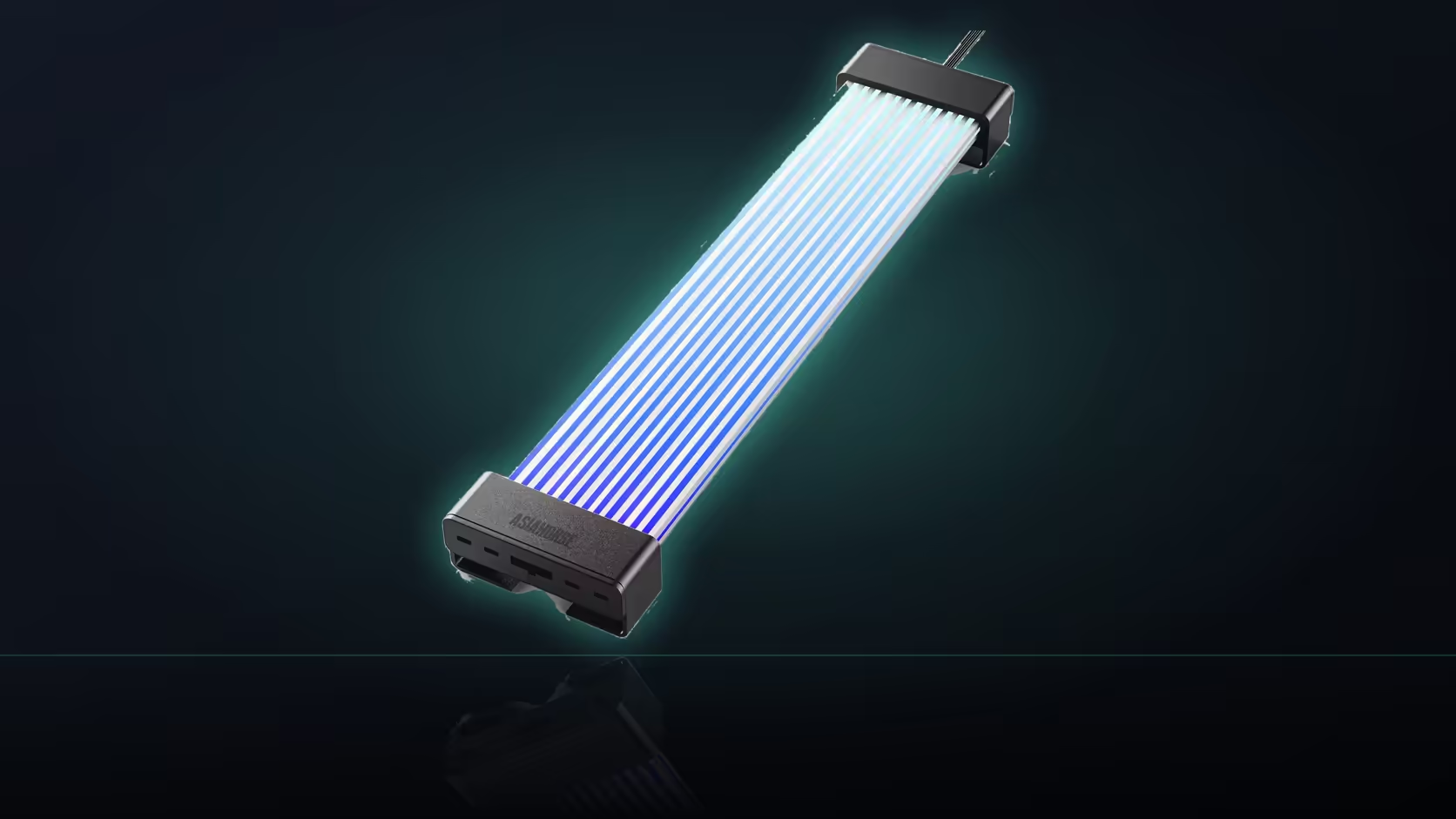
A rebuild rarely gives you the same layout twice, and moving an already-owned Aurora Learn ARGB PSU Cable Cover into a new case is a genuinely different job from the original install, even though none of the parts themselves have changed at all.
Quick Answer
A case swap changes where the SATA connectors sit and how far the controller ends up from the cover, so both leads on an Aurora Learn install need rechecking rather than being assumed to fit the same way in a new layout. Nothing about the R599 cover, its controller or its 108 LEDs is any different after the move; the only question is whether the same relative positions still work inside a case with different openings, different cable channels and a differently placed supply.
🔍 What typically changes between two cases
Moving into a different case usually shifts where the power supply itself sits, which openings the cables actually pass through, and how much room exists behind the tray for the controller to occupy alongside existing cable slack.
📏 Which lead is most likely to come up short
The lead running between the cover and the controller is usually the tighter constraint of the two, since its fixed length directly decides how far apart those two components can realistically sit in the new layout.
📸 A practical step before dismantling anything
Taking a photograph of the working arrangement before pulling it apart gives you something concrete to compare the new case's layout against, rather than trying to reconstruct the original routing from memory alone.
🔧 What to check about the SATA connector's position specifically
The controller needs to sit within reach of both a free SATA connector and the cover itself, so the new case's connector placement matters just as much as how far away the cover ends up.
🏠 If the tray gap turns out shallower this time
The basement area beside the power supply may become the better home for the controller in the new layout, provided both leads still comfortably reach from that position without straining.
🧩 Does the cover need rechecking too, not just the controller?
Yes, since the cable run it clips over may take an entirely different path in the new case and offer a different straight section, so the cover's fit deserves the same fresh check as the controller's position.
🧱 Rechecking the rest of the lighting at the same time
A full case swap is also the natural point to revisit anything else that was lit in the old build, including fans or strips sourced from a case lighting range, since their mounting points and cable runs are just as likely to have shifted as the cover's own path has. Treating the whole lighting setup as one job, rather than moving each part separately and testing it in isolation, tends to surface conflicts earlier, while there is still room to adjust before anything is tied down.
🧳 What to keep together while everything is disassembled
Bagging the controller, its remote and any spare connectors together during the actual move, rather than letting them scatter among general build parts, avoids the small but genuinely frustrating problem of a working setup that cannot be reassembled because one small piece has gone missing.
✅ A short checklist for the move itself
Confirm the power supply's new position, confirm a free SATA connector reachable from a sensible controller spot, confirm the cover's cable run offers enough straight length in the new case, and only then begin routing and securing anything permanently.
Frequently Asked Questions
What usually changes the most between two different cases?
The power supply's position, which openings the cables pass through, and how much room sits behind the tray for the controller to occupy.
Which of the two leads is most likely to fall short?
Usually the cover-to-controller lead, since its fixed length is what decides how far apart those two components can actually sit.
Is it worth recording the original arrangement before dismantling?
A photograph beforehand helps, giving a working arrangement to compare the new case's layout against once everything is reassembled.
Does the SATA connector's exact position matter in the new case?
It does, since the controller has to sit within reach of both a free connector and the cover simultaneously.
What if the new tray gap turns out to be shallower?
The basement area beside the supply may become the better home for the controller, provided both leads still reach comfortably.
Does the cover itself need rechecking, or just the controller?
Both. The run the cover clips over may take a different path entirely and offer a different straight section in the new case.
Is anything genuinely lost by moving the setup this way?
Nothing on the hardware side. The real work is in re-establishing both lead paths rather than replacing any parts at all.
Moving your Aurora Learn setup into a new case?
Browse Evetech's power supply range to plan the fresh routing your rebuild will need.