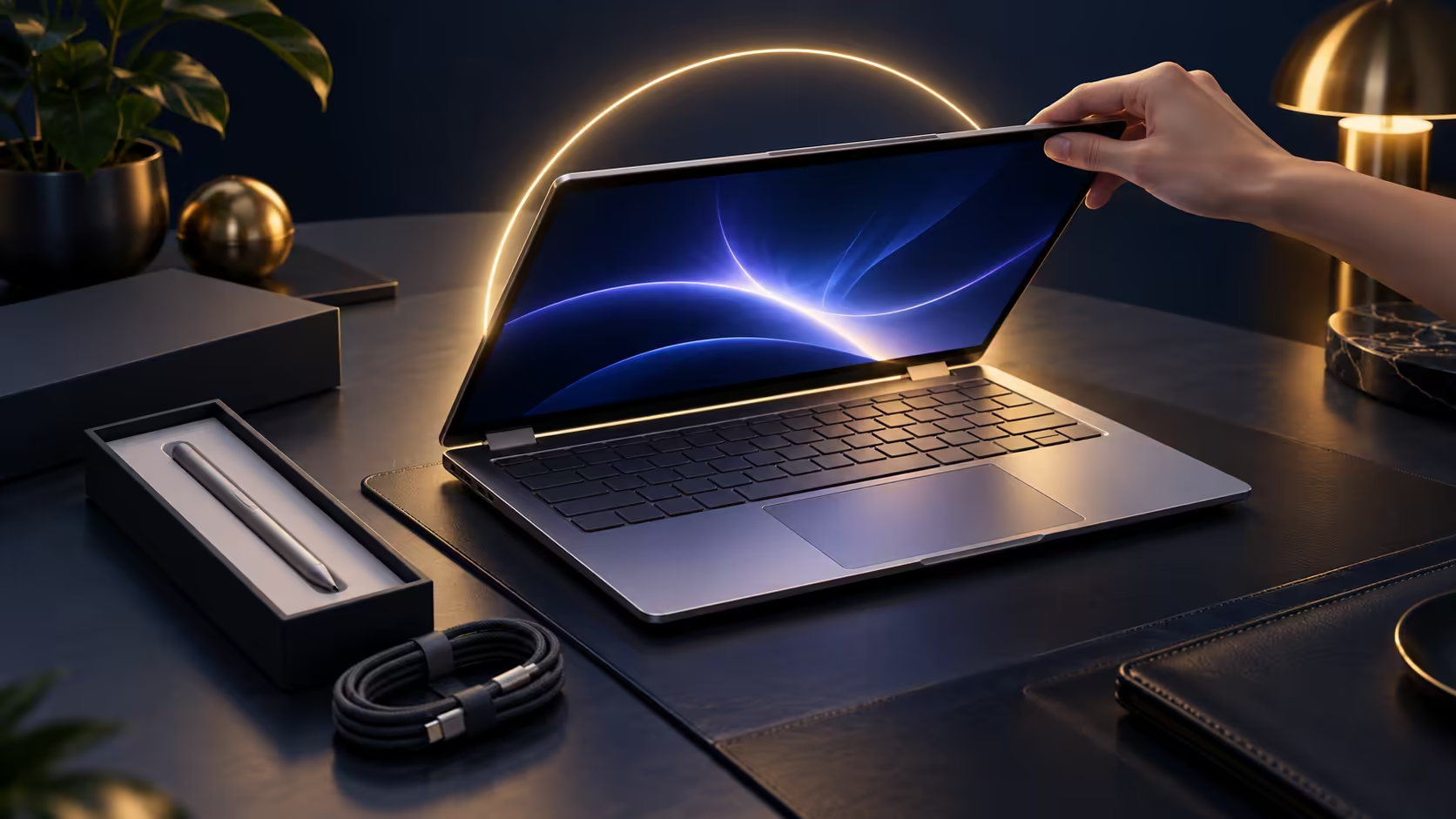
A new MSI Prestige N16 Flip AI+ arrives with more to switch on than a typical laptop: a pen, face and fingerprint sign-in, a gesture touchpad, MSI's own control app and an RTX Spark chip that wants the right software. Spending half an hour on setup in the first evening saves weeks of half-used features.
Quick Answer
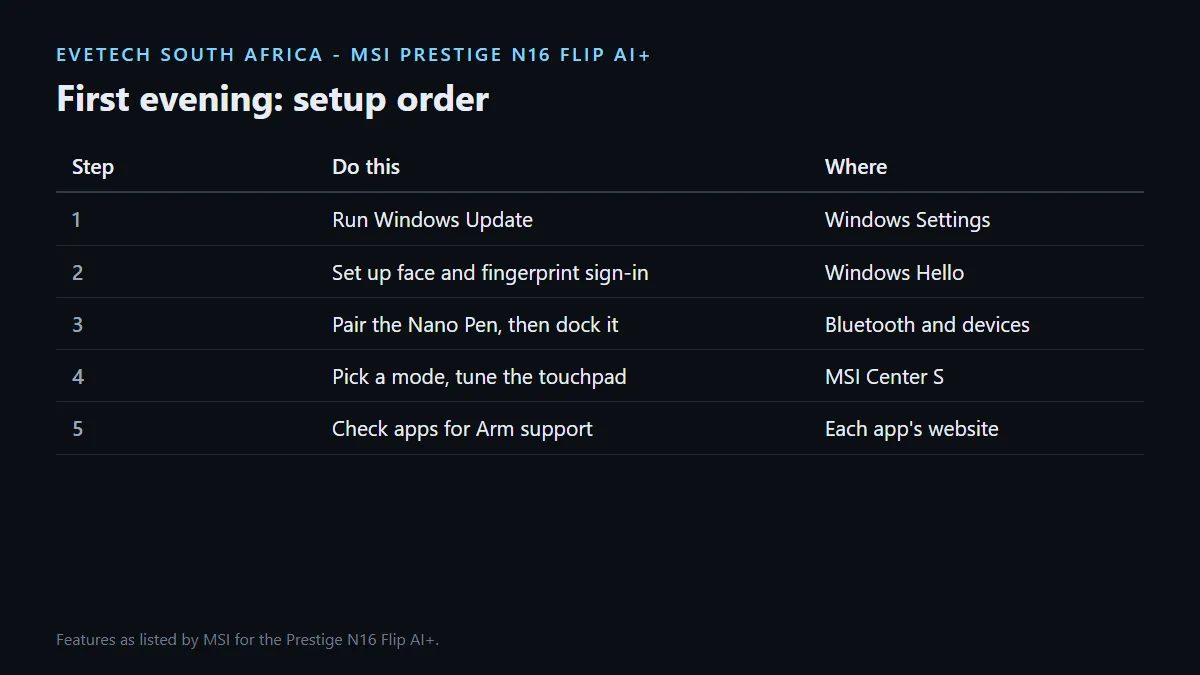
After unboxing your R84,999 or R134,999 Prestige N16 Flip AI+, run Windows Update, set up Windows Hello with face or fingerprint, pair the included MSI Nano Pen, open MSI's control app to choose a performance mode, and customise the Action Touchpad's gesture zones. Then check that your key apps have Windows on Arm versions before you migrate files.
🔐 Step 1: Updates, sign-in and security
Connect to Wi-Fi 7 or your home network and let Windows Update finish before installing anything else. Our listings ship with Windows 11 Pro.
Next, set up Windows Hello. MSI fits both an IR webcam for facial recognition and a fingerprint reader, so you can sign in without typing a password. The webcam also has a physical shutter for privacy, and a discrete TPM 2.0 chip handles hardware security functions in the background.
MSI's Smart Guard is worth turning on as well. MSI says it automatically detects your presence, which helps with security and saves power in a shared office.
🎛️ Step 2: MSI's control app and AI Engine
MSI ships a redesigned control app that puts system settings in one place. Inside it, MSI's AI Engine detects what you are doing and adjusts hardware settings to suit, with scenario modes MSI names for content creation, gaming, meetings, work and entertainment. Leave it on automatic for a week before you start overriding it.
The 4-zone RGB keyboard and the Copilot key are set up from here and from Windows, and the quad-speaker system uses DTS Virtual:X processing for meetings and media.
✍️ Step 3: Pen and touchpad
Take the MSI Nano Pen out of the groove on the underside of the laptop, press and hold its buttons to put it into Bluetooth pairing mode, and add it in Windows. Put it back in the groove afterwards, since that is where it charges.
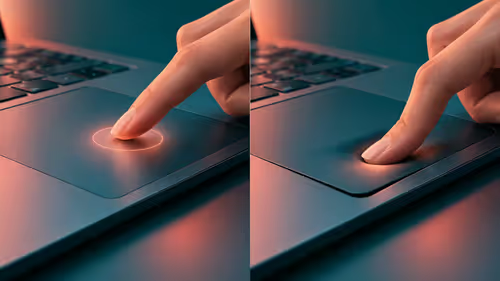
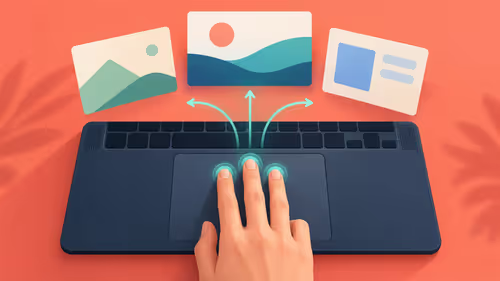
The MSI Action Touchpad is 53% larger than the previous generation and has customisable gesture zones. MSI's defaults include brightness, volume, video timeline, page navigation and a calculator shortcut. Swap in the controls you use most.
🧳 Step 4: Apps, storage and accessories
Your new laptop uses the Arm edition of Windows 11. Before you copy your old laptop across, list your important apps and check each one for an Arm version or tested emulation. Arm-native apps run directly, and MSI says familiar Windows software runs through emulation. MSI also runs an official AI and RTX Spark forum for owners who want to compare notes.
For a desk setup, a USB-C docking station connects screens and peripherals over one of the two USB4 ports. For carrying it, a padded laptop backpack protects the 16-inch OLED. The MSI laptop range lists the rest of the Prestige family if you are setting up a team.
Frequently Asked Questions
What should I do first on a new Prestige N16 Flip AI+?
Run Windows Update, then set up Windows Hello and pair the Nano Pen before installing your apps.
Does it have face unlock?
Yes. MSI fits an IR webcam for Windows Hello facial recognition, plus a fingerprint reader.
What is MSI's control app for?
It gathers system settings in one place and includes AI Engine, which adjusts hardware settings for the task you are doing.
Can I customise the touchpad?
Yes. The Action Touchpad has gesture zones for functions such as brightness, volume and video scrubbing that you can change.
Does the webcam have a privacy shutter?
Yes. MSI lists a physical webcam shutter.
Will my old apps work?
Arm-native apps run directly and many others run through emulation. Check your essential apps and drivers before migrating.
Just unboxed your Prestige N16 Flip AI+?
Work through updates, sign-in, pen pairing and MSI's control app in the first evening, then move your apps across once you have confirmed their Arm support.