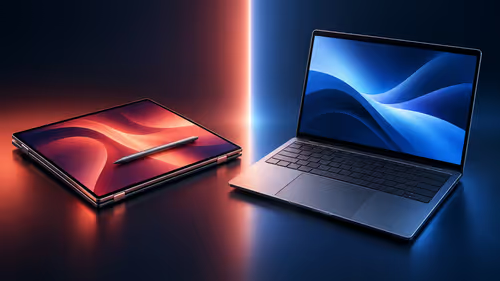
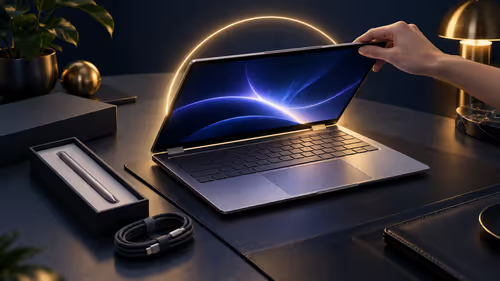
The MSI Prestige N16 Flip AI+ runs Windows 11 on Arm, not the x86 Windows on most laptops. For the majority of apps that makes no visible difference, but a few kinds of software do care, and they are worth checking before you spend R84,999. This is the short list of what to test and why.
Quick Answer
Before buying the R84,999 or R134,999 Prestige N16 Flip AI+, check three things: whether your main apps have an Arm64 version, whether any driver-based software you rely on (printers, audio interfaces, VPNs, security tools, game anti-cheat) supports Arm64, and whether your plug-ins support the platform. Microsoft says normal x86 and x64 apps run through built-in emulation, but drivers do not.
🧩 How apps run on Windows on Arm
Microsoft's documentation explains that Windows 11 on Arm emulates both x86 and x64 apps, and that this happens transparently with no extra components to install. The Prism emulator added in Windows 11 24H2 improves the speed and lowers the CPU use of emulated apps. Dell adds that Prism is now optimised for the RTX Spark microarchitecture, including AVX and AVX2 support, but measure performance on your own workload rather than assuming it.
Apps rebuilt for Arm run natively and get the most from the hardware. MSI describes the Prestige N16 Flip AI+ as supporting Arm-native apps and familiar Windows software through emulation, and NVIDIA CUDA runs natively on RTX Spark for AI tools.
🚧 The one hard limit: drivers
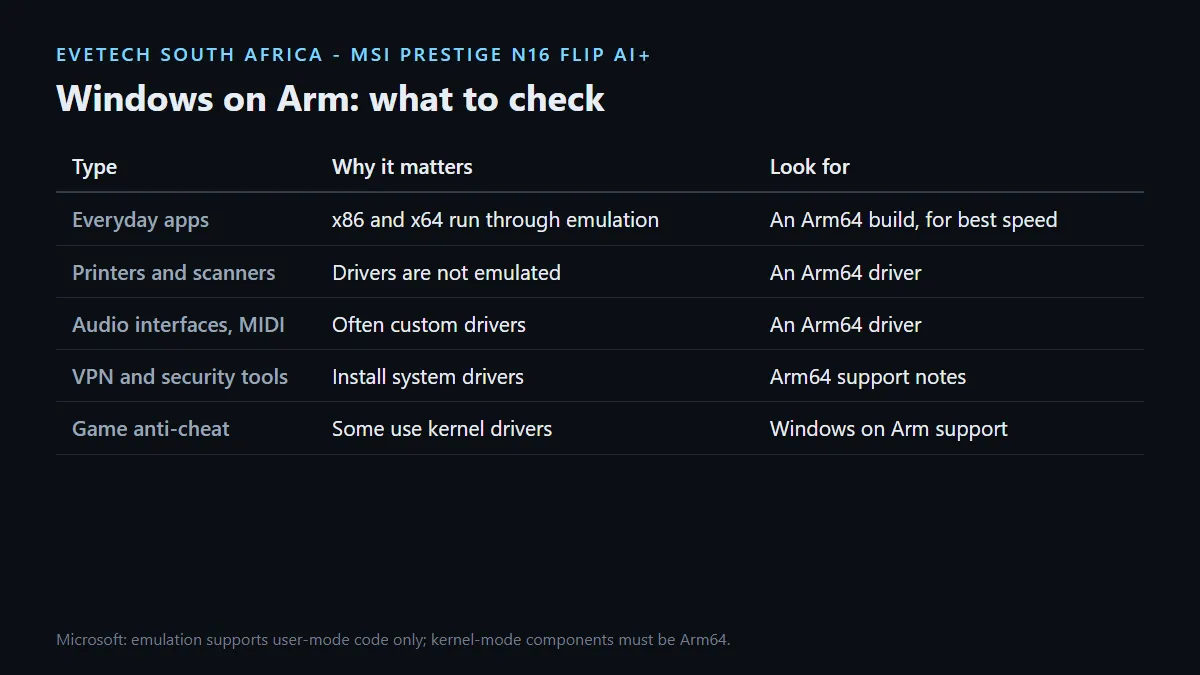
Microsoft states that emulation supports only user-mode code and does not support drivers. Any kernel-mode component must be compiled for Arm64. That single rule explains most compatibility problems people hit. Software that installs a driver needs an Arm64 driver from its maker, or it will not work at all.
Common examples to check:
- Printers and scanners: look for an Arm64 driver on the manufacturer's support page.
- Audio interfaces and MIDI gear: pro audio often relies on custom drivers.
- VPN clients and security software: many install network or system drivers.
- Game anti-cheat: Dell says Easy Anti-Cheat and BattlEye are supported on RTX Spark; check any other system your games use.
- Drawing tablets and specialist USB devices: check the vendor's driver list.
✅ A 15-minute check before you buy
- Write down every app you open in a normal week, plus the hardware you plug in.
- For each app, look for an Arm64 or Windows on Arm download on the developer's site.
- For each device, look for an Arm64 driver.
- For plug-ins, presets and add-ons, check the plug-in maker's support notes separately from the main app.
- Anything with no Arm answer goes on a short list to test, or to keep on another machine.
If the list comes back with blockers, a conventional Windows laptop may suit you better. The AI laptop finder helps compare platforms, the laptop best sellers show what other South Africans choose, and the MSI laptop range includes Intel-based Prestige models that run standard Windows.
Frequently Asked Questions
Can the MSI Prestige N16 Flip AI+ run normal Windows apps?
Yes. Microsoft says Windows 11 on Arm emulates both x86 and x64 apps without extra components.
Why do some devices not work on Windows on Arm?
Microsoft says emulation does not support drivers. Devices and software that need a kernel driver require an Arm64 version.
What is Prism?
Prism is the emulator in Windows 11 24H2. Microsoft says it improves performance and lowers CPU use for emulated apps.
Do Arm-native apps run better?
Microsoft says apps rebuilt for Arm gain native performance. Prefer an Arm64 build when one is available.
Does CUDA work on it?
Yes. NVIDIA CUDA runs natively on RTX Spark, according to MSI.
What if one of my apps has no Arm support?
Test it under emulation first. If it needs a driver with no Arm64 version, keep that task on another machine or choose a standard Windows laptop.
Unsure whether your software is ready for Arm?
Run the 15-minute check on your apps, devices and plug-ins first, then choose between the Prestige N16 Flip AI+ and a standard Windows laptop with confidence.