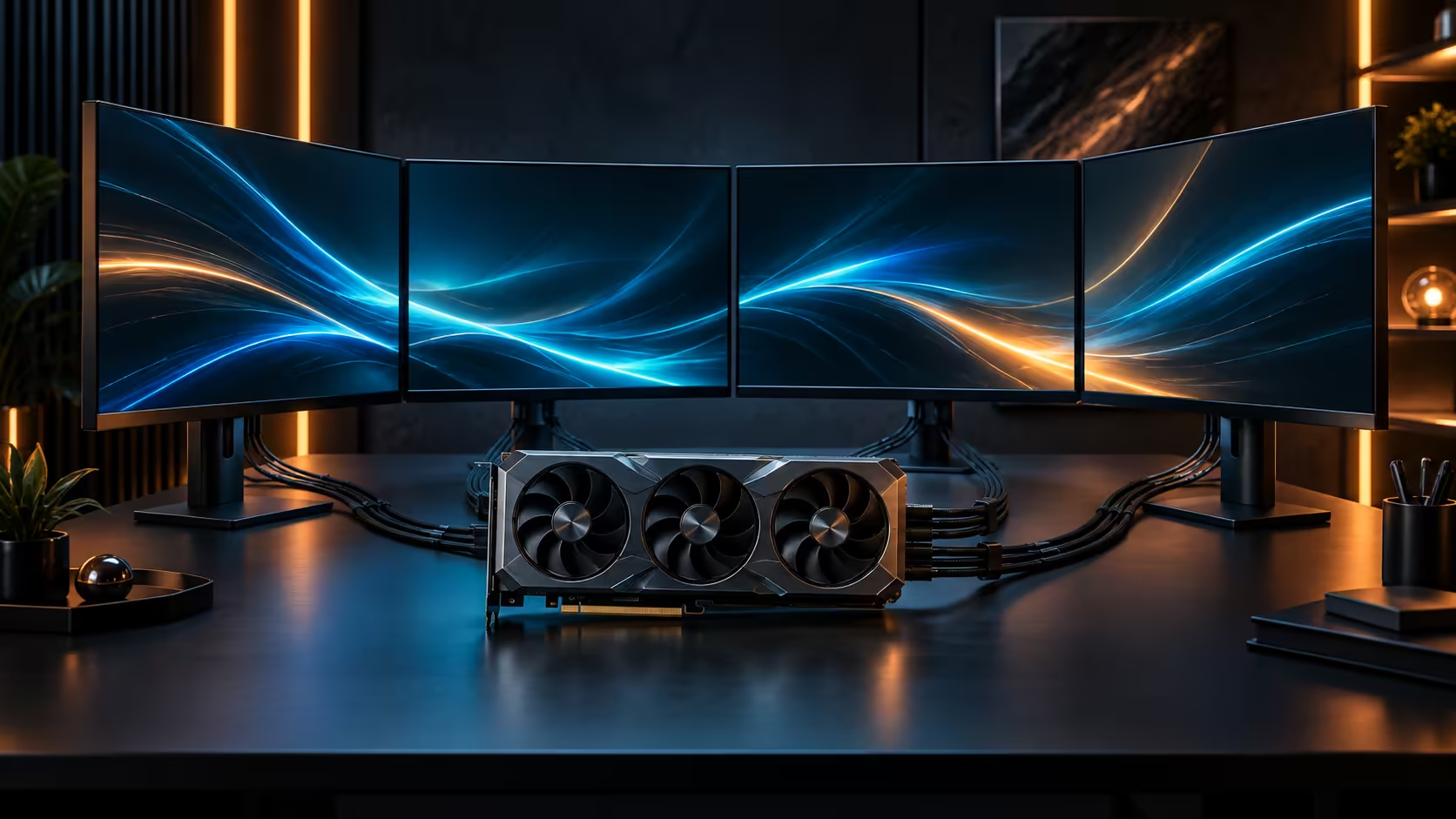
Most graphics cards hide everything they are doing behind a driver overlay you have to alt-tab to see. A detachable display mounted straight on the card skips that step, showing temperature, clock speed and load without ever leaving the game.
Quick Answer
Mount the panel on its bracket, plug it into the card's own header, then open the ASUS software to choose what it shows. The Astral Edition 20 ships with a detachable curved AMOLED display, so live readings sit outside the case rather than competing for screen space inside a game. It costs R119,999.
🔧 Mounting and connecting it
The panel attaches to a bracket on the card itself and connects through a dedicated header rather than a standard display cable, which is why it draws its signal directly from the card instead of routing through Windows as a second monitor. Because it is detachable, you can remove it entirely for a cleaner build, or reposition it depending on which side of the case has a viewing window.
Case orientation matters here. If your case stands the card horizontally with the panel facing a side window, check that the cable length reaches comfortably before final cable management, since rerouting it afterwards on a build with the side panel already closed means opening everything back up. The header cable itself typically runs to around 300mm, enough for most mid-tower and full-tower layouts, but worth measuring against your specific case before assuming it reaches.
📊 Choosing what it actually displays
Once connected, the ASUS software controls what the panel shows, and the useful choice is between a handful of live numbers and a purely decorative animation. Temperature, core clock and load are the three worth having visible constantly, since they show whether the card's 2760MHz OC-mode boost is actually holding under a sustained load rather than throttling back the moment a game gets demanding.
For anyone tuning power limits or fan curves, having those three numbers visible while adjusting settings in real time is the actual advantage over a software overlay, since you see the effect of a change immediately rather than after tabbing back into the game. Refresh intervals on this kind of panel are typically set in the software at around 500ms, quick enough to catch a clock or temperature spike as it happens rather than a second or two late.
🧭 When it earns its keep and when it does not
If you never open a monitoring tool and never touch a power or fan curve, the panel is mostly decorative, which is a fair reason to leave it off rather than mounted. If you do tune your machine, even occasionally, having those numbers visible without an overlay is a genuine convenience rather than a novelty.
Either way, nothing about removing it affects the card's performance. It comes off cleanly, and the graphics card accessories range covers mounting brackets and case-side extras if you want to reposition it rather than remove it. If the case itself is due for a refresh to show it off, the case accessories range is worth a look at the same time, and the broader graphics card lineup is worth a browse if this feature is what tipped your decision toward this model over another.
Frequently Asked Questions
Does the detachable display slow the card down?
No. It draws its signal from a dedicated header separate from the card's rendering path, so it has no effect on frame rate.
Can I remove it permanently?
Yes, without affecting warranty or performance. It is designed to be optional rather than a fixed part of the card's cooling or electronics.
What should I actually put on the screen?
Temperature, clock speed and load cover the three numbers that answer whether the card is under load as expected. Beyond that it is a matter of preference.
Does it need its own driver install?
It runs through ASUS's own software rather than the standard graphics driver, so check that software is installed and current before expecting the panel to respond.
Ready to see what your card is actually doing without leaving the game?
Mount the panel, plug it into its own header, then pick the readings that matter to you.