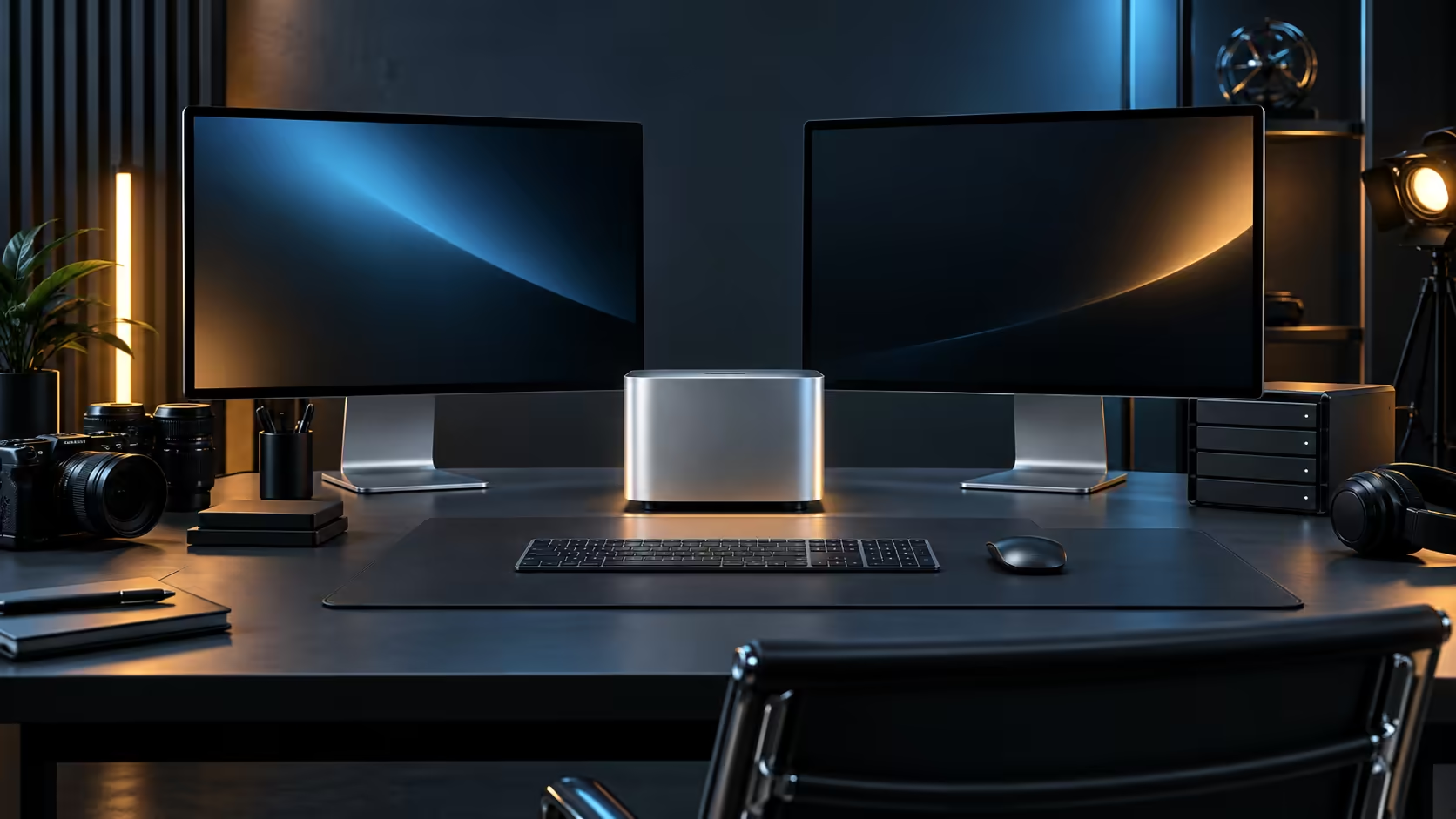
The M5 Pro chip is sold in more than one memory configuration, and the 24GB build Evetech carries is not automatically the outer ceiling of what this chip actually supports. Whether a higher tier is genuinely worth chasing down comes back to one plainly honest question: what does your single heaviest weekly task actually use, measured properly on a real machine rather than simply guessed at from marketing copy.
Quick Answer
24GB, at R33,599, comfortably suits one genuinely demanding project running at a time: a long 4K timeline, a moderate local AI model, or a busy day of ordinary multitasking with several applications open together. A higher memory configuration only pays for itself once you are regularly running two or more of those heavy jobs together, or working with AI models large enough to need well beyond 24GB on their own, rather than hitting that ceiling only once in a rare, unusual week.
🧮 What 24GB actually covers day to day
Photo editing, 1080p and moderate 4K video, everyday multitasking with a dozen browser tabs, and quantised local AI models in the 10GB to 15GB range all run comfortably inside 24GB with room left for macOS. This is the configuration most single-project creative work and general professional use never strains.
📈 Where the ceiling starts to show
Two heavy tasks running together is the real test, not one task alone. A colour-graded 4K timeline open at the same time as a large local AI model, or several demanding creative applications left running rather than closed between tasks, is where 24GB starts to feel tight. If that description matches your actual weekly habit rather than an occasional edge case, a higher memory tier addresses a real, recurring bottleneck rather than a hypothetical one.
💰 Whether the extra spend is worth it
Memory above 24GB is priced at a premium, and the honest test is whether your current machine, if you have one, ever actually runs out of memory during real work, not whether a spec sheet number looks more impressive. Watching memory pressure in Activity Monitor during your heaviest normal session for a week gives a far more reliable answer than guessing from a benchmark chart. For a comparison of how memory tiers are priced generally, the memory range on a conventional PC is a useful reference point, since that architecture prices memory upgrades separately from the processor itself.
🧾 What a higher tier actually costs versus what it saves
A higher memory configuration typically adds several thousand rand over the base 24GB price, and the honest comparison is against the TIME that extra memory saves, not against a vague sense of future-proofing. If a recurring task currently forces you to close applications, restart between heavy sessions, or wait on swapping to disk, that lost time has a real cost per week that is worth weighing against the upfront premium.
🧑💻 Who actually needs to make this decision carefully
A student or a general professional buying one machine for years of varied use benefits most from erring toward the higher tier, since the cost difference is a one-time decision. A studio buying 4 or 5 seats for staff with clearly different workloads benefits more from matching each tier to each person's actual job, since paying the premium across every seat when only one role needs it wastes the difference several times over.
It comes up often enough that erring slightly toward more memory, when the budget genuinely allows it, is a reasonable default for anyone planning to keep the machine for several years.
🧭 Deciding without guessing
If you cannot describe a specific, recurring task that needs more than 24GB, the base configuration is almost certainly the right buy, and the money is better spent on storage, a monitor or peripherals instead. If you can name that task precisely, it is worth checking with Evetech whether a higher-memory M5 Pro configuration is available before ordering.
A memory tier decision sits easier once the Mac Mini page has been checked for every option Apple sells, with mini PC on hand for whatever sits outside that lineup.
Frequently Asked Questions
Can I upgrade the memory on this machine after buying it?
No. Unified memory is fixed at the point of purchase and cannot be added to later on any Mac Mini configuration.
Is 24GB enough for most professional creative work?
For one demanding project running at a time, yes. It is running several heavy tasks together, not the size of a single project, that most often forces an upgrade.
Does more memory make the machine faster overall?
Not directly. More memory prevents slowdowns caused by running out of room; it does not speed up tasks that already fit comfortably within a smaller pool.
Is it safer to just buy the highest memory tier available regardless of cost?
Only if the budget genuinely allows it without compromise elsewhere; otherwise matching the tier to a real, described task is a more defensible decision than buying the maximum out of general caution.
How do I know if I am actually hitting the 24GB ceiling?
Watch for the machine slowing noticeably, applications becoming unresponsive, or macOS prompting about memory pressure during your heaviest sessions; these are the practical signs, not a specific error message.
Does a higher memory tier come with a different chip as well?
Sometimes a higher memory tier is paired with a chip variant carrying more cores too, so confirm the exact core count rather than assuming only the memory figure changes.
Can memory pressure cause a crash rather than just slower performance?
It can in extreme cases, though macOS is generally good at closing or restricting background processes before a full crash, so a noticeable slowdown is the far more common warning sign.
Is there a way to simulate heavier memory use before buying to test my assumptions?
Borrowing a similar machine for a day, or running your real workflow on a friend's or colleague's Mac, is the most reliable way to test assumptions before committing to a specific memory tier.
Does a higher memory tier extend the useful life of the machine?
Generally yes, since software and file sizes tend to grow over the years a machine stays in use, so more headroom at purchase delays the point where memory becomes the limiting factor.
Ready to work out if 24GB is enough for how you actually work?
Watch your real memory use for a week before paying for a higher tier you may not need.