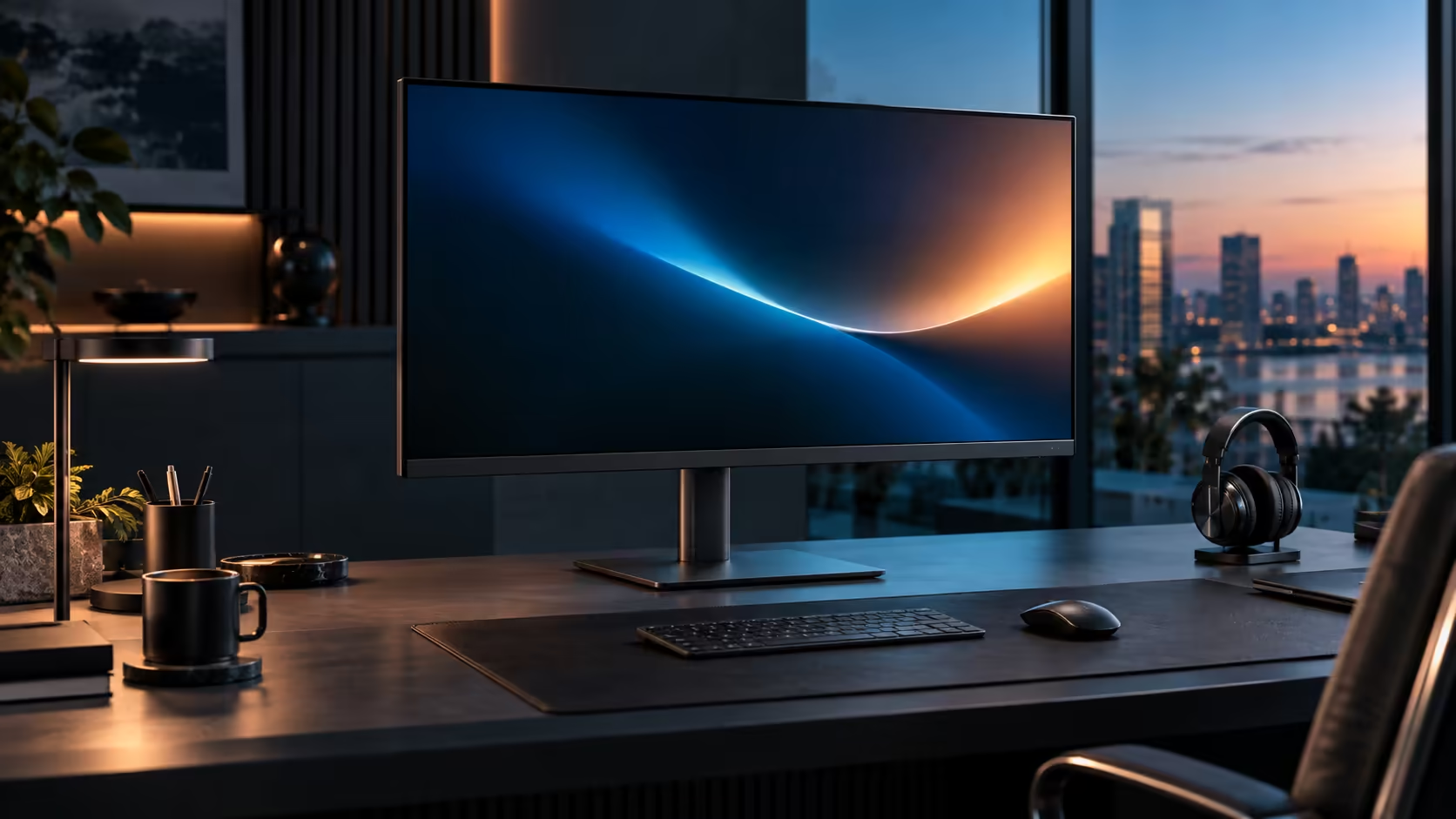
Both panels show the exact same 2,560 by 1,440 pixels, and yet a 31.5-inch and a 27-inch QHD screen feel like genuinely different tools on a desk once you actually sit in front of each one. The gap comes down to pixel density and viewing distance, not sharpness, and Dell's 31.5-inch Pro 32 Plus P3225DE at R8,799 sits on the larger side of that comparison.
Quick Answer
Both hold 2560 x 1440 pixels, so the larger panel spreads them wider at about 93 per inch. A 27-inch works out near 109, which is why text lands bigger on the 31.5-inch while you sit further back and turn your head more. Dell's P3225DE asks R8,799.
🔢 Same resolution, different pixel density
This is the whole comparison in one fact, and it is worth sitting with before looking at anything else.
Pixel density, measured in pixels per inch, is resolution divided by physical screen size. At 27 inches, 2560 x 1440 works out to roughly 109 pixels per inch. At 31.5 inches, the identical pixel count spreads across more physical glass, dropping density to around 93 pixels per inch. Neither figure is objectively "sharper" in the sense of showing more detail, since both display exactly the same number of pixels; the difference is how large each individual pixel physically is, which changes how large text and interface elements appear at a given viewing distance.
👁️ Why bigger text is not automatically better
Larger text sounds like a straightforward win, but it comes with a genuine trade-off worth weighing honestly.
The 31.5-inch panel's lower pixel density means text and UI elements render physically larger at 100% Windows scaling, which some people find more comfortable to read without leaning in, particularly if eyesight is a factor. The 27-inch panel's higher density means smaller, sharper detail in the same screen space, which suits anyone who prioritises seeing more fine detail over larger, more relaxed-looking text.
📏 Viewing distance and head movement change with size
Screen size interacts with your neck and eyes in ways a spec sheet does not show directly.
A 27-inch QHD panel sits comfortably at around 60 to 70cm, within easy reach of the eyes scanning corner to corner without much head movement. A 31.5-inch panel wants 70 to 90cm to keep the whole screen within a comfortable field of view, and even at that distance the extra physical width means slightly more head turning to read text at the far edges compared with the smaller screen. Neither is wrong, but the larger screen asks a little more of your neck across a full working day unless the desk depth genuinely supports the greater distance.
🖥️ Multitasking space is identical between the two
This is the detail that surprises people who assume a bigger screen automatically means more room for windows.
Since both show the same 2560 x 1440 pixels, snapping two windows side by side gives each window the same pixel width on either screen, roughly 1280 pixels. The 31.5-inch version simply displays that same layout larger, not with more content visible. Anyone buying the bigger screen specifically expecting more multitasking space at this same resolution should know that space is identical; the actual gain is a bigger, more relaxed-looking picture of the same content.
🪑 Which one actually suits your desk
Bringing the comparison down to a single practical decision point helps once the numbers alone feel evenly balanced.
Choose 27 inches if your desk is on the shallower side or if you prefer denser, sharper detail over larger text. Choose 31.5 inches if your desk comfortably fits the greater viewing distance and you find larger text more comfortable to read for extended periods. Compare both directly in the office monitor range, check the wider monitor category for other sizes, and browse the monitor deals page for current pricing across the range.
Frequently Asked Questions
Which is sharper, a 27-inch or a 31.5-inch QHD monitor?
Neither is sharper in terms of detail shown, since both display the same 2560 x 1440 pixels. The 27-inch panel has higher pixel density, meaning smaller, more tightly packed pixels.
Does the 31.5-inch panel show more of a spreadsheet than the 27-inch one?
No, at the same resolution both show identical amounts of content; the larger screen simply displays that same content at a bigger physical size.
Which size needs less desk depth?
The 27-inch panel, which sits comfortably at 60 to 70cm, compared with 70 to 90cm for the 31.5-inch screen.
Is a lower pixel density ever an advantage?
Yes, for anyone who finds smaller text at higher density harder to read comfortably; the larger, lower-density panel renders the same content bigger without needing to increase Windows scaling.
Does eye strain differ meaningfully between the two sizes?
For most people, the bigger factor is whether viewing distance and height are set correctly for whichever size you choose, rather than the size itself; either panel can be comfortable or uncomfortable depending on how well the desk is set up around it.
🧮 A practical way to decide using your current desk
Rather than choosing on pixel density alone, testing against your actual desk gives a more reliable answer.
Measure the depth of your desk from front edge to wall, and compare it against 60 to 70cm for the 27-inch panel or 70 to 90cm for the 31.5-inch one. If your desk comfortably allows the greater distance, the bigger screen becomes a genuine option rather than a compromise; if it does not, the 27-inch panel avoids sitting too close to a screen that wants more room than the desk provides. This single measurement resolves the decision for many buyers faster than weighing pixel density and text size preferences in the abstract, and it is worth doing before comparing prices, since the wrong size at the right price is still the wrong monitor for that particular desk. Bring a tape measure rather than estimating by eye, since the difference between the two ideal distances is only about 20 to 30cm and easy to misjudge without actually measuring, and that small margin is exactly where a comfortable desk and a cramped one part ways.
Ready to choose the right QHD size for your desk?
Compare your available desk depth against each size's ideal viewing distance before deciding.