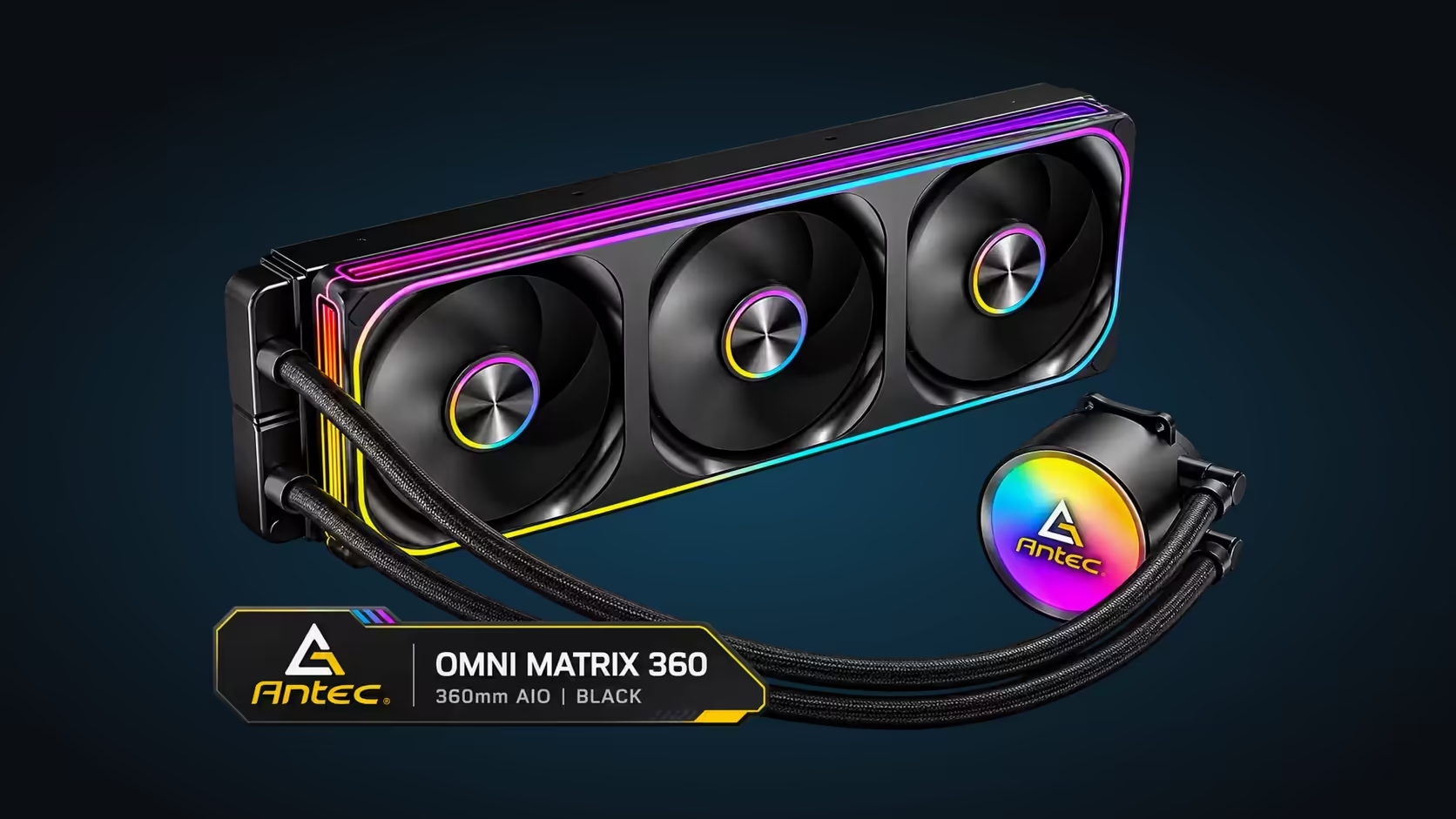
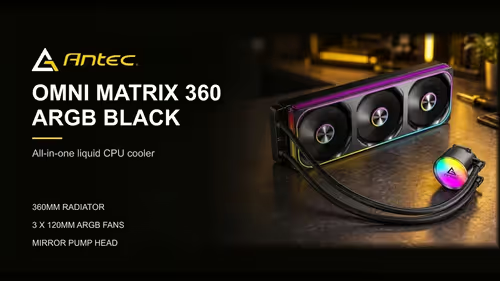
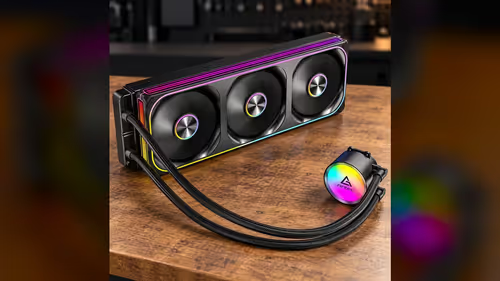
A 360mm AIO carries CPU heat to a radiator that is sized to take three 120mm fans side by side. The layout is not an accident. Each fan covers one third of the radiator's face, and together they push air through every section of the fins. That is why a 360mm loop is built the way it is, and why the fan count and the radiator length always come as a pair. Here is how the three-fan layout works, what it means for case fit and why a small apartment in Cape Town needs to plan for the heat the radiator gives off.
Quick Answer
A 360mm AIO carries heat from the CPU to a radiator sized for three 120mm fans. The Antec Omni Matrix 360 follows that layout at R999, with three fans covering the full radiator face. In a small apartment in Cape Town, where a South African summer runs warm, the heat the radiator gives off is worth planning for before the cooler goes in.
🌬️ Why three fans and not two
A 120mm fan is about 120mm across, and three of them side by side cover roughly 360mm of radiator length. That is the logic behind the name. Each fan pushes air through one third of the fins, so the airflow is spread across the whole radiator rather than concentrated in one section.
Two fans would leave a gap in the coverage, and the air would pass through only part of the fins. A 240mm radiator is built for two fans, and its airflow covers two thirds of the length of a 360mm one. Adding the third fan is what gives the 360mm radiator its extra cooling headroom.
The fans also need room to breathe. Each one draws air across its section of the fins, and a fan that is blocked by the case front or a cable will flow less air. Keep the fan faces clear, and check that the cables do not sit in front of the blades.
📏 Radiator thickness and fan thickness
A radiator of this size is typically about 27mm thick, and each 120mm fan about 25mm. Those two numbers set the depth the cooler takes up in the case. A thicker radiator holds more fins and more surface area, but it takes more depth from the case wall.
Fan thickness matters for the same reason. A thick fan can clash with the tallest memory module or the case panel, so check the depth before you mount the radiator. A slim fan on the same radiator gives the same airflow in a smaller depth, which is useful in a tight case.
Plan the depth against the panel. Take the distance from the wall of the case to the panel at the front or top and deduct the radiator and fan thickness; what is left is the room for tubing and cables.
A fan that sits in front of a blocked grille moves far less air than its rating suggests, so keep the intake clear of furniture and cushions. Look at the front of the case during a warm afternoon and check that nothing is pressed against the mesh. A clear intake is the cheapest cooling upgrade in a small apartment.
☀️ A small Cape Town apartment in summer
In a small apartment in Cape Town, the case often sits in a living space where the summer afternoons run warm. The radiator gives off the heat it carries, and that heat goes into the room air. A small room with no aircon gets warmer faster than a large one, so the radiator's exhaust matters more. On a 30C afternoon, keep the intake clear so the fans can pull in the coolest air available.
Plan the airflow in the room. Keep the radiator side clear of walls and furniture, so the warm air can leave the case. Open a window on the side away from the PC during the warm hours, and close the blinds on any sun-facing window.
The three fans also draw cooler air in through the case front. A case with a clear mesh front lets the fans draw that air, while a solid front forces them to pull through a closed panel. Choose the case with the airflow in mind, especially in a warm room.
A cheap room thermometer on the desk, placed beside the case at the same height as the intake, gives you the room figure for the same hours as your CPU readings. Note both numbers together for a week. The gap between them is what the cooler adds, and it tells you more than either figure alone.
Fan direction matters too. Set the front fans to draw air in and the rear or top fan to push warm air out, so the radiator exhaust leaves the case rather than circling back to the intake. Check the direction arrows on each fan frame before you mount the radiator, because a fan fitted backwards reverses the airflow you planned.
🧭 Matching the fan layout to the case
Start with the radiator slot. The slot must run the full length of a 360mm radiator, and the three fans need the same length. Measure the slot before you decide that the layout fits.
Next, check the fan headers. Three fans on one PWM cable need one header on the board, and the pump needs its own. Count both before you buy the cooler.
Browse 360mm options in the liquid CPU coolers range and the rest in the CPU coolers category. For a small case, the CPU cooler range groups the options by type.
Frequently Asked Questions
Why does a 360mm radiator use three fans?
Three 120mm fans side by side cover the full length of the radiator, so the airflow reaches every section of the fins. Two fans would leave part of the radiator under-served.
How thick is a 360mm radiator with its fans?
With a radiator near 27mm and a fan near 25mm, one layer of fans brings the depth to roughly 52mm.
Does a warm room affect the cooler?
Yes. The radiator passes its heat into the room air, so a warm room raises the baseline for every reading. Keep the radiator side clear and vent the room where you can.
Should I choose a mesh or glass case for airflow?
A mesh front lets the fans draw air through the case more easily. A glass panel can be fine when the front has vents, but a solid front restricts the airflow.
Planning a 360mm loop in a warm room?
Browse our CPU coolers and check the radiator slot and the room's airflow before you choose a size.