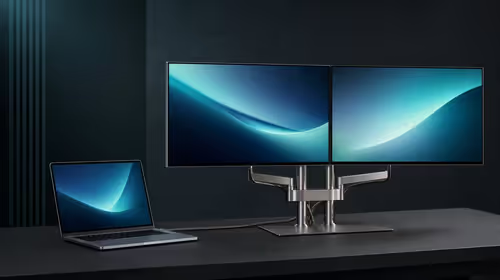
Brightness, dynamic-range support and bit depth are related parts of image reproduction, but none certifies the others. This 500-nit HDR and 10-bit colour portable OLED guide separates light output, content mapping, tonal steps and measured accuracy around the R7,199 UPERFECT UColor O2.
Quick Answer
The 500-nit 10-bit OLED combines HDR highlights, pure blacks, 100,000:1 contrast and 100% DCI-P3 for a wide, finely graduated portable image.
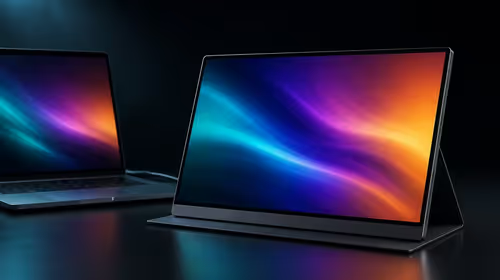
On the 16-inch 2880x1800 OLED panel, a 500-nit HDR specification sits alongside 10-bit colour. The UColor O2 costs R7,199. Use actual HDR content, keep a readable SDR profile and test the intended room. Do not infer a named HDR standard, wide gamut, calibration accuracy or universal bright-room clarity from those three specifications.
🧭 Define what 500 nits can answer
Nits describe luminance, giving a brightness reference for the panel. The number does not state how reflections, screen angle, window light or content affect readability. Place the monitor where it will work and use the same image while changing one environmental factor at a time.
Inspect both shadow texture and bright detail. If the user increases brightness until dark areas vanish or highlights clip, the higher level has not improved the complete image.
Compare placement before maximum output
Move the panel away from direct reflections or change its angle, then repeat the test. A travel screen may encounter more varied lighting than a fixed desk display. Avoid deliberately unsafe heat, moisture or outdoor exposure.
Browse Evetech's portable-monitor selection using the same room-light test rather than comparing luminance labels alone.
🧭 Build HDR from a known SDR state
Start with HDR disabled. Set 2880x1800 resolution, readable scaling and ordinary brightness using a familiar reference. Save that profile. Enable operating-system HDR next, then add the application-specific mode only if the content supports it.
Use material created for HDR and observe dark separation, bright texture and neutral tones. An SDR document inside an HDR desktop may be mapped differently and should not carry the whole judgement.
Keep the connection constant
The UColor O2's single-lead route can supply the panel while carrying image and sound data. Use the same host port and tested cable throughout image tuning. A changed link or device route can introduce a display-mode difference that looks like an HDR problem.
Add 120Hz only after the HDR state is repeatable. This keeps refresh and tone mapping from changing together.
🧭 Understand what 10-bit colour does not prove
Bit depth concerns the number of tonal levels available in the pipeline. It does not state gamut coverage, white point, calibration or colour error. Source material, software processing and connection settings also participate.
Use a trusted gradient and detailed reference image. Check for banding, then measure the screen against the project's delivery standard if colour decisions are contractual.
Name the final reference display
If the portable OLED and a studio monitor differ, identify which one approves the final file. Do not edit the project to compensate for an unmeasured screen discrepancy. Record profile and application mode with the accepted result.
Compare fixed creator displays through Evetech's PC-monitor range when a permanent measured reference is required.
🧭 Create environment-specific profiles
Save separate SDR and HDR configurations with resolution, scaling, refresh, brightness and application state. Test each after sleep and reconnection. A profile should return the expected image without a new round of random slider changes.
For travel, repeat the viewing check in the destination room and protect the 6.5mm panel during transport. Thickness does not determine mass or durability.
Review after software updates
Operating-system and application updates can change HDR mapping or colour behaviour. Reopen the same reference material and compare it with the saved observation before altering the creative file. Versioned notes make a real change visible.
Design a blind image comparison
Use the same reference material on two exact displays and hide the technology labels from the reviewer. Match room, viewing distance and application mode. Ask for notes on shadow visibility, highlight texture, gradients and neutral pages before revealing which panel is the UColor O2.
The exercise does not replace measurement. It reduces expectation bias and shows which visible differences matter after the 500-nit, HDR and 10-bit labels are removed from the conversation.
Record correction cost
If an HDR profile needs manual adjustment whenever the host reconnects, count the time and risk of choosing the wrong state. Save a direct SDR recovery route and measure how quickly another user can restore it. Image quality has less practical value when the configuration is fragile.
Include application updates and room changes in the log. A correct profile should be repeatable, not dependent on one person's memory of several sliders.
Separate viewing from publishing authority
The portable OLED may be excellent for review, presentation or additional workspace without serving as the final colour reference. Name the display that approves deliverables and the measurement required before authority can change. Keep that decision with the project notes.
This separation lets the UColor O2 add mobility while protecting creative output. It also avoids turning an unmeasured visual preference into a permanent file correction.
Create a room-by-room evidence table
Use the same dark, bright and neutral references in the main office, travel workspace and any presentation room that matters. Record panel angle, major reflections, SDR or HDR state and whether essential detail remains visible. Do not generalise from one sunny desk to every bright environment.
The table can show that a placement change solves one room while another needs a different monitor. That is a practical outcome, not a contradiction in the 500-nit specification.
Audit the source file before blaming colour
Check whether the reference contains the expected bit depth and dynamic-range information. Open it in another trusted application and display. Compression, conversion or an incorrect software mode can produce banding or washed-out colour before the signal reaches the OLED panel.
Preserve an untouched copy for comparison. Troubleshooting should not modify the source until the display and processing path have been isolated.
Decide how much calibration work is acceptable
Record the time and tools needed to reach the required creative state, then repeat after reconnection. A profile that depends on frequent expert repair may be unsuitable for a shared mobile team even if the measured result is excellent.
Set the acceptance rule before buying. The R7,199 screen should clear the workflow with a repeatable process, not only under one carefully maintained studio session.
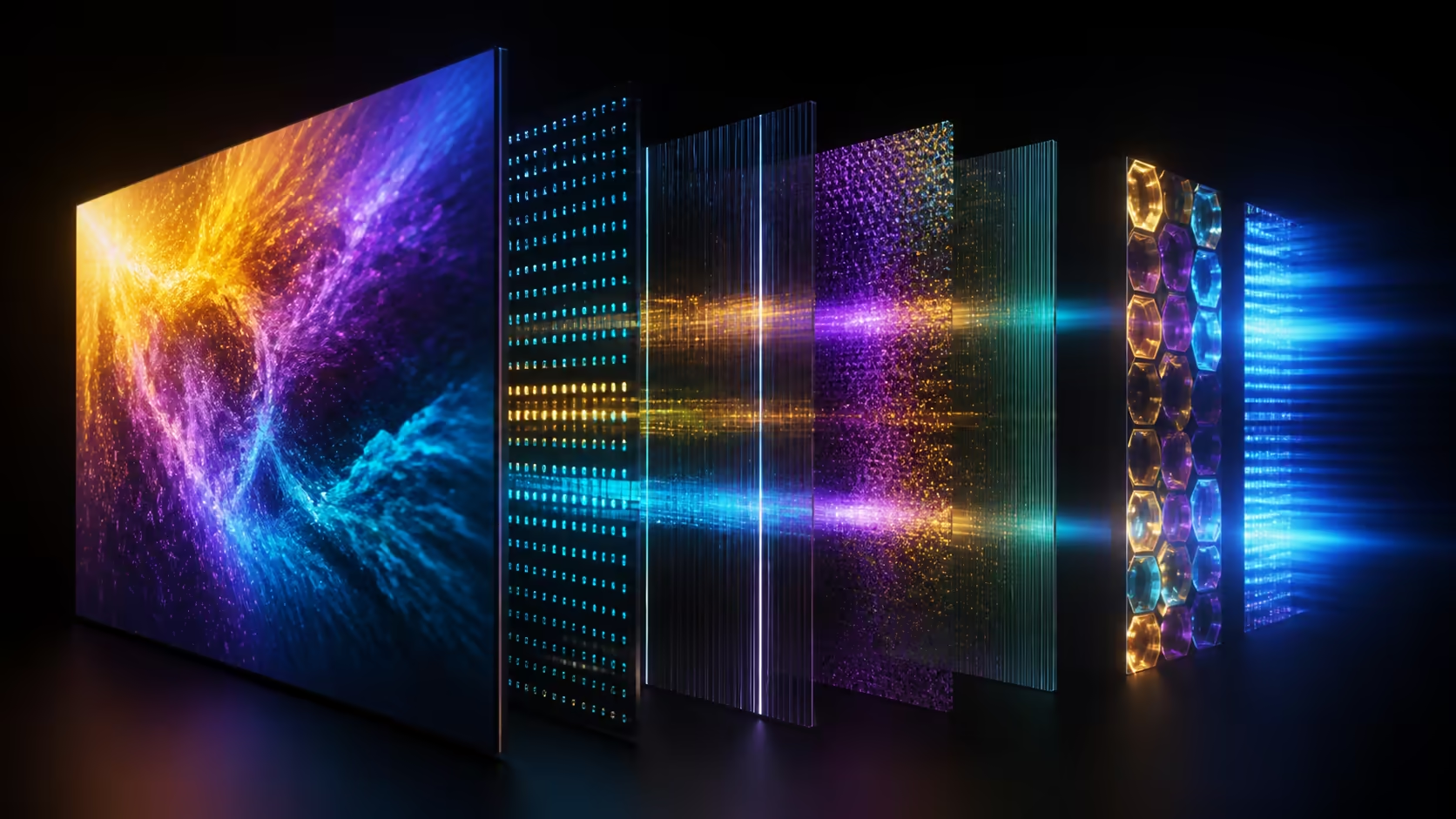
Ten-bit colour allows more tonal steps than an eight-bit path, reducing visible banding when the source and software preserve that depth. Brightness affects highlights and room visibility; OLED black level shapes the dark end; gamut defines the colour range. Use a certified HDR sample and neutral SDR reference, then adjust brightness to the environment rather than judging the complete display through peak nits alone.
Frequently Asked Questions
Does 500 nits guarantee a specific HDR tier?
No. Luminance alone does not identify a named HDR standard or its other requirements.
Is 10-bit colour the same as wide gamut?
No. Bit depth and gamut coverage are different properties, and both are separate from calibration.
Why save an SDR profile?
It provides a readable desktop baseline and a recovery state when HDR content or software behaves unexpectedly.
Can room reflections defeat a bright panel?
They can reduce perceived clarity. Test the actual angle and environment instead of relying on the luminance figure alone.
Should creative files be corrected to match this screen?
Only after the display has been measured and selected as the workflow's valid reference.
Ready to test HDR, brightness and bit depth independently?
Compare Evetech OLED and creator displays with one reference file, room and delivery standard held constant.