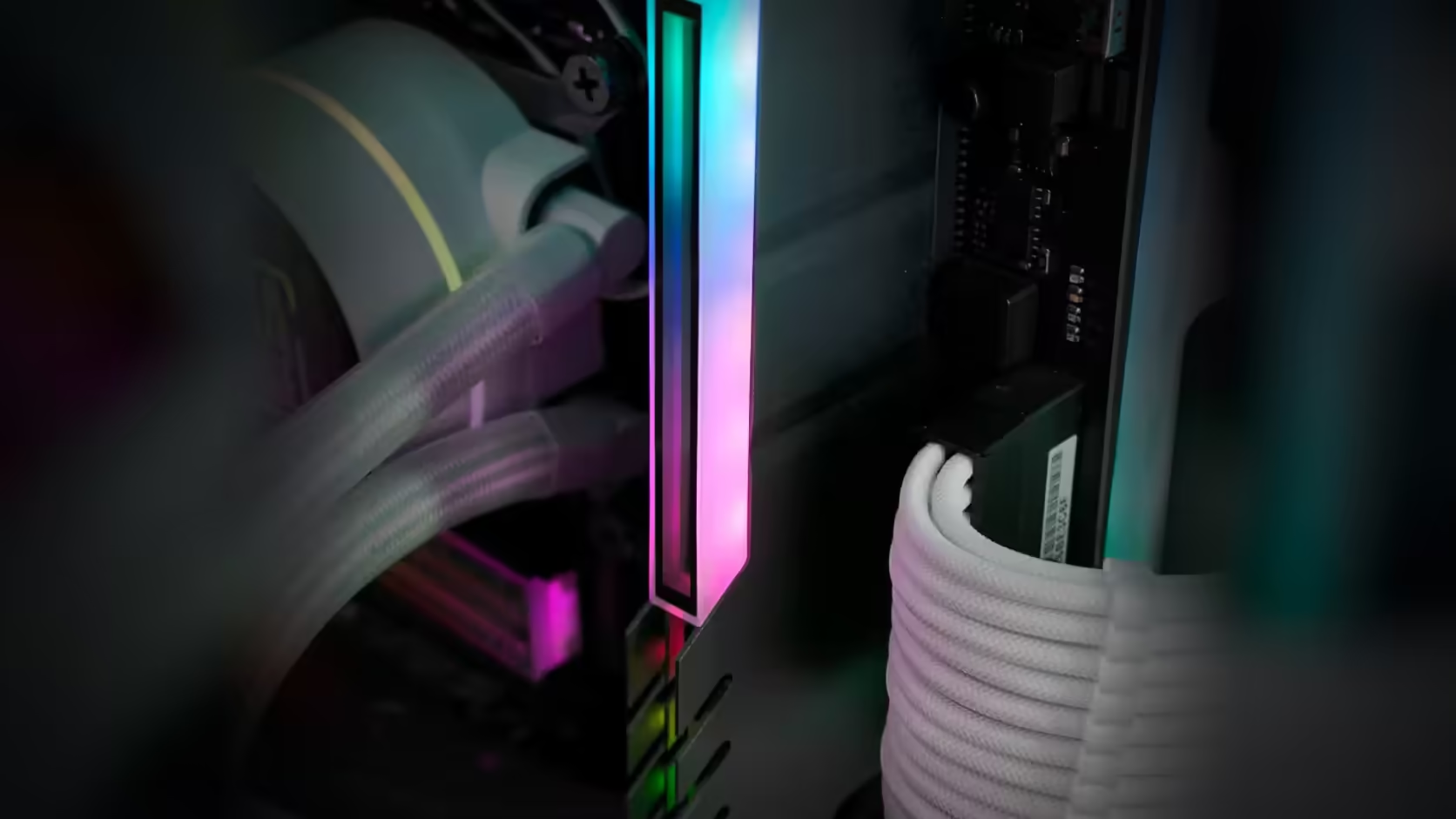
Memory bought over time rarely arrives matching. A stick added last year to boost capacity, another bought years earlier with the original build, and suddenly four slots show three different heatspreader designs behind the glass. A RAM cover offers one answer to that; leaving it as is offers another, and the choice is worth thinking through properly rather than reaching for the cheaper option out of habit.
Quick Answer
Covering every populated memory slot with an AsiaHorse RAM Cover ARGB Heatsink gives one continuous, lit finish across the memory area, at R249 including VAT per module. Leaving the sticks bare shows whatever heatspreaders they happen to have, which on genuinely mixed memory can read as accidental rather than intentional - whether that matters comes down to how visible the memory area is in your case and how much the mismatch actually bothers you day to day.
🎨 What a unified finish actually buys
Bringing mismatched RAM under one lit finish is how the listing describes the cover's job, and that is a reasonable description of the effect: instead of three different heatspreader shapes competing for attention, the memory area becomes one continuous band, topped by the infinity-mirror ARGB panel. For a build with a large glass side panel and memory in clear view, that consistency does real visual work.
👀 How visible memory actually is
In most modern case layouts, memory sits high on the motherboard, directly in the sightline of a side window rather than tucked away behind a shroud like a power supply. That visibility is exactly why mismatched sticks get noticed in the first place, and it is also why covering them has a proportionally larger effect than dressing up something more hidden.
➗ Partial coverage rarely helps
It might seem reasonable to cover only the most obviously mismatched stick and leave the rest bare, but in practice a single covered module beside bare ones tends to draw more attention to the difference than leaving everything uncovered would. If the goal is a unified look, committing to the full populated row is what actually delivers it - a half measure here undercuts its own purpose.
💵 Weighing the full cost
At R249 per cover, dressing a fully populated four-slot board runs to roughly R1,000, which sits in a meaningfully different bracket to a single accessory purchase. Against buying matched replacement memory outright - particularly where the existing modules are old enough that an upgrade was reasonable anyway - the sums can tip either way, and it is worth running them before deciding. New DDR5 or DDR4 modules bought as a matched set solve the mismatch at the source, while covers solve it from the outside.
🕐 Doing it in stages rather than all at once
None of this has to happen in a single purchase. Buying one cover, fitting it to the most visibly mismatched stick, and living with the result for a week or two before deciding on the rest is a reasonable way to test the effect without committing the full spend upfront. It also surfaces any fit issues - a cooler overhang, a tight latch, a lighting lead in an awkward spot - while only one module is affected, rather than discovering a problem after four covers have already been fitted. The cost of testing this way is trivial against the cost of getting a full-row decision wrong.
🔧 What fitting actually involves
Fitting a cover is a mechanical clip-on process rather than anything that touches the memory electrically, so it does not require removing the module from its slot in most cases - the cover clips over the installed stick directly. Where the lighting lead is being connected as well, that is a separate, equally quick step: locating a free 5V 3-pin addressable header on the board and running the lead to it, tidied along the top of the row rather than draped across the release clips at either end of a slot. A single cover takes a few minutes; a full four-slot row, done carefully with attention to lead routing, is closer to fifteen or twenty.
📋 What to record before you start
Before any cover goes anywhere near a module, photograph the label on each stick - part number, capacity, speed, and timings - since that information becomes hard to reach again once the cover is in place. This matters more with mismatched memory than with a clean, single-purchased kit, because it is precisely the differences between sticks that made the covering decision necessary in the first place, and those are the details worth having on record if anything ever needs diagnosing later.
🏷️ One thing covering costs you
Fitting a cover puts each module's printed label out of reach, which means the part number, capacity and speed printed on it stop being visible without lifting the cover again. That is a small but real cost against a fully bare row where every label stays readable, and it is worth weighing alongside the purely visual argument for covering.
Frequently Asked Questions
When does bare memory look wrong?
When modules from different sets sit side by side, since differing heights and colours read as accidental rather than chosen.
What does covering achieve?
One continuous finish across the slots, which the description gives as the reason for the product.
Is partial covering an option?
It is, though a covered module beside a bare one draws more attention to the difference than leaving both bare.
How visible is memory in a typical build?
Quite, since it sits high on the board in clear view of a side window in most layouts.
What does a full set cost?
R249 per cover, so a four-slot build dressed fully is a meaningful spend against replacing the memory itself.
Would matching modules be cheaper?
Sometimes, particularly where the existing memory is old and an upgrade was due anyway.
Does covering hide module labels?
It does, which is why recording the part numbers before fitting is worth doing.
Is there a middle path between covering everything and nothing?
Yes - covering only the slot or slots that are visibly worst offenders is a legitimate compromise, provided you accept it will not deliver the fully unified look a complete row achieves.
Does the cover need to match the case theme?
Its black aluminium body is a neutral base for most builds, and since the ARGB panel is addressable rather than fixed to one colour, the lit effect itself can be tuned through board software to suit whatever scheme the rest of the case already runs.
Trying to decide between covers and a matched memory set?
Compare Evetech's DDR4 and DDR5 ranges before you settle on the covering route or a fresh set of modules.