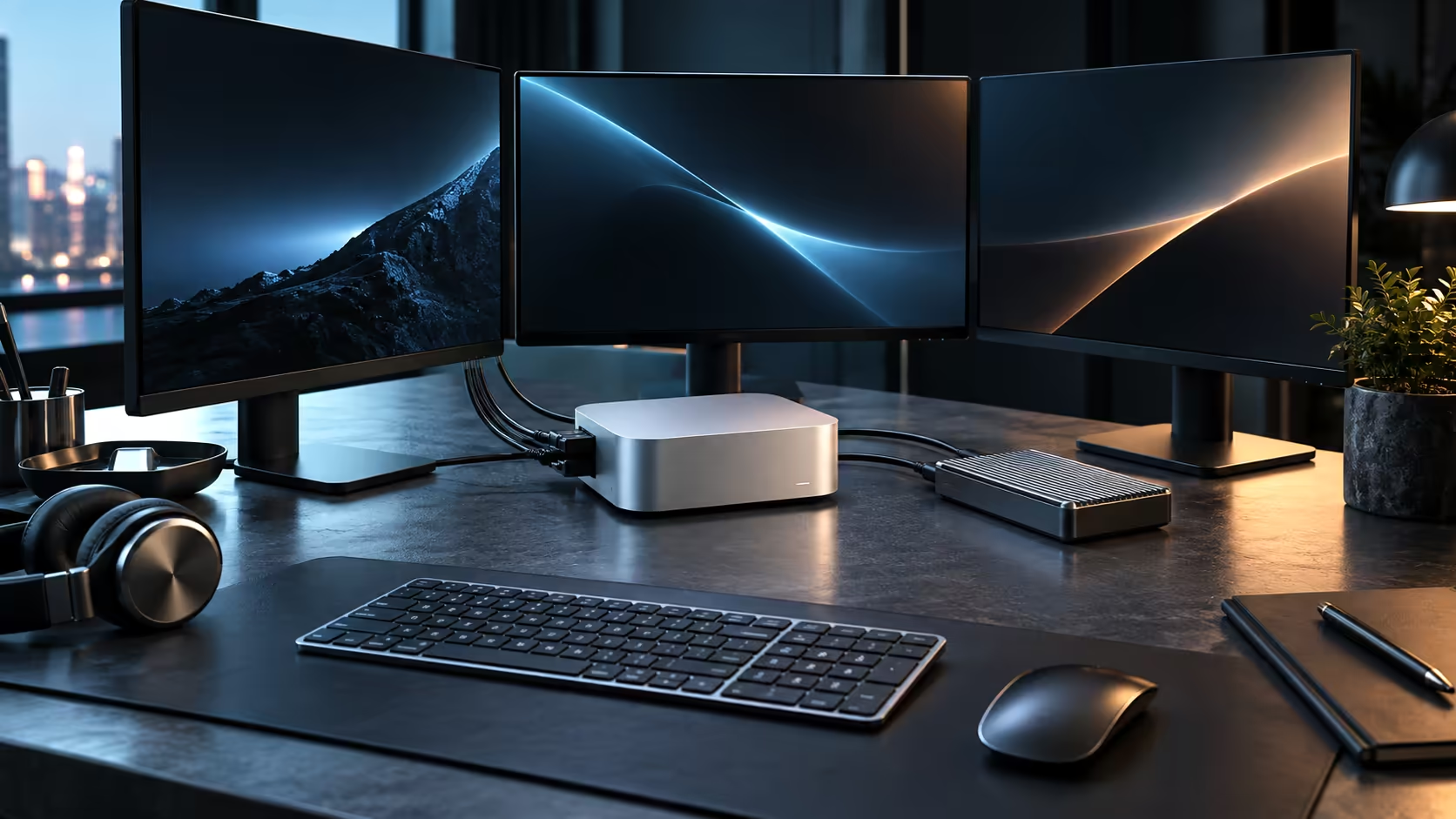
For a South African freelancer or small studio running one busy project at a time, 24GB of unified memory and a 512GB drive on the Mac Mini M5 Pro hold up genuinely well, without needing a single compromise on the way the work actually gets done. Push toward several demanding jobs running together at once, though, and the honest answer very quickly gets a good deal more specific than a flat, simple yes, since the shared memory pool has no separate reserve set aside for a second heavy task to quietly draw on whenever it needs to.
Quick Answer
For one project at a time, comfortably. The memory pool is fixed at 24GB for the life of the machine, while the 512GB SSD is the part you extend with an external drive as footage and project files accumulate. At R33,599 through Evetech, the warranty stays local rather than routed through an overseas return.
🎬 A single client project, start to finish
A photographer editing a full day's shoot, a video editor cutting a client's 4K footage, or a designer working a detailed layout all fit comfortably inside 24GB when only one heavy application is genuinely active, and photographers in particular tend to reach that ceiling far later than video editors do, since even a sizeable photo library rarely approaches what a multi-layer timeline consumes. The pool strains when a second demanding task joins in, such as a colour grade running alongside a large local AI tool used for transcription, because both draw from the identical memory rather than having separate reserves.
💾 512GB fills faster than the memory figure suggests
An hour of 4K footage can use over 100GB depending on the codec, so a 512GB internal drive holds only a handful of projects before it needs active management. The practical fix most South African creative professionals land on is keeping the internal drive for the operating system, applications and the current project, then archiving finished work to an external SSD over Thunderbolt as soon as delivery is signed off.
🌍 Where local reality changes the calculation
Delivering a finished master to a client usually means uploading it, and upload speed on most South African fibre packages is the slower half of the connection, often a small fraction of an advertised 200Mbps or 500Mbps download figure. A large export queued to run overnight avoids the upload becoming the bottleneck on delivery day, which matters more for a solo operator without a second machine to fall back on while the transfer runs.
🧮 A realistic test before committing to 24GB
Rather than guessing, run your actual heaviest week on any Mac you already own, or on a borrowed machine, and watch memory pressure in Activity Monitor rather than relying on a marketing claim about what "24GB" can supposedly handle. A colour grade held open for a full afternoon alongside email and a browser tells you far more about whether 24GB fits your habit than any spec sheet comparison, because two freelancers doing "video editing" can have completely different real memory demands depending on codec choices and how many layers they typically stack.
🗃️ Archiving discipline that actually gets followed
The plan to "archive later" often fails simply because there is no fixed point at which it happens. Tying the archive step to client sign-off, rather than to a vague sense that the 512GB drive is getting full, turns it into a habit rather than a chore that gets postponed until storage is already critically low. A dedicated external SSD kept permanently connected removes the friction of deciding where files go each time.
🧾 Buying locally changes the risk, not just the price
A local retailer's warranty means a fault mid-project ends with a courier at the door rather than a long-haul return and weeks spent with no working machine at all. For a freelancer with no backup desktop, that gap in downtime usually outweighs whatever you might have saved buying from overseas.
Every other memory tier Apple sells sits on the Mac Mini page itself, and a look at mini PC shows what else is on the market at a similar size.
Frequently Asked Questions
Is 24GB enough for professional photo editing?
Yes, for typical photo libraries and editing sessions, even large ones, 24GB is comfortable on its own.
Should I buy an external drive from day one?
For video work, yes. An hour of 4K footage fills a meaningful share of 512GB, so archiving to an external drive early keeps the internal SSD free for active projects.
Does slow upload speed actually matter for delivery?
Yes, for large finished masters it is often the real bottleneck, since most South African fibre packages offer far less upload than download bandwidth.
Is a local warranty worth paying slightly more for?
For anyone relying on the machine to earn an income, generally yes; a local repair path avoids weeks of downtime that an international return could cause.
How often should finished projects be moved off the internal drive?
As close to client sign-off as practical, ideally within the same week, rather than leaving it until macOS itself starts nagging about space.
Does the 512GB drive affect how fast the machine feels day to day?
Not directly for speed, since it is a fast internal SSD regardless of how full it gets, but a nearly full drive does slow down some background processes such as Time Machine backups.
Is a second, smaller Mac Mini a better backup plan than an external drive alone?
For a solo operator earning income from the machine, a second compact desktop as a spare is a reasonable insurance policy, though an external drive plus a local warranty already covers most realistic failure scenarios at a lower cost.
How do South African fibre packages typically compare on upload versus download?
Most consumer-grade fibre packages advertise download speed prominently while offering a fraction of that for upload, so it is worth checking the actual upload figure on your specific package rather than assuming symmetry between the two.
Does a business-grade fibre package solve the upload problem?
Often, yes; business packages more commonly offer symmetrical upload and download speeds, which is worth pricing against the actual time saved on every large delivery if client uploads happen on most working days of a busy month.
Ready to plan storage and memory around your actual client workload?
Compare the Mac Mini M5 Pro against an external drive setup before your next big project lands.