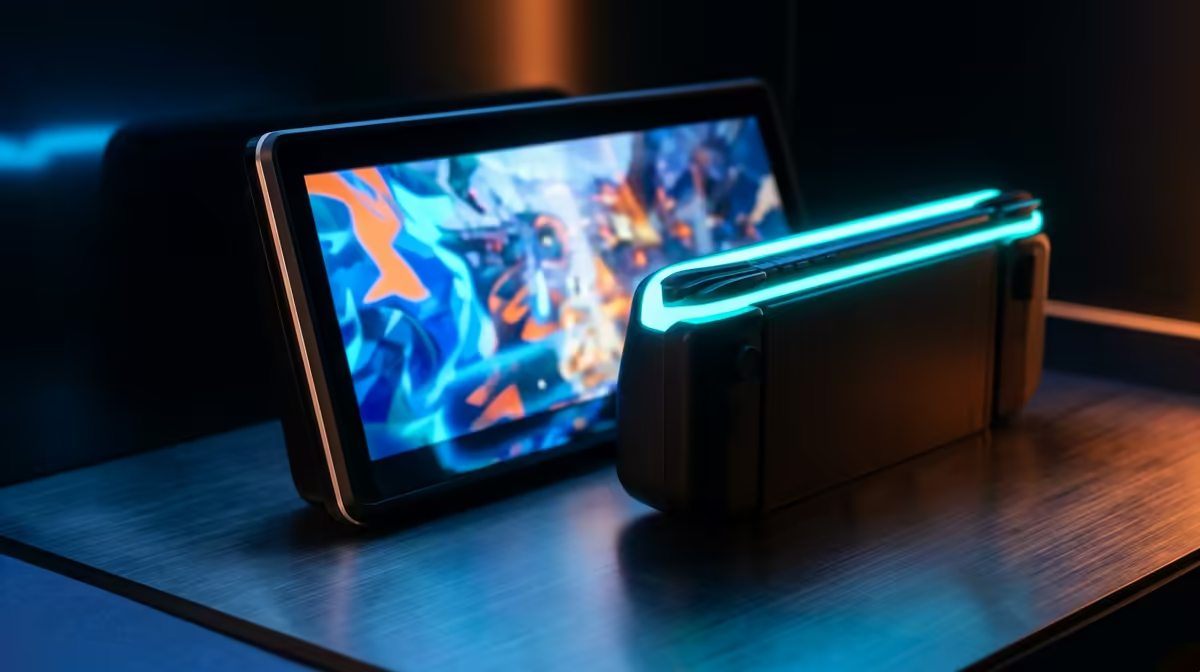
Your Steam Deck OLED or ROG Ally is a genuine handheld powerhouse, but a five-inch screen caps what you actually see in a tense match. A portable monitor unlocks the handheld's full output on a couch, a desk, or a hotel table, and the ideal match is a 144Hz-or-higher USB-C panel with Power Delivery passthrough so a single cable both drives the display and keeps the handheld charged.
Quick Answer
For a Steam Deck OLED or ROG Ally, pick a USB-C portable monitor at 144Hz or higher with PD passthrough on the same cable. That single connection runs the screen and charges the handheld at once, so you game longer at a higher refresh rate than the built-in display offers. Expect to spend in the region of R3,000 to R6,000 for a capable panel.
Why USB-C With PD Passthrough Is the Whole Point
The defining feature for handheld use is a USB-C connection that handles video output and bidirectional power on the same wire. Without PD passthrough, the monitor lights up but your handheld's battery quietly drains because the port that normally charges it is now occupied sending video. With PD passthrough, mains power feeds into the monitor via the second USB-C input, and the monitor in turn keeps the handheld topped up through that same one connection to the device.
This is the difference between a portable monitor you can game on for hours and one that taps out mid-session. It is the spec to confirm before anything else.
Refresh Rate, Panel, and Resolution
Aim for 144Hz or Higher
The Steam Deck OLED and ROG Ally both output high frame rates in lighter titles, and a 60Hz portable wastes that. A 120Hz or 144Hz panel lets fast shooters and platformers feel as smooth on the big screen as they do in your hands. Match the monitor's refresh ceiling to what your handheld can actually push so nothing is left on the table.
Resolution Versus Frame Rate
A 1080p portable is the practical sweet spot. It is sharp at the 15 to 16 inch sizes most portables come in, and it keeps the handheld's GPU from drowning the way a 4K panel would. Pushing a Steam Deck to 4K tanks the frame rate, so 1080p at a high refresh is the better handheld pairing. Save the higher resolutions for desktop GPUs.
IPS or OLED
IPS panels are the affordable, bright, colour-accurate default and pair well with a Steam Deck. OLED portables deliver deeper blacks and richer colour to match the Deck OLED's own screen, at a higher price. Either works; choose based on budget and whether you want the contrast to mirror the OLED handheld.
Size, Weight, and Build for Travel
A portable monitor only earns the name if it travels well. The 15 to 16 inch class is the standard sweet spot: big enough to be a real upgrade over a handheld screen, light enough to slide into a laptop bag. Look for a built-in kickstand or a magnetic smart cover so you are not propping it against a coffee cup. A VESA mount option is a bonus if you also want it on a desk arm. Weight under a kilogram keeps it genuinely grab-and-go.
The full local lineup, with sizes and refresh rates listed, sits in the portable monitors range at Evetech for direct comparison. To see how these panels stack up against full desktop screens, the monitor best sellers at Evetech show which screens SA buyers are choosing across both categories right now.
Matching the Monitor to Your Specific Handheld
Steam Deck OLED
The Steam Deck OLED outputs 1440p 120Hz or 4K 60Hz via a dock, and drives 1080p 90Hz directly over USB-C. It accepts up to 45W PD input, so a monitor with 45W or higher passthrough keeps the battery neutral during play. A 120Hz or 144Hz portable at 1080p is the ideal match: it keeps up with the Deck's output and the PD rating stays within what the charger can handle.
ROG Ally X
The ROG Ally X outputs 1440p 120Hz and 4K 60Hz via USB4, and needs up to 65W to stay fully charged under gaming load. That is a meaningful spec to check: a monitor with only 45W passthrough will slow-charge or drift negative under intensive titles. Confirm the PD passthrough wattage before buying if the Ally X is your main device.
Nintendo Switch 2
The Switch 2 outputs over USB-C with HDMI fallback. A 120Hz portable at 1080p is well suited to it and travels far lighter than hauling a TV. If the monitor supports both USB-C video in and mini-HDMI, it covers every Switch mode and every other console in the same bag.
Who Should Buy One, and Who Should Not
A portable monitor makes the most sense for handheld gamers who travel, share a TV at home, or want a second screen for a laptop on the side. Students in res or anyone working from a flat with limited desk space get a flexible display that packs away. If you mostly dock your handheld to a fixed TV and never move, a standard desktop monitor is cheaper per inch and the portability premium is wasted. The portable's value is in the cable-light, carry-anywhere convenience, so buy it for the mobility, not just the panel.
Frequently Asked Questions
Does a portable monitor charge my Steam Deck while I play?
Only if it has USB-C Power Delivery passthrough. You feed mains power into the monitor's second USB-C port, and it both displays the picture and charges the handheld over the single cable to the device. Without passthrough, the handheld's battery drains while connected.
What refresh rate should I get for a Steam Deck OLED?
Aim for 120Hz or 144Hz so the panel keeps up with the high frame rates the Deck OLED produces in lighter titles. A 60Hz portable caps that smoothness. Match the monitor to what your handheld can push.
Is 1080p enough, or should I get 4K?
1080p is the right choice for handheld gaming. It is sharp at 15 to 16 inch sizes and keeps the handheld GPU from collapsing under a 4K render load, which would tank the frame rate. Reserve 4K portables for desktop machines.
How big should a portable gaming monitor be?
The 15 to 16 inch class is the sweet spot, large enough to be a real upgrade over the handheld screen yet light enough to travel. Look for one under a kilogram with a built-in stand for couch and travel use.
Can I use the same portable monitor with my laptop?
Yes. A USB-C portable that works with a handheld also runs as a second screen for most modern laptops over a single cable, making it a flexible buy for travel and small desks alike.