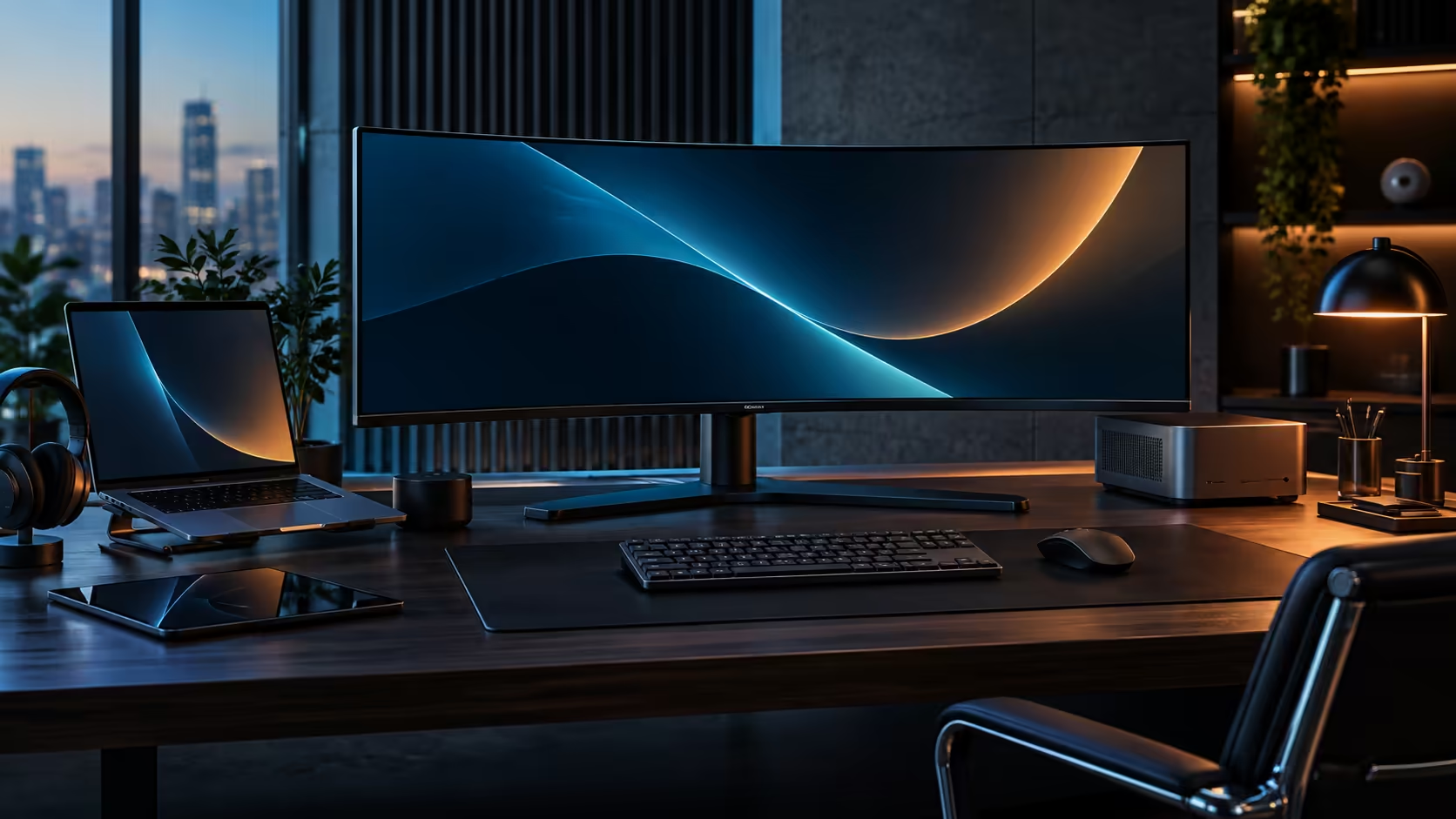
A curve on a monitor sounds like a gaming feature that snuck onto an office screen, but the reason it helps a spreadsheet is the same reason it helps a game: distance from your eye to the edge of the screen. A 1500R curved panel solves a genuinely geometric problem, not merely a cosmetic one, and it shows up clearly in exactly the kind of wide, dense work an ultrawide monitor is actually bought for.
Quick Answer
A curve helps most where content genuinely runs wide, letting you hold more spreadsheet columns or a longer timeline segment in view before the edges start to feel like a strain. On a flat screen this size, the far edges sit physically further from your eye than the centre does; a curve corrects that by keeping every point roughly the same distance away. The R7,999 CU34E4CW packs 3440 pixels across into a gentle 1500R bend built for exactly this kind of wide, dense content.
📐 The geometry problem a curve is actually solving
This is worth explaining properly, because "the curve looks nice" undersells what it is doing.
On a flat 34-inch panel, the two far edges are measurably further from your eyes than the centre of the screen is, simply because a flat surface that wide does not sit at a constant distance from a single viewing point. That extra distance at the edges is small in absolute terms, but it is enough to make text at the far corners slightly harder to focus on than text in the centre, especially at normal desk viewing distances. A curve bends the panel so that every point sits at close to the same distance from your eyes, removing that edge-versus-centre difference almost entirely.
This is exactly the same underlying physics that makes a wide-angle camera lens distort a straight line into a slight curve near the edge of the frame, just applied in reverse: the screen itself is bent to compensate for what would otherwise be an uneven distance across a flat surface this wide.
1500R specifically describes a curve radius of 1500mm, meaning the screen would form a circle of that radius if extended all the way around. Manufacturers pick that figure because it matches where a person naturally ends up sitting in front of a 34-inch panel, generally a chair's length back rather than pressed right up against the desk.
📊 Where this shows up in real spreadsheet and timeline work
The benefit is easiest to see in the specific tasks that put content right out to the edges of the screen.
A wide spreadsheet with dozens of columns visible at once puts real data in the far corners of the panel, and keeping that data at a comfortable, consistent focal distance reduces the small but real strain of repeatedly refocusing as your eyes move from the centre column to the edge ones. A video or audio timeline behaves the same way: a long edit session spent scanning left to right along a wide timeline benefits from the edges not sitting noticeably further away than the playhead in the middle.
Financial modelling and data analysis work shows the same pattern clearly, since a model with 40 or more linked columns spread across the full 3440 pixels of width often needs the far-right totals visible at the same time as the far-left input cells, precisely the layout that puts real working data at both extreme edges of the panel simultaneously. Anyone building or auditing that kind of spreadsheet for hours at a stretch notices the cumulative comfort difference well before the end of a working day.
🖥️ Where the curve matters less
Not every task on an ultrawide benefits equally, and it is worth being clear about where the effect is smaller.
Reading a single centred document or browsing a website that occupies only the middle portion of the screen gains almost nothing from the curve, since none of that content reaches the far edges where the flat-versus-curved difference actually applies. Multiple full-height windows arranged in equal thirds get the most benefit, since content genuinely occupies the far left and right thirds of the panel in that layout, where a single centred window does not.
A single video call window, similarly, sits centred and narrow for most of a meeting, meaning the curve contributes essentially nothing to that specific moment even on the same physical panel that benefits hugely from it during a wide spreadsheet session an hour later. The benefit genuinely depends on the layout in use at that moment, not on the monitor as a fixed, unchanging quality.
The practical takeaway is that a curve is a feature that rewards how wide your actual working content runs, not a universal upgrade that improves every use case by the same amount. For layouts that use the panel's full width regularly, it is a genuine, measurable comfort improvement rather than a cosmetic one. Compare the current curved monitor range against the general office monitor range, and check the best-selling monitors list to see which curve radii buyers are choosing most often.
Frequently Asked Questions
Does a curved monitor actually improve productivity or is it just comfort?
It is primarily a comfort and eye-strain benefit rather than a raw productivity feature, though reduced strain over a genuinely long day can indirectly support more comfortable, sustained extended focus.
Is 1500R too tight a curve for office work?
No. 1500R sits in the moderate range and works well at ordinary desk distances, closer to a metre than to two, and most people stop noticing the curve at all within a few minutes.
Does the curve distort straight lines in spreadsheets or documents?
No, not noticeably, at typical viewing distances. Any visual distortion from the curve is far smaller in practice than the benefit of consistent edge-to-eye distance it genuinely provides.
Do I need to sit centred for the curve to help?
Yes, largely, since the geometric benefit assumes a roughly centred viewing position, which is simply the normal way a single-user desk monitor gets used day to day.
Does a curved screen help with video and photo editing specifically?
Where the timeline or canvas spans the full width of the screen, yes. Where the actual working area is centred and narrower, the benefit is smaller.
Ready to see whether a curve suits your wide, dense work?
Think about how often your content genuinely reaches the edges of the screen before choosing curved over flat.