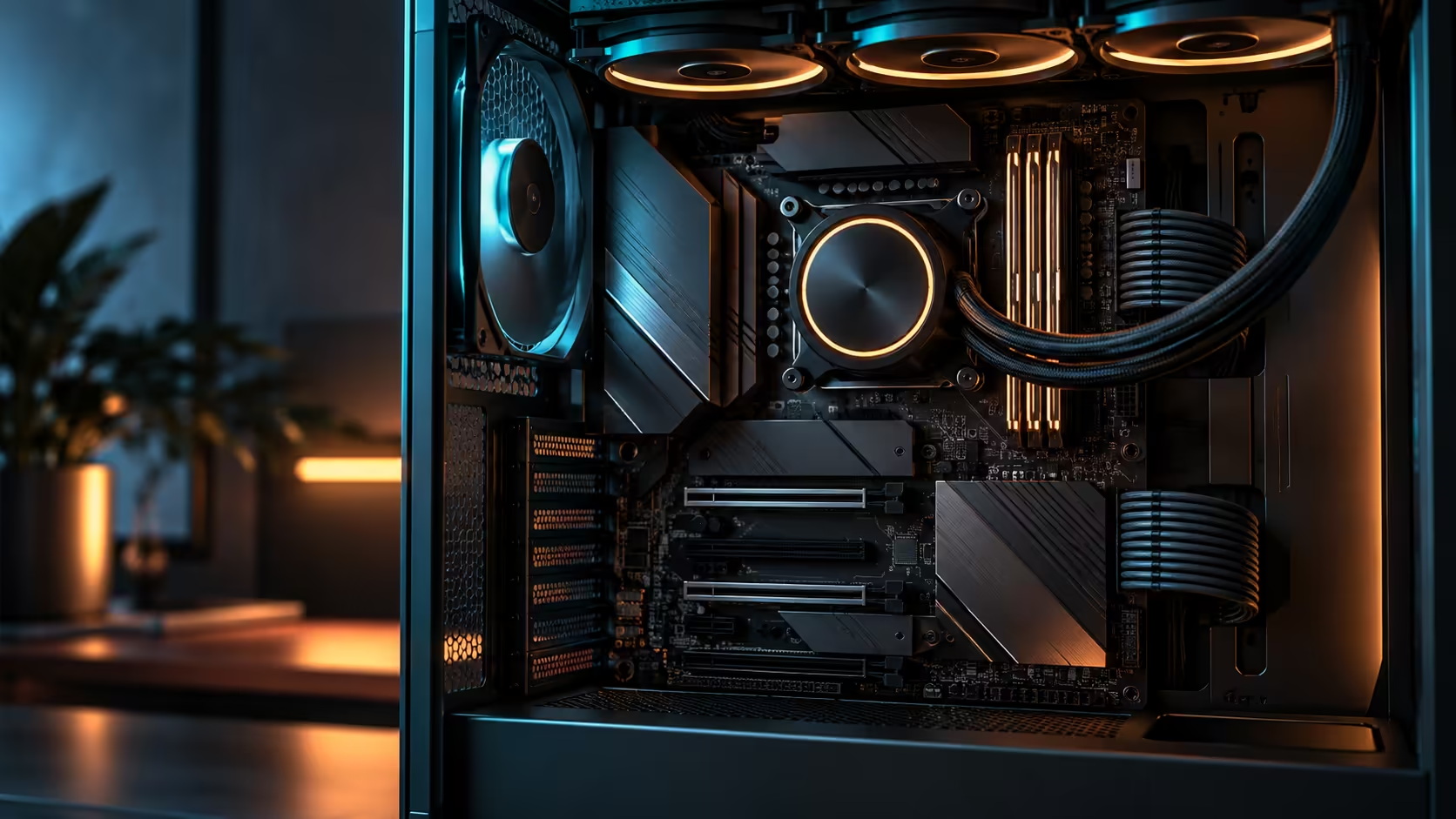
Peak frame rate is rarely the deciding spec for someone who edits video by day and joins video calls by evening from the same desk. A premium AM5 board for content creation and home office work, shortlisted from the AMD motherboard range, earns its place through ports, storage headroom and quiet running, and those priorities point at a different feature list than a pure gaming build would chase.
Quick Answer
A creator working from home wants enough ports for a dock and external storage, enough independent drives to keep projects from colliding, and a quiet machine that will not distract from a call. Two USB4 ports on the R54,999 ROG Crosshair X870E Edition 20 handle a dock and an external drive without a hub, five onboard M.2 sockets keep separate projects on separate drives, and the bundled cooler keeps the whole build quiet enough for a call without extra fan noise added to the room.
🔌 Ports decide the daily experience more than any benchmark
A home office desk accumulates a dock, an external drive, a webcam, and often a second monitor cable, all wanting a fast, reliable connection. Two USB4 ports handle the two heaviest of those jobs directly, at up to 40Gbps each, without a hub in the chain adding a potential point of failure or a speed cap during an important call.
Rear I/O that covers dual 10Gb Ethernet on top of that means a wired connection to a NAS or office server never competes with the internet connection for bandwidth, which matters specifically for someone uploading large finished projects while also on a video call that cannot afford to stutter. Put the two on separate physical ports, one to the router and one to the NAS, and a large upload running in the background has no way to steal bandwidth from the call at all.
🗂️ Storage headroom that matches how creators actually work
Video and photo work tends to accumulate separate, growing collections: raw footage, active project files, exported deliverables, and an archive of finished work that still needs to be reachable occasionally. Five onboard M.2 sockets let each of those live on its own drive rather than sharing space and read/write bandwidth on a single overloaded disk, which is where performance problems in creative software often actually originate.
A common pattern in editing software is stuttering playback the moment a background export starts writing to the same disk the timeline is reading from, and it looks exactly like a slow computer even on genuinely fast hardware. Splitting the active project drive from the export destination removes that specific conflict entirely, which is a fix that costs nothing beyond assigning drives to roles correctly from the start.
Browsing the X870 motherboard range with this kind of workload in mind is worth doing specifically for the onboard M.2 count, since it varies meaningfully between board tiers even within the same chipset family.
🔇 Quiet running is a home-office requirement, not a nice-to-have
A gaming build tolerates fan noise that spikes during a match; a home office build does not get that same allowance during a client call. The Ryujin 360 Edition 20 bundled with this board is sized generously enough that it rarely needs to run at an audible speed for typical creative and office workloads, keeping the desk quiet through most of a working day rather than only at idle.
That quiet baseline matters more than peak cooling capacity for this particular use case, since the workload pattern is sustained moderate load through video calls and editing sessions rather than short, extreme bursts the way a benchmark run would produce. A 360mm radiator running its fans at 700-900rpm to hold a moderate load is genuinely hard to hear from across a desk, where the same job on a smaller cooler might need 1,400rpm or more and become the thing everyone on the call notices.
🎙️ A quick checklist for a home office and creator desk
Before finalising a board for this specific use case, run through four questions rather than the usual gaming-focused spec comparison: does it offer at least two fast USB-C ports for a dock, does it carry enough onboard M.2 sockets to separate your active workload from your archive, does its bundled or matched cooler run quietly at the loads you actually produce, and does dual-purpose networking let a large upload run without disturbing a call.
Answering yes to all four covers the specific pain points a creator working from home actually runs into day to day, which is a different and often more useful list than the peak-performance benchmarks most gaming-focused reviews lead with.
🇿🇦 What local warranty and support actually mean for this decision
A premium board bought locally comes with local warranty handling, which matters more for a business tool used daily than it does for a hobby build that can tolerate downtime. A courier collection and a reasonable turnaround on a claim is a very different experience from shipping a board overseas and waiting weeks, and for anyone running client work off this machine, that difference is worth factoring into the decision alongside the spec sheet itself.
Checking current AMD Ryzen PC deals is also a reasonable way to benchmark whether building custom around this board still makes financial sense against a comparably specified prebuilt, since the answer shifts depending on what other components you already own and how much of the rest of a creator setup you are building from scratch.
Frequently Asked Questions
Does peak gaming performance matter for a content creation and home office build?
Less than for a pure gaming rig. Sustained, quiet performance across editing sessions and calls matters more than peak frame rate for this specific use case.
How many USB4 ports does a typical home office setup need?
Two comfortably covers a dock and an external drive without needing a hub, which is what this board provides.
Why does onboard M.2 count matter more for creators than gamers?
Creative workflows accumulate separate, growing collections of footage, projects and archives, and splitting them across independent drives avoids one overloaded disk becoming the bottleneck.
Is a bundled cooler quieter than a separately bought one?
Not automatically, but a cooler matched and validated against the specific board, like this one's included Ryujin 360, is more likely to run at a comfortable, quiet baseline for typical workloads.
Does buying a board locally matter for a business-use machine?
Yes. Local warranty handling means faster turnaround on any claim than shipping a board overseas, which matters more when downtime affects client work.
Ready to build a machine that works as hard in a call as it does in an edit?
Prioritise ports, independent storage and quiet running over peak benchmark numbers for this kind of desk.