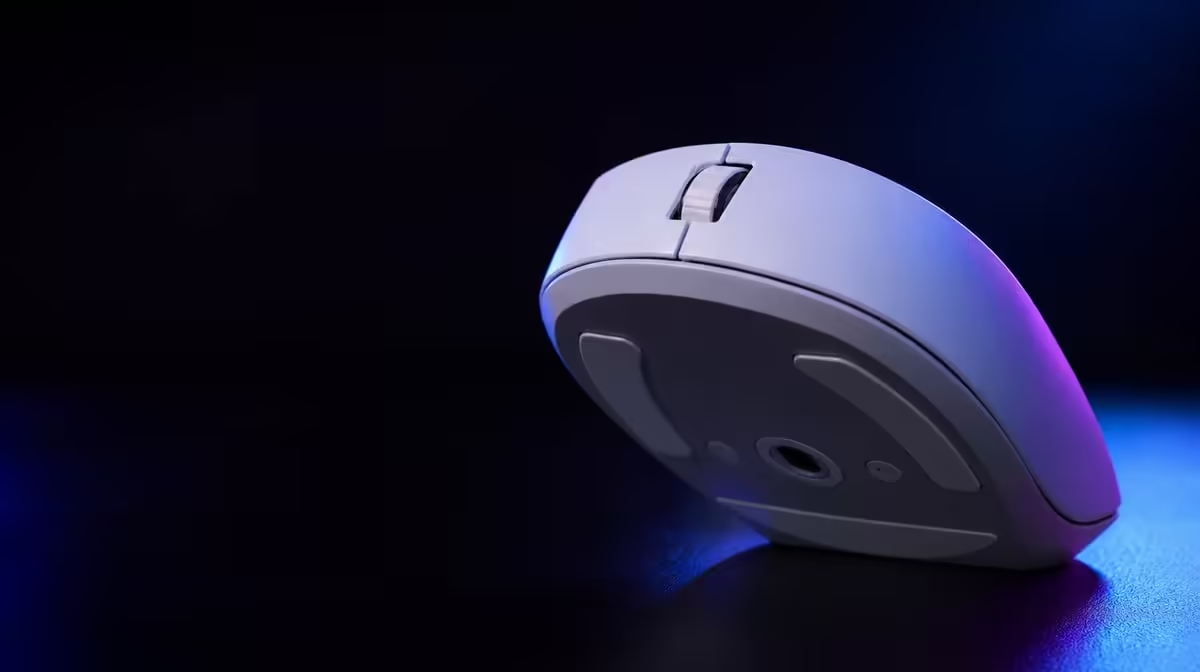
DPI, report rate and sensor tracking describe three separate parts of mouse behaviour. A useful gaming mouse sensor guide should keep movement scale, update frequency and faithful physical tracking distinct. The G305 X SUPERLIGHT combines Hero 44K range, 678 IPS and up to 8kHz, giving each value a different test.
Quick Answer
DPI sets movement scale, report rate governs potential update frequency, and IPS describes how fast physical movement can remain tracked. The R1,499 G305 X SUPERLIGHT reaches 44,000 DPI, 678 IPS and 8kHz reports; choose practical settings through controlled movement, system-load and connection tests rather than enabling every maximum together.
🔹 Test DPI as scale
Measure one comfortable turn and a series of small corrections. Keep game sensitivity fixed.
Evetech's Logitech mouse collection gives related sensors and shapes for comparison.
Save effective sensitivity
Record DPI and the game setting as a pair. A DPI value alone does not reproduce movement.
🔹 Test IPS as tracking headroom
Use rapid swipes at the chosen sensitivity and observe path consistency. Do not raise DPI for this test.
Clean the pad and sensor area first. Surface faults can imitate tracking limits.
Include lift and return
Observe whether repositioning changes grip or angle. Technique can create inconsistent paths.
🔹 Test report frequency
Start from 1000Hz and move upward while holding DPI, connection and USB route constant.
Use a demanding game scene and monitor frame timing. Up to 8kHz is valuable only when the system remains stable.
Evetech's broad gaming mouse category helps compare report capability with physical fit.
Keep a fallback
Save the lower-rate profile after selecting a high-rate winner.
🔹 Combine the settings last
Only after each variable has passed independently should the final profile combine DPI, report rate and connection.
Use Evetech's popular accessory list for wider R1,499 context and verify the live choice before ordering.
Add six buttons
Map controls after movement is stable so a grip change does not contaminate the sensor test.
Measure endurance
Treat the battery rating beyond 130 hours as an initial reference, then log real sessions at the chosen rate.
Recheck after updates
Game, software, display or USB changes require the baseline tests again.
Build a three-column worksheet
Place DPI, IPS and report rate in separate columns. Under each, write the setting or rating, the task used to test it and the observed result.
This prevents 44,000 DPI, 678 IPS and 8kHz from becoming one vague claim about speed.
Test DPI across target sizes
Use large close targets, medium transitions and small distant corrections. A practical sensitivity should remain controllable across the set.
Record pad distance and game sensitivity with every run.
Test IPS across directions
Perform left, right and diagonal rapid swipes. Compare the spread of landing points rather than the best movement.
Keep DPI moderate so pointer scale does not overwhelm the tracking observation.
Test reporting under load
Run the rate ladder in a quiet trainer and a processor-heavy game moment. Hold USB, connection and display conditions constant.
The lowest consistent game result matters more than a clean desktop measurement.
Inspect the physical surface
Clean the pad and sensor opening, then mark the tested area. Repeat after the pad warms during a long session.
Changing glide or contamination can affect hand movement without changing sensor capability.
Add connection evidence
Record Lightspeed receiver position and compare wired operation separately where useful. Bluetooth should remain tied to its intended device role.
Mode changes can activate different profiles, so confirm DPI and reporting after every switch.
Add button pressure
Press all six mapped inputs during tracking drills. Move any assignment that shifts grip.
The final sensor profile should represent the configured mouse used in play.
Review endurance
Log charge use at the selected report rate and connection. The rating beyond 130 hours is context rather than an exact session promise.
Set a charging point that protects the next important game.
Preserve diagnostic defaults
Save moderate DPI, 1000Hz, default buttons and the proven connection. Reapply it after major updates.
If all tests degrade at default, investigate the shared surface, USB, game or system before changing advanced settings.
Read specifications as ceilings
The three headline figures answer different limit questions. Maximum DPI describes the available sensitivity scale, 678 IPS describes fast physical tracking headroom, and up to 8kHz describes the reporting ceiling. None of them reveals the setting a particular player should use.
A better buying comparison asks whether the sensor range comfortably contains the intended profile, whether rapid movements remain dependable, and whether the connected PC can use the selected report rate consistently.
Build a repeatable movement course
Create a short course with a measured turn, small-target corrections, several diagonal swipes and repeated lift-and-return movements. Run it after a warm-up and keep the order fixed. Ten ordinary repetitions provide more useful evidence than one unusually clean attempt.
Note the type of miss beside each run. Overshoot points toward sensitivity or technique, a broken path may require surface or tracking investigation, and a frame-time change during a high-rate test belongs to the reporting and system column.
Control the USB path
Receiver placement, hub choice and port routing belong in the report-rate record. A mouse cannot be judged fairly when one rate is tested through a different connection path from another. Photograph or label the working route if the PC has several similar ports.
For wired comparisons, arrange the cable so it does not tug during the movement course. The cable is part of that physical setup and should not become an unrecorded source of resistance.
Separate game feel from measurement
Desktop tools can confirm that a setting is active, while actual games reveal how it behaves under load and within a specific sensitivity system. Use both views without treating either one as a complete verdict.
If a high rate appears stable on the desktop but frame delivery changes in a demanding scene, retain the lower dependable profile. If movement feels wrong in only one title, inspect that game's settings before replacing a baseline that works elsewhere.
Add the human factors
Hand tension, grip, pad space and fatigue affect the path presented to the sensor. Repeat a fine-control drill near the end of a normal session and compare it with the warm result. A profile that requires constant tension is not a good long-term choice even when its first run looks fast.
Verify the mouse's current weight if it affects the shortlist, then judge the actual balance and shape in the same movement course.
Turn the worksheet into a decision
At the end, circle the lowest DPI and report combination that delivers the required control and consistent frame behaviour, then record how 678 IPS was checked during fast swipes. Keep one backup profile and remove trials that no longer serve a purpose.
This final line converts a sheet of maximum figures into a configuration another person can reproduce on the same system.
Frequently Asked Questions
Is DPI the same as sensor accuracy?
No. DPI sets movement scale, while repeatable tracking depends on the full physical and software path.
What is 678 IPS?
It describes high-speed physical tracking capability.
What does 8kHz describe?
It is the maximum report-rate ceiling under suitable conditions.
Should all three maximums be tested together?
No. Isolate sensitivity, tracking and reporting before combining the final profile.
Why save a 1000Hz baseline?
It gives future updates and USB changes a stable diagnostic reference.
Can button mappings affect sensor tests?
Yes. Side-button pressure can alter grip, so add bindings after movement is stable.
Ready to separate sensor specifications properly?
Compare gaming mice at Evetech with one fixed surface, measuring DPI, fast tracking and report frequency as distinct variables.