The DDR5 RAM kits debate has a clear answer once you match it to how you actually play.
Quick Answer
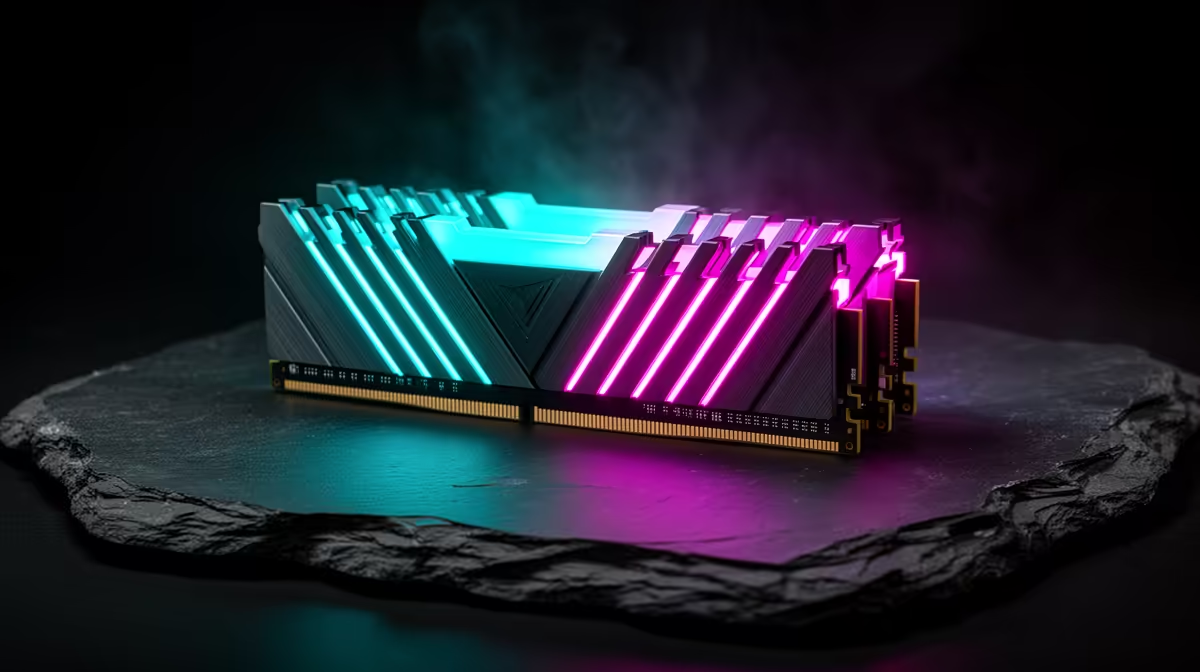
Straight to it: The best DDR5 RAM kit for Pretoria gamers is a 32GB (2x16GB) 6000MT/s CL30 kit with EXPO, from about R1,400. Stick to two sticks for stability; pickup and courier both available. It is the value sweet spot for AM5 and current Intel builds.
Installation notes
Fit the sticks in the correct slots (usually A2/B2), enable EXPO in BIOS, and run a stability test before gaming. Without EXPO the RAM idles at slow JEDEC speed. Check the motherboard QVL lists your exact kit for a smooth boot. Plan around it now and you will not be rebuilding next year. Locally, this is what separates a good buy from a poor one.
Speed, capacity and stability for Pretoria
Two sticks clock higher and more reliably than four, so prefer a 2x16GB kit. 6000MT/s CL30 is ideal for Ryzen; faster kits cost more for small gains. Popular kits are usually stocked for Pretoria pickup or courier. This single point separates a balanced rig from a lopsided one. This is the part that shapes real-world satisfaction.
The sweet-spot DDR5 kit
A 32GB DDR5-6000 CL30 kit hits the price-performance sweet spot for gaming and light creation. It runs stably on AM5 with EXPO and leaves room for streaming and many browser tabs. 16GB still works for pure gaming, but 32GB is the comfortable choice now. For SA buyers this is the practical detail that decides value. In practice this is where the value is won or lost.
Final word on DDR5 RAM kits
Weigh DDR5 RAM kits against your real games, budget, and the rest of your build rather than a single spec. The right call fixes your current limit and leaves a little Rand for the next upgrade. Confirm compatibility and local warranty before you order so the choice holds up after the first week. South African gamers tend to overlook this until the build is done. South African builders should weigh this first.
FAQ
Can I collect a DDR5 kit in Pretoria?
Yes - popular kits are generally in stock for Pretoria pickup, with courier available too. Check live stock before visiting. Factor this into your shortlist before you commit the Rand. In practice this is where the value is won or lost.
Do I need to enable EXPO for DDR5?
Yes - without it the kit runs at a slow JEDEC default. Switching on EXPO in BIOS unlocks the rated 6000MT/s speed and the performance you paid for. The savings or headache both start with this decision. That detail decides whether the spend pays off.
What DDR5 speed is best for AM5?
6000MT/s CL30 is the sweet spot for Ryzen, balancing speed and stability. Faster kits add cost for minor gains and can be harder to run reliably. Keep this in mind when you compare local pricing and stock. In practice this is where the value is won or lost.
Pro Tip
Buy a 2x16GB DDR5-6000 CL30 kit and enable EXPO on first boot - two sticks clock more reliably than four and EXPO unlocks the speed you paid for. Match the choice to your real games and budget, not the hype.