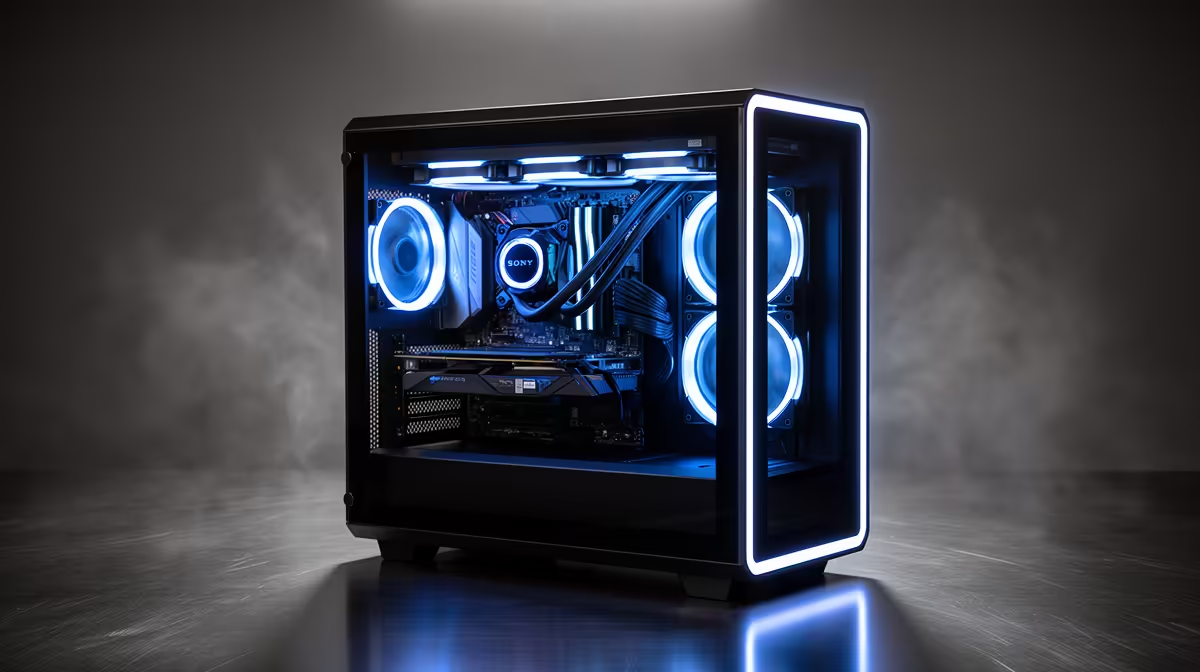
A gaming cooler is built for bursts: heavy load while the action runs, then a breather between rounds. A local AI box gets no breather. Desktop cooling for 24/7 local inference has to handle a load that never lets up, dumping well over 150W of heat hour after hour. Size the cooler for that sustained reality, not for a benchmark spike, or the machine quietly throttles itself and crawls through every job you give it.
Quick Answer
A 24/7 AI box needs a cooler sized to hold the CPU below its 95 to 100 degree throttle point under continuous load, not just during short spikes. For a sustained 150W-plus draw, a high-end dual-tower air cooler is the most reliable set-and-forget choice, with a quality 360mm AIO as the alternative where you want maximum capacity. Budget roughly R1,200 to R3,500 for cooling worth trusting around the clock.
Why Sustained Inference Is a Different Cooling Problem
Gaming and benchmarks are bursty. The CPU spikes, then idles between frames or rounds, and the cooler catches up in those gaps. Local inference removes the gaps entirely. A model decoding tokens or batch-processing data holds the processor near full load continuously, sometimes for days, with no idle stretches for the heatsink to recover.
That changes what counts as enough cooling. A cooler rated to tame a brief spike can be overwhelmed by the same wattage held constant, because heat soaks into the heatsink and the case faster than it can be shed. The number that matters is steady-state capacity, how much heat the cooler removes continuously, not its peak.
Sizing for the Real Heat Load
Continuous inference can sustain heat output above 150W from the CPU alone, and the goal is to hold the package below the 95 to 100 degree throttle threshold indefinitely. Once the chip hits that ceiling it cuts clocks to protect itself, and your throughput drops with it.
Headroom Is the Whole Point
For a 24/7 machine, oversize the cooler deliberately. A cooler running near its limit all day has no margin for a warm room, dust buildup, or an unusually heavy job, and the first hot afternoon pushes it into throttling. Pick cooling rated comfortably above your sustained load so it idles within itself rather than fighting at the edge.
Case Airflow Matters As Much As the Cooler
The best cooler cannot dump heat into a sealed case. Sustained inference heats the whole interior, so plan front-to-back airflow with intake and exhaust fans that keep replacing hot air with cool. A great heatsink in a starved case still throttles. The chassis and fans you choose are part of the cooling system, and many suitable ones appear among the top-selling PCs and components.
Air or Liquid for a 24/7 AI Box
Both work, but they trade differently for always-on use.
Why Air Is the Safer Set-and-Forget Choice
A high-end dual-tower air cooler has no pump to fail, a lower noise floor, and more than enough capacity for a sustained 150W-plus load. For a machine meant to run untouched for years, that reliability is the deciding factor. There is simply less to go wrong.
When a 360mm AIO Makes Sense
A quality 360mm AIO offers steady temperature control and the highest raw capacity, which suits the hottest high-TDP chips. The trade-off is a pump and sealed loop with a finite lifespan, typically several years, after which efficiency declines. If you want maximum cooling and accept eventual replacement, an AIO is a sound pick.
Fan Configuration: the Cooler's Silent Partner
The best cooler in a badly configured case still throttles. For a 24/7 inference box the goal is a steady current of fresh air moving front to back, in through intakes and out through the rear and top exhaust. Two or three 120mm or 140mm intake fans at the front, one or two exhaust fans at the rear, and an optional top exhaust for the hottest builds keeps the interior cooler by drawing hot air away before it recirculates through the heatsink.
Positive pressure slightly outperforming negative pressure is a reasonable target for a machine that runs untouched for days, since it reduces dust ingestion through unfiltered gaps. Filtered intake fans make maintenance simpler when it does come around. Aim to replace interior air every one to two seconds under full load, which with modern 140mm fans is achievable at a noise floor that does not intrude on a working environment.
Planning for the Long Run
A machine built for 24/7 inference should be planned for years, not months. That changes some priorities. Dust accumulation on a heatsink compounds over time, so large removable fan filters on intakes are worth specifying. Fan bearings wear at different rates, and sleeve-bearing fans start vibrating noticeably before they fail, so magnetic-levitation or ball-bearing variants last longer in always-on service. Thermal paste dries out over roughly two to three years under continuous high-heat cycling, so budget a repaste at that interval to recover the 5 to 8 degree improvement that fresh paste delivers.
Cooler Choice in a Nutshell
For most 24/7 inference builds, a premium dual-tower air cooler in a well-ventilated case is the pragmatic answer: reliable, quiet, and more than capable. Reach for a strong 360mm AIO when you are running a particularly hot processor and want every degree of headroom. Either way, size for the sustained load with margin to spare, not for the spike. If you would rather start from a system already built with continuous compute in mind, the purpose-specced AI PCs take the guesswork out of matching cooler to load.
Frequently Asked Questions
How much heat does a 24/7 AI box really produce?
Continuous local inference can sustain well over 150W of heat output from the CPU, held constant rather than in spikes. That steady load is what makes sizing the cooler for sustained capacity, not peak, so important.
Is air or liquid cooling better for continuous AI use?
For set-and-forget reliability, a high-end air cooler usually wins because there is no pump to fail, it runs quietly, and it easily handles a sustained 150W-plus load. A quality 360mm AIO offers more raw capacity but adds a pump and loop with a finite lifespan.
Why does my AI workstation throttle even with a decent cooler?
Likely because the cooler was sized for bursts, not continuous load, or the case airflow is starving it. Sustained inference soaks heat into the cooler and case, so it overwhelms cooling that handles short spikes fine. Oversize the cooler and improve case airflow.
What temperature should I keep the CPU below?
Hold the package below roughly 95 to 100 degrees Celsius, where most CPUs begin throttling. Sitting comfortably under that ceiling under full continuous load means your cooling has the headroom a 24/7 box needs.
Does case airflow really matter that much?
Very much. A cooler can only move heat into the case, and from there fans must expel it. Without good front-to-back airflow the interior heats up and the cooler loses effectiveness, so the chassis and fans are an integral part of cooling a 24/7 machine.
Keep your local AI box stable around the clock by cooling for the load it actually runs. Explore systems built for continuous compute in the AI PC range at Evetech and stop the throttle from stealing your throughput.