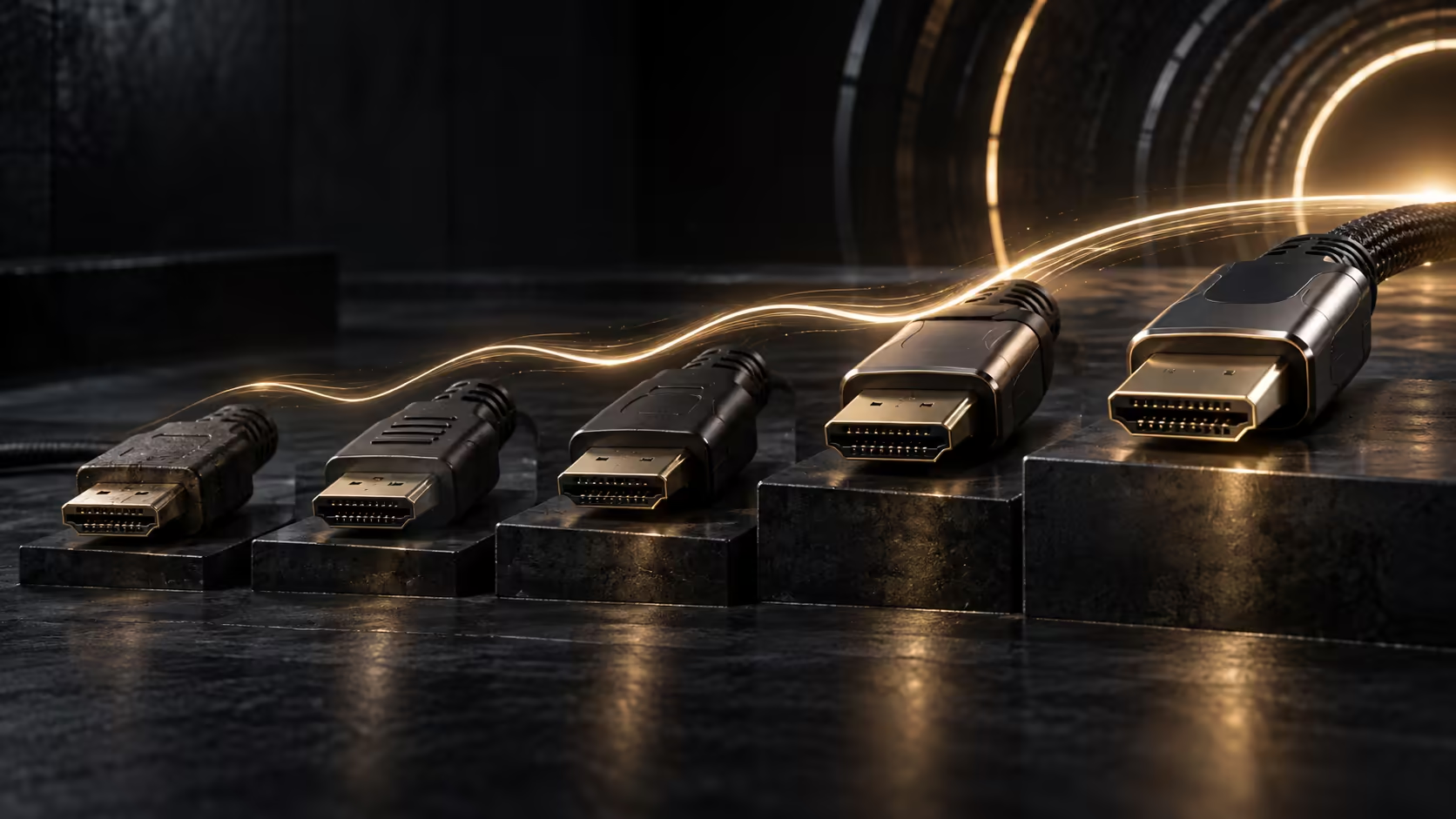
Every HDMI version from the original 1.0 spec through to 2.1 added capability without ever changing the physical connector, which is exactly why a modern cable can still serve a decade-old device. Knowing what each generation actually added helps make sense of why some older gear behaves the way it does.
Quick Answer
Each revision added capacity or features without ever changing the plug. Early links carried 1080p, the 2.0 family reached about 18Gbps and added HDR handling, and 2.1 lifted a single wire to 48Gbps. A R299 lead built to the newest tier still works with all of them.
📜 The early versions built the foundation
HDMI 1.0 debuted in 2002, folding video and audio onto a single cable for the first time and doing away with the separate analogue and digital audio leads home theatre setups relied on before it, though its bandwidth suited standard and early high-definition content rather than anything sharper. By 2006, HDMI 1.3 pushed the ceiling higher and added support for more than 8 bits per colour channel, enough to properly carry early 1080p sources. A few years later, 4K resolution appeared for the first time under HDMI 1.4, capped at 24Hz or 30Hz, a frame rate too low for anything requiring smooth motion.
🔄 The 2.0 family refined rather than reinvented
By 2013, HDMI 2.0 arrived with roughly 18Gbps on tap, finally bringing 4K up to a genuine 60Hz, a figure a great many current televisions and monitors are quietly still built around. A short-lived sub-version, 2.0a, layered HDR video on top, letting compatible screens stretch brightness and colour further than standard dynamic range content ever could, and 2.0b then added compatibility with the Hybrid Log-Gamma HDR format some broadcasters use, all without touching the underlying bandwidth figure.
🚀 HDMI 2.1 changed the ceiling significantly
The specification for HDMI 2.1 was locked down in 2017, though it took until roughly 2020 for the first consumer devices to actually ship with it, and the jump it delivered was substantial: nearly triple the previous ceiling, at 48Gbps. That extra room is what made 4K at 120Hz and 8K at 60Hz viable together on one cable, alongside a trio of newer features: variable refresh rate, an automatic low-lag game setting, and eARC, a beefed-up audio return path built for object-based surround formats travelling from a television back out to a soundbar.
🔌 What this history means for a cable you buy today
None of these version differences ever touched the physical plug, so a current 48Gbps cable happily connects to equipment from any point on this timeline, letting the two ends work out for themselves which mode they can both manage. If your setup includes a simple 2.0/2.1 speaker system rather than a full surround receiver, eARC's headline gains matter far less to you than they would to someone running object-based surround sound, since a basic two-channel or 2.1 arrangement was never going to use that extra bandwidth anyway. A dusty projector tucked in a cupboard, quite possibly the single oldest piece of HDMI gear left in most houses, plugs into that same new cable without a second thought.
Evetech's comprehensive cable range carries the R299 Anker 1.8m built to the current 48Gbps ceiling, the one cable worth owning regardless of which generation of device it ends up plugged into.
🗂️ Spotting a claim that mixes eras together
One practical use for knowing this timeline is catching a mismatched claim wherever it turns up. A cable marked "HDMI 1.4" cannot legitimately claim 4K at 60Hz, since that combination did not exist until HDMI 2.0 arrived in 2013, and a device advertising "HDMI 2.0" support for variable refresh rate is describing a feature that only became part of the standard with 2.1 four years later. Knowing roughly which features belong to which generation lets you catch an inconsistent description before it costs you money on hardware that cannot do what was implied.
This matters more with older or secondhand equipment than with anything currently on shelves, since a seller describing a five-year-old television from memory is more likely to round its capabilities up than someone quoting the original documentation. Cross-checking the model number against its actual release year is a quick way to settle a doubtful claim either way, and it takes only a minute or two against any of the reference points on this timeline.
Frequently Asked Questions
What was the first HDMI version to support 4K?
HDMI 1.4, from 2009, though only at 24Hz or 30Hz. Smooth 4K at 60Hz did not arrive until HDMI 2.0 in 2013.
Did HDMI 2.0a and 2.0b require a new cable to use their features?
No. HDR support in both versions is a feature of the connected devices' processing, not the cable itself, so an existing HDMI 2.0 cable carries HDR content without needing to be replaced.
Is HDMI 2.1 backward compatible with every earlier version on this list?
Yes. The connector has remained identical since HDMI 1.0, so a current 2.1-rated cable connects to any device from any generation listed here.
Does extended colour depth from HDMI 1.3 still matter today?
The concept lives on in modern colour depth standards, though current displays typically use HDR-based colour handling from the 2.0a generation onward rather than referencing extended colour depth directly.
Why does my older TV list "HDMI 2.0b" specifically rather than just "2.0"?
Manufacturers sometimes specify the exact sub-version to indicate HDR format support, since 2.0b added Hybrid Log-Gamma compatibility that plain 2.0 or 2.0a did not include.
Does a higher HDMI version number always mean a better cable?
Only once you check the actual bandwidth figure it is built to. A cable printed with a newer version number but no stated Gbps rating can still fall short of what an older, properly rated cable delivers on a demanding mode.
Are HDMI version numbers regulated, or can any manufacturer print whatever they like?
Licensing bodies do enforce certain compliance testing, but enforcement in the wider retail market varies, which is exactly why checking the stated bandwidth figure yourself remains the more reliable habit.
Ready to buy one cable that spans every HDMI generation in your home?
Pick the current 48Gbps rating, and let the handshake handle whichever older device it meets.