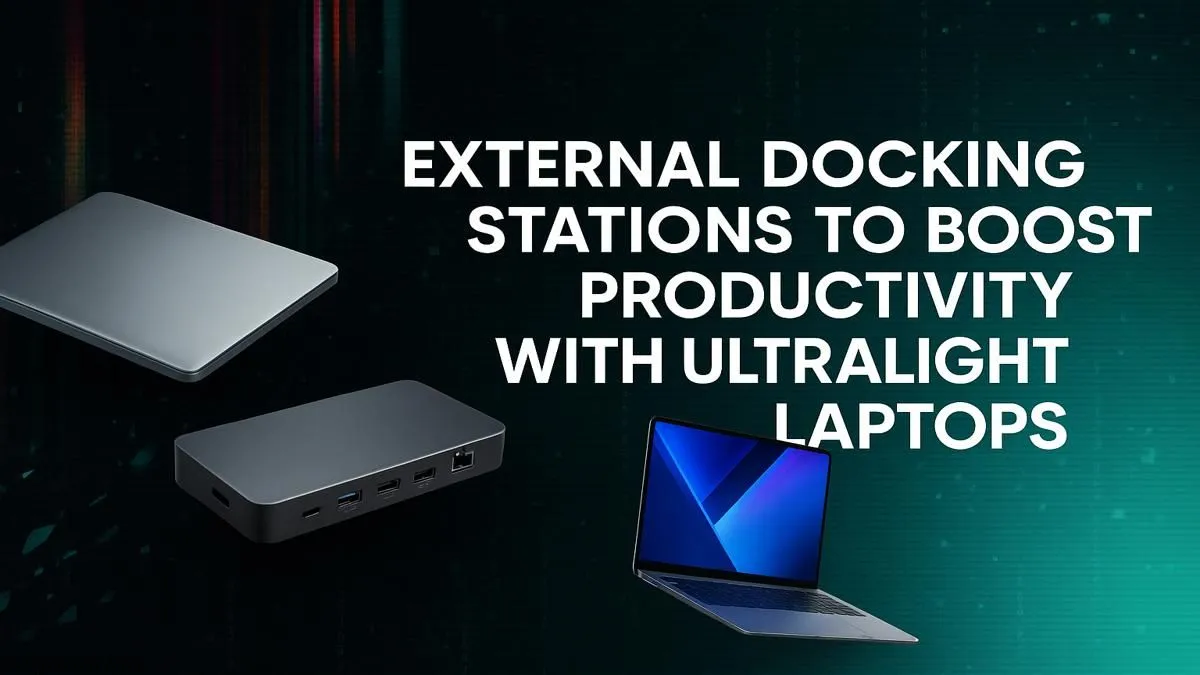
Love your sleek, ultralight laptop but hate the dongle life? You’re not alone. In South Africa, where we’re working from coffee shops in Cape Town to home offices in Jozi, portability is king. But when it's time to get serious at your desk, the lack of ports can be a real productivity killer. What if one cable could solve it all? An external docking station for your ultralight laptop is the answer.
The Ultralight Trade-Off: Why Fewer Ports?
Modern laptops are engineering marvels… they're thinner, lighter, and more powerful than ever. To achieve this slim profile, manufacturers often have to sacrifice ports like full-size USB-A, HDMI, and Ethernet. This design choice is common across many brands, forcing users to carry a bag of adapters just to connect essential peripherals. While this keeps the machine portable, it creates a bottleneck when you need to get real work done, especially with powerful yet slim machines like these great HP notebook deals.
Your Single-Cable Solution: The Power of External Docking ⚡
This is where the magic happens. An external docking station acts as a central hub for all your desktop gear. You connect your monitors, keyboard, mouse, external hard drive, and even your wired internet connection to the dock. Then, you connect the dock to your laptop with a single USB-C or Thunderbolt cable.
That one cable can:
- Charge your laptop (if the dock and laptop support Power Delivery).
- Drive multiple external monitors (often two or more 4K displays).
- Connect all your USB devices at full speed.
- Provide a stable, wired internet connection.
Suddenly, your minimalist travel companion becomes a full-fledged desktop workstation. Using an external docking solution for your ultralight laptop streamlines your workspace, reduces cable clutter, and massively boosts productivity. You can turn a flexible Lenovo Yoga laptop into a multi-monitor powerhouse in seconds.
Thunderbolt vs. USB-C: Know The Difference 🔧
Not all Type-C ports are equal. A Thunderbolt port offers much higher bandwidth (up to 40Gbps) than standard USB-C, supporting multiple 4K displays and faster data transfer. Check your laptop's specs before buying a dock to ensure you get the best performance!
A Real-World Productivity Boost 🚀
Imagine this: you get home after a day of meetings. Instead of fumbling with four different cables and adapters, you plug in one single cable. Instantly, your dual monitors light up, your mechanical keyboard is ready to go, and your project files on your external SSD are accessible. This seamless transition from mobile to desktop is the core benefit of using an external docking station with an ultralight laptop.
This setup is perfect for anyone in South Africa who values a hybrid work style. Whether you're a developer who needs multiple screens for coding, a graphic designer who requires a colour-accurate external display, or a student managing research across several windows, a dock simplifies everything. Even modern ARM-based machines like the latest Dell Snapdragon laptops benefit immensely from this expanded connectivity at a desk.
Find Your Perfect Power-Up
Stop juggling dongles and unlock your ultralight's true potential. An external docking station transforms your portable machine into a desktop powerhouse. Explore our full range of laptop specials now at Evetech and find the perfect partner for your new setup.