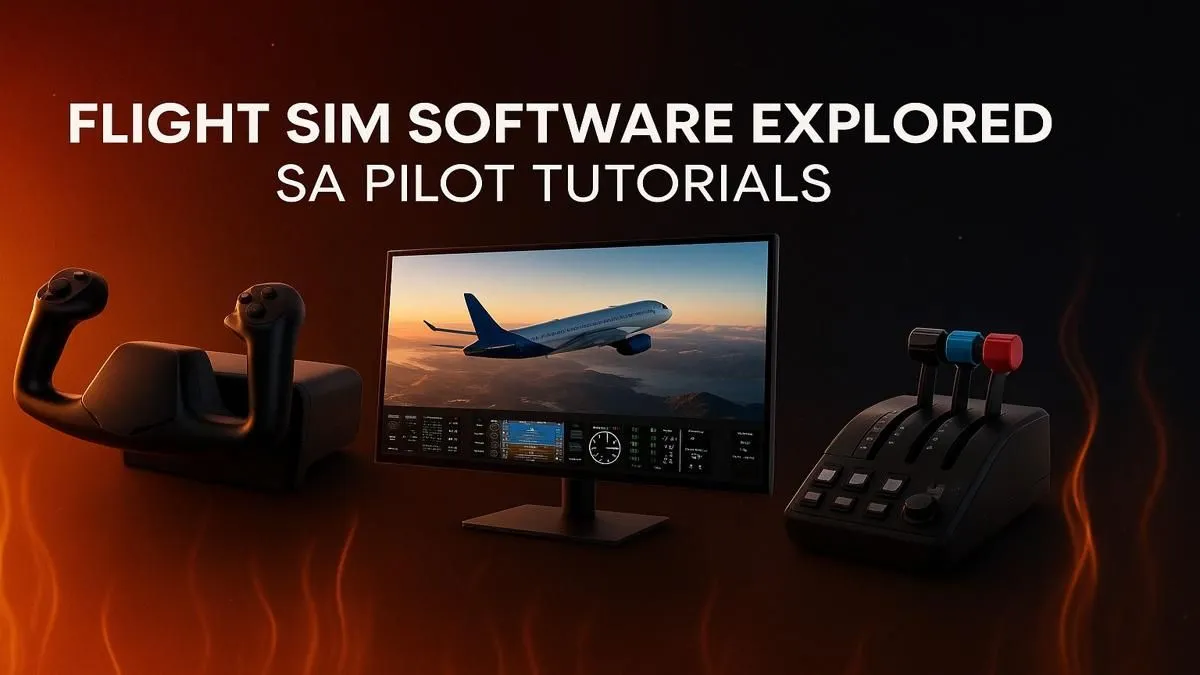
Ever dreamed of soaring over Table Mountain at sunrise or navigating the rugged Drakensberg escarpment from your own cockpit? Thanks to incredibly realistic flight simulator software, South Africa has become a breathtaking virtual playground for aspiring pilots and aviation enthusiasts. Getting started is easier than you think, but choosing the right software and hardware is key to a truly immersive experience. Let's get you cleared for takeoff. ✈️
Choosing Your Flight Simulator Software in South Africa
The first step on your journey is picking the right simulation platform. While there are many options, two giants dominate the skies: Microsoft Flight Simulator (MSFS) and X-Plane. Your choice largely depends on what kind of virtual pilot you want to be.
Microsoft Flight Simulator (MSFS) 2020/2024
For the visual explorer, MSFS is unparalleled. It uses Bing Maps data and AI to create a stunningly accurate digital twin of the entire planet. This makes it the top choice for VFR (Visual Flight Rules) flying, where you navigate by sight. Flying over a photorealistic Cape Town or spotting wildlife in the Kruger National Park is an experience that’s hard to beat. It’s the most popular flight simulator software in South Africa for those who value breathtaking scenery.
X-Plane 12
X-Plane is often lauded for its incredibly realistic flight dynamics and physics engine. It's a favourite among real-world pilots and hardcore simmers who prioritise "flying by the numbers" and accurate aircraft behaviour. While its out-of-the-box scenery might not be as jaw-dropping as MSFS, its powerful engine and vast library of third-party aircraft make it a top contender for serious simulation.
Building the Ultimate Home Cockpit Setup
Once you've chosen your software, it's time to assemble the hardware. A smooth, high-fidelity flight sim experience demands a capable machine and peripherals that enhance immersion.
The Engine: Your PC
Flight simulators are notoriously demanding on your PC's hardware, pushing both the CPU and GPU to their limits. To avoid stutters while on final approach to O.R. Tambo, you need a solid foundation. A powerful processor is crucial for handling complex physics and AI, while a high-end graphics card renders the beautiful world. For a no-fuss solution, consider PCs specifically configured for performance, like our range of Microsoft Flight Simulator gaming PCs.
Cockpit View Pro Tip 🔧
For maximum immersion in MSFS, go to the camera settings and increase the 'Field of View' (FOV) slightly. This widens your perspective, making the cockpit feel less cramped and enhancing your sense of speed and altitude, especially on a larger monitor.
The View: Your Monitor
What’s a beautiful world if you can’t see it properly? A standard monitor works, but to truly feel like you're in the cockpit, an ultrawide is a fantastic upgrade. Nothing beats the peripheral vision you get from wrapping the world around you with a stunning curved display, making it easier to spot landmarks and keep the runway in sight during tight turns.
The Controls: Yokes, Sticks, and Pedals
You can fly with a mouse and keyboard... but should you? To get the real feel of an aircraft, you need dedicated controls. Moving from a gamepad to a proper HOTAS (Hands-On Throttle-And-Stick) setup is a revelation. For civilian aircraft like a Cessna or Boeing, a yoke provides the most authentic experience. Explore a range of Thrustmaster flight sticks and yokes to find the perfect fit for your hands and budget.
Optimising Your Long-Haul Experience
Building a great flight sim setup in South Africa goes beyond the core components. A few extra pieces of gear can transform your flights from short hops into comfortable, continent-spanning adventures. ✨
When you settle in for a long-haul flight from Joburg to London in real-time, comfort becomes critical. You’ll be in your seat for hours, managing systems and enjoying the cruise. This is where you'll be thankful for a comfortable gaming chair that provides proper ergonomic support.
Furthermore, many serious simmers use a second monitor. This allows you to display navigation charts, GPS maps, or ATC (Air Traffic Control) communications without cluttering your main cockpit view. Even a basic secondary screen from our wide range of PC monitors can make a huge difference to your workflow and immersion.
Exploring South Africa from the Virtual Skies 🇿🇦
With your setup complete, the real fun begins. South Africa offers some of the most diverse and spectacular scenery for virtual pilots. Here are a few flight plans to get you started:
- The Cape Town VFR Tour: Take off from Cape Town International (FACT), fly a circuit around Table Mountain, head down the coast past Hout Bay, and round Cape Point. The views are simply unforgettable.
- Kruger National Park Bush Flight: Depart from Skukuza Airport (FASZ) in a small bush plane like the CubCrafters X Cub and fly low and slow over the Sabie River, spotting virtual wildlife.
- The Wild Coast Adventure: Fly from East London (FAEL) to Port Edward, following the rugged and beautiful coastline. It's a challenging and rewarding flight that showcases the best of our country.
Creating the best flight simulator experience in South Africa is all about combining the right software with hardware that makes you feel like you're truly there. Happy flying! 🚀
Ready for Takeoff?
From casual sightseeing to ultra-realistic IFR procedures, the right hardware transforms your experience. Stop dreaming and start flying. Explore our massive range of custom gaming PCs and find the perfect machine to power your virtual cockpit.