Quick Answer
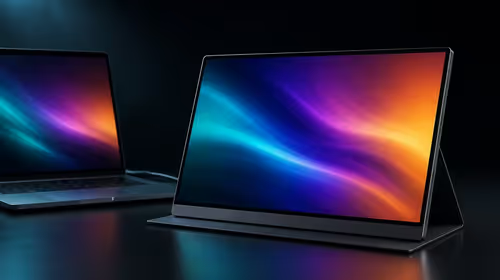
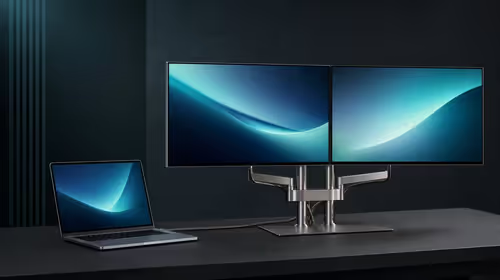
The best gaming monitor choice is the one that removes the current bottleneck without forcing extra purchases. For first-time PC builders, compare resolution, refresh rate, adaptive sync, stand adjustment and GPU headroom before paying for extras. In SA shopping terms, expect a practical gaming monitor shortlist around R2,500-R12,000, with examples such as AOC 24G2, ASUS TUF VG27AQ, MSI MAG 274QRF. Treat those as category anchors, then confirm current Evetech stock and warranty details at checkout.
What Actually Matters
Start with the work the setup must survive every week. For first-time PC builders, the useful gaming monitor has to match resolution, refresh rate, adaptive sync, stand adjustment and GPU headroom. The spec floor is clear: 24-inch 1080p 144Hz to 27-inch 1440p 165Hz panels. That gives buyers a concrete way to compare parts instead of reacting to a badge, colour or single headline number.
Where The Money Should Go
Spend first on the feature that changes daily use. With a gaming monitor, that usually means 60fps on entry GPUs, 120fps-165fps on mid-range GPUs when settings are tuned. The next priority is reliability: thermals, warranty cover, connector quality and a setup that a student, gamer or home-office buyer can maintain without special tools.
SA Buyer Checks Before Checkout
Check the physical setup before the cart is final. Measure the desk, case bay, chair space or laptop ports; then confirm power draw, cable reach and warranty support. Johannesburg, Pretoria, Durban and Cape Town buyers also need to think about delivery handling and whether the item is easy to move between home, campus, office and digs.
FAQ
What price range should SA buyers expect?
Use R2,500-R12,000 as a broad category band for this type of gaming monitor. Entry choices can work, but the balanced option is usually where fit, warranty and useful specs stop feeling compromised.
Which spec should I check first?
Check resolution, refresh rate, adaptive sync, stand adjustment and GPU headroom before colour, branding or bundled extras. Those details decide whether the product works cleanly in a real South African room, desk or travel setup.
When is the premium option worth paying for?
Pay more when the premium feature affects every week of use, such as quieter operation, better refresh, stronger sustained speed or easier expansion. Do not pay extra for a feature the current PC, laptop, desk or workload cannot use.