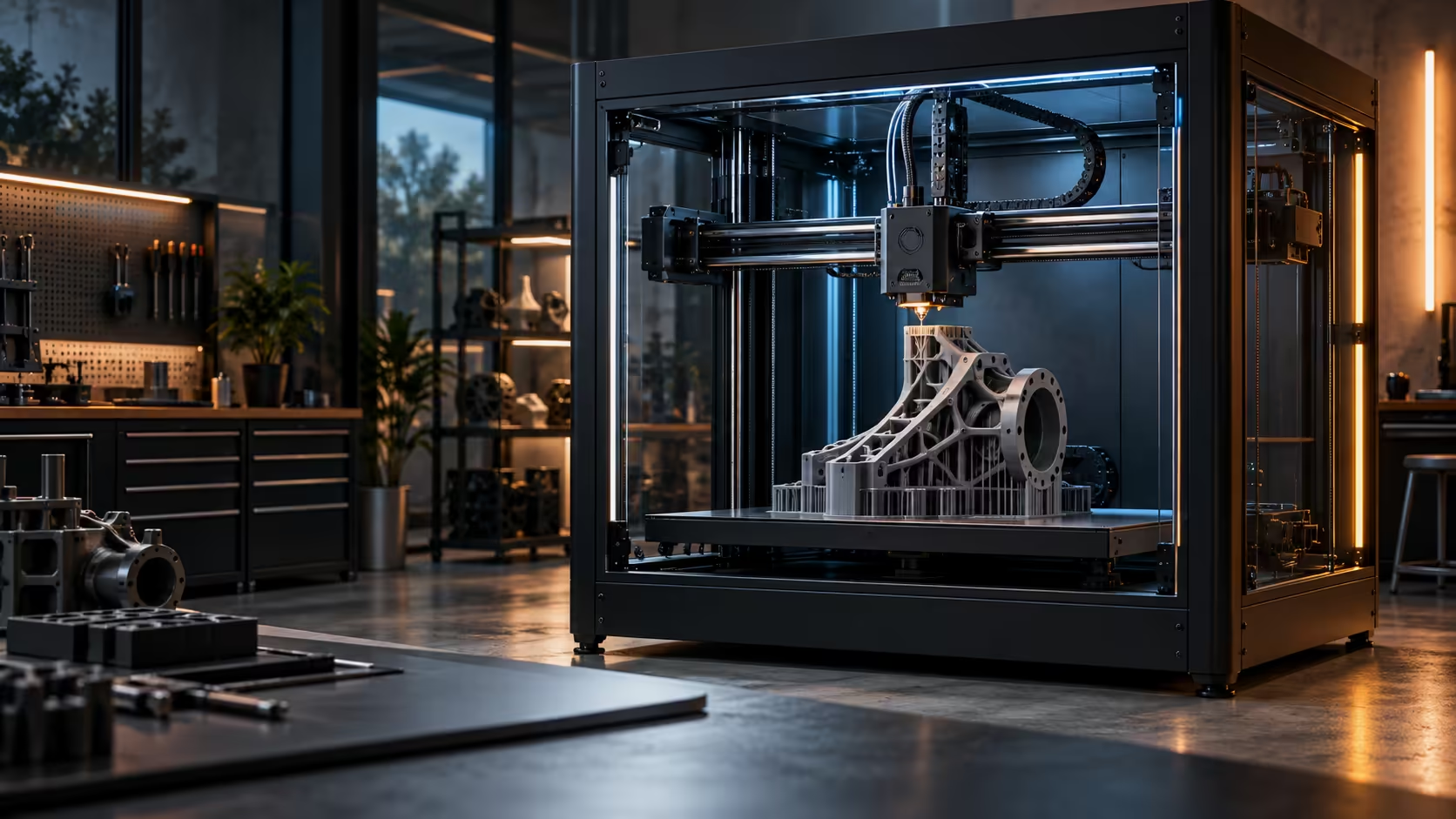
Surface finish is decided in a much narrower window than most people expect: the second or two after a line of plastic leaves the nozzle, before the next line lands beside or on top of it. Part cooling and high-flow hotends have to work together in that window, or one undoes the other.
Quick Answer
Good surface finish comes from freezing each line solid before the next one arrives, which means matching airflow to how fast plastic is actually leaving the nozzle. The Creality K1 Max's hotend is rated to push 32mm3/s, considerably more molten plastic into the air per second than an older, slower hotend manages, and that extra volume needs correspondingly more cooling to set in time. The exact fan layout that does this job on the K1 Max is on its product page; at R13,999 the printer is built around high flow, and that number is what should drive any cooling comparison.
❄️ Why cooling has to scale with flow, not the other way round
A hotend that melts plastic quickly is only half the story. If the airflow cooling each line stays the same while flow rate increases, the extra plastic simply takes longer to solidify, and layers that used to set cleanly start sagging into the ones below them or bridging poorly across gaps.
This is why a fast, high-flow machine rated at 20mm3/s or more cannot simply borrow the cooling setup from a slower 10 to 12mm3/s machine and expect the same finish. The two numbers, flow rate and cooling capacity, need to be sized against each other rather than treated as separate specifications.
🔬 What actually shows up on the surface when cooling falls behind
Insufficient cooling relative to flow shows up as specific, recognisable defects: overhangs beyond about 45 degrees that droop rather than holding a clean edge, bridges over 20mm that sag in the middle, and small vertical features that come out 0.1 to 0.2mm fatter than modelled because the plastic had time to spread before setting. None of these are dimensional accuracy problems in the machine's motion system, they are thermal problems in how fast a line freezes.
📋 Checking a machine's actual cooling setup
Check the specific fan arrangement a printer actually ships with rather than assuming a high flow rate automatically comes with matching cooling, since the two are engineered together rather than guaranteed as a pair. A case fan upgrade is worth considering for the room the printer sits in too, since ambient airflow around an enclosed machine affects how quickly heat escapes the chamber overall, separate from the part-cooling fan doing the fine work at the nozzle. Stock up on filament suited to whatever cooling profile you settle on, since some materials tolerate aggressive cooling far better than others.
🌀 Fan speed as a slicer setting, not a fixed hardware limit
Even with strong cooling hardware, the actual fan percentage in a slicer profile decides how much of that capacity gets used on any given layer. Most profiles ramp part-cooling gradually from 0% on the first 1 or 2 layers, where a cold plate can otherwise cause a print to lift at the very edges, up to a full 100% by around layer 3 or 4 for materials like PLA that benefit from aggressive cooling throughout the rest of the print.
ABS and ASA invert this logic almost entirely: cooling fans typically stay at a low 0% to 30% for the entire print, since these materials need the heat retained to bond layers together properly, and full-speed cooling run on them produces exactly the kind of layer cracking and delamination that warping guides usually blame on the enclosure alone. Getting this slicer setting wrong undoes good cooling hardware just as thoroughly as a genuinely weak fan would.
🧪 Testing your own setup with a known part
Print a small overhang test, a series of angled shelves from 30 to 70 degrees in 10-degree steps, before trusting either the hardware or the slicer settings on a genuinely new machine or an unfamiliar material. The angle at which the underside starts sagging noticeably tells you, in one 20-minute print, exactly where your combination of flow rate and cooling actually breaks down, rather than guessing from a spec sheet or a forum post about a different machine entirely.
Keep that test part on the shelf and reprint it after any major settings change, a new spool, a firmware update, a repositioned printer, since it turns "the cooling feels worse lately" into a specific, comparable, physical measurement rather than a vague impression nobody can actually verify later. Compare fan and flow specifications across the 3D printer range using this same test before assuming one machine's cooling setup transfers to another, since the pairing between flow rate and airflow genuinely varies model to model even within a single manufacturer's own lineup.
Frequently Asked Questions
Does a higher flow rate always improve print quality?
Only if cooling scales up alongside it; flow without matching cooling produces sagging overhangs and poor bridging rather than any genuinely better surface finish.
What does insufficient cooling look like on a finished print?
Drooping overhangs, sagging bridges and slightly oversized vertical features are the usual, recognisable signs that plastic simply did not set fast enough before the next pass arrived.
Should I check a printer's fan layout before buying it?
Yes, especially on a high-flow machine, since cooling capacity needs to genuinely match flow rate rather than being simply assumed from the headline speed figures alone.
Can adjusting fan speed in the slicer fix a bad finish?
Often partially, but a hardware limitation in airflow cannot be fully solved by a software setting alone.
Should ABS and PLA use completely different cooling settings?
Yes, PLA benefits from ramping to 100% cooling within the first few layers, while ABS and ASA generally stay at 0% to 30% for the whole print to avoid layer cracking.
What angle should an overhang test print start failing at?
A well-tuned setup on a capable machine should hold a clean edge to around 50 or 60 degrees before any visible drooping begins at all; failure well before that specific point strongly suggests a cooling or flow mismatch worth investigating properly rather than living with.
Chasing a cleaner surface finish on fast prints?
Match your cooling setup to your hotend's real flow rate, not just its top speed.