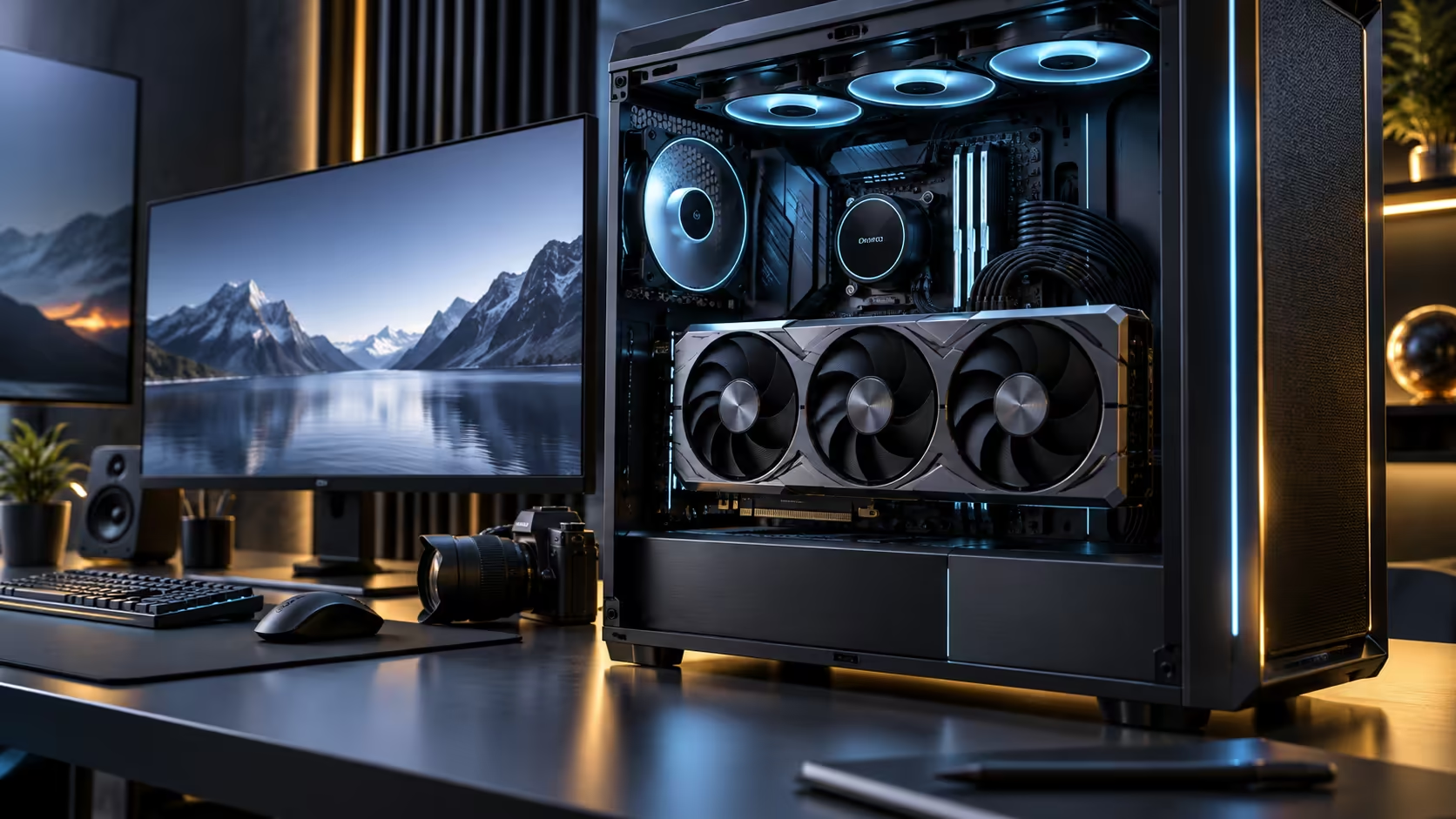
High-end power connectors have gone through more redesigns in the past few years than any other part of a graphics card, and each redesign was solving a real problem the last one created. Explaining 16-pin power connectors, GC-HPWR and compatibility properly means walking through why the connector kept changing, not just what the current one looks like.
Quick Answer
Match the power supply to the connector your specific card actually ships with, since connector choice varies meaningfully between cards even inside one generation. On this model the cabled side is a 16-pin connector, and a GC-HPWR contact in the slot adds a second, independent path on top of it. This card is R119,999 with VAT.
🔧 Why the connector kept changing
Older high-end cards drew power through multiple separate 8-pin connectors, a design that persisted for over 15 years before being replaced, and it became unwieldy as card power draw climbed, requiring three or four separate cables per card. The industry moved toward a single, higher-capacity connector carrying more current through fewer pins, which reduced cable clutter but concentrated more current through a smaller number of contact points, making correct, full seating more important than it had ever been with the older, more forgiving multi-connector design.
That single-connector approach has itself been refined across revisions, with changes aimed specifically at improving how reliably the connector seats and at reducing the risk of a partially inserted plug going unnoticed, which was a genuine and well-documented failure mode in earlier versions of this style of connector.
⚠️ Full seating matters more than it used to
A connector carrying more current through fewer contact points makes a partial connection considerably riskier than it was with older, lower-current multi-connector designs, since the same fault concentrates more heat at fewer points of contact. Always seat a high-current power connector until it clicks audibly, and confirm with a gentle tug that it has not simply been pushed close without fully engaging.
Inspect any existing connection periodically for discolouration, and replace rather than reuse a cable or connector that shows any sign of having run hot.
🥇 GC-HPWR: a different kind of supplementary path
A gold-finger power path is a separate development from the cabled connector story above, since it delivers supplementary power through additional contacts built directly into the PCIe slot connection rather than through a cable at all. It requires matching support on the motherboard side to function, which is a board-level specification rather than something the card guarantees on its own.
Confirm both halves independently: the card's cabled connector, 16-pin here, and, separately, motherboard support for any slot-based supplementary path, which is a board-level detail rather than something the card guarantees on its own.
🛒 Buying the right supply for whichever connector applies
Native cabling for your card's specific connector, sourced directly from a compatible power supply, is the safer choice over an adapter chain in every case. Review the 700W-plus power supply range for units offering native cabling suited to this power tier, and the PSU best sellers range for currently well-reviewed options across several capacities.
📜 A brief history worth knowing before you buy an adapter
Each connector revision in this history addressed a specific documented problem with the one before it, rather than being change for the sake of change, which is worth knowing before assuming an older adapter or cable is an acceptable long-term substitute for a native connector matched to your specific power supply generation. An adapter bridging two different connector generations is a reasonable short-term solution while waiting for a matching cable, but it reintroduces exactly the kind of extra joint in the power path that each connector revision was designed to reduce.
Where a build absolutely requires an adapter, choose one from a reputable brand rated explicitly for the current draw involved, inspect it every 3 to 6 months the same way you would inspect a native connector, and treat it as a temporary measure rather than a permanent part of the build if a native cable becomes available.
🧪 Testing a suspect connection safely
If you suspect a connector issue but the system is otherwise running, the safest test is a controlled one: power down fully, reseat every power connection to the card from scratch, then run a sustained load test of at least 10 minutes while monitoring for any reported power-related errors or unexpected shutdowns. Avoid touching or wiggling connectors while the system is powered and under load, since that risks worsening a marginal connection rather than diagnosing it safely. Confirm your specific card's connector requirements against the graphics card lineup as part of this process, since the correct baseline to test against is the manufacturer's stated connector for your exact model.
Frequently Asked Questions
Why did graphics cards move away from multiple 8-pin connectors?
To reduce cable clutter as card power draw climbed, consolidating into a single higher-capacity connector, though that consolidation made full, correct seating more critical than the older, more forgiving multi-connector approach.
Is a partially seated high-current connector dangerous?
It can generate concentrated heat at the point of poor contact, which is a genuine safety concern as well as a performance issue, and it should be reseated fully rather than left as is.
Does GC-HPWR replace the need for a cabled power connector?
No, it is a supplementary path alongside the main cabled connector, not a replacement for it, and it requires matching motherboard support to function.
Do all high-end cards eventually move to the same connector standard?
The industry has been converging toward fewer, higher-capacity connector types over successive generations, though the exact timeline and specific revision adopted varies by manufacturer and by card tier within a given generation.
How often should I inspect a high-current power connector?
A quick visual check every few months, or any time the case is opened for other maintenance, is a reasonable habit, particularly for a card in this power tier where a marginal connection matters more than it would on a modest card.
Should I use an adapter if my supply lacks the right native connector?
Cabling built for the connector is always the sounder choice on a high-current path. Reach for an adapter only where the supply's output and cable rating are explicitly confirmed against the maker's own guidance.
Ready to match your power supply to exactly the connector your card uses?
Confirm the card's specific connector type and any motherboard-side requirements before buying cabling.