Quick Answer
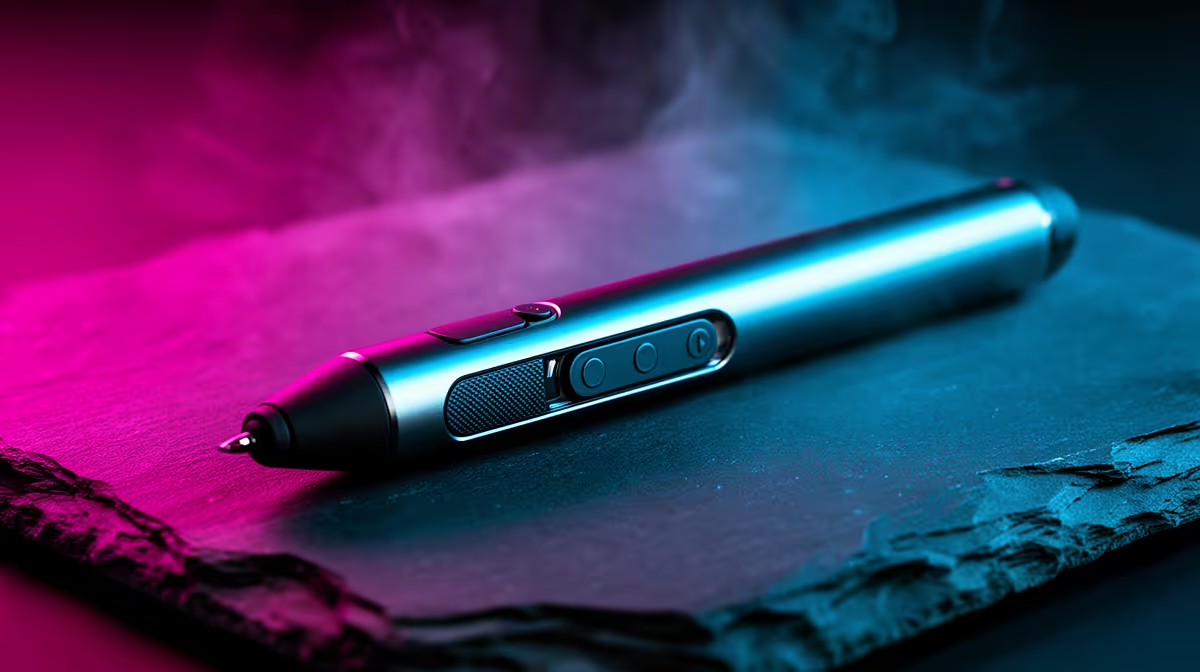
Customise stylus side buttons by opening your tablet's driver software, navigating to the pen button settings, and assigning keyboard shortcuts, modifier keys, or app-specific commands to each button. Most active styli have one or two side buttons that can each hold a different assignment per application profile.
Accessing Side Button Settings in Your Driver 🔧
For Wacom tablets, open the Wacom Desktop Center or Wacom Tablet Properties and click on the "Pen" tab. Each side button shows a dropdown with preset options (right-click, middle-click, erase, pan/scroll) and a custom keystroke option. For XP-Pen devices, the driver's pen settings panel lists Button 1 and Button 2 with similar dropdowns plus a macro recorder. Huion's driver is nearly identical. Assign the top button to "Ctrl+Z" (undo) and the bottom to "Ctrl+Alt+Z" (step history undo in Photoshop) as a reliable default starting point. These two assignments alone eliminate the most common keyboard interruptions during drawing sessions.
Creative Shortcut Assignments That Actually Save Time 🎨
For illustration and digital painting: top button for undo, bottom button for eraser toggle. This lets you switch between brush and eraser without pressing "E" on the keyboard, a significant time-saver in detailed linework. For photo editing in Lightroom or Capture One: assign one button to brush tool and another to adjustment brush erase so retouching flows without touching the keyboard. For note-taking: assign one button to the highlighter tool and another to the selection tool so you can annotate and re-position handwritten text during a lecture without lifting your gaze. Per-application profiles let each assignment change automatically when you switch software, so your undo button in Clip Studio doesn't conflict with the same key's function in a browser.
Productivity Shortcuts for Remote Workers and Students 📝
In a South African work-from-home setup, stylus users often run drawing apps alongside video conferencing and document tools. Assign one side button to "Mute microphone" (usually a system-level keystroke like Ctrl+Shift+M in Teams) so you can mute without breaking your drawing flow. For students using tablets for note-taking in lectures, one button set to "New page" and the other to "Select all" covers the most frequent note-management actions in OneNote and GoodNotes. Custom keystroke assignments support any combination: Ctrl+Shift+Alt+any letter, meaning the side buttons can trigger actions not found in standard button presets.
App Profile Switching Is Automatic ⚡
You do not need to manually switch stylus profiles when moving between apps. Wacom, XP-Pen, and Huion drivers detect the active application window and load the correct profile automatically. Create separate profiles for each major app you use and the buttons will reconfigure themselves without any action on your part.
FAQ
Can I assign media controls like play and pause to a stylus side button?
Yes, as long as your driver supports custom keystroke input and your media app responds to keyboard shortcuts. Assign the media play/pause key (a special key code available in Wacom and Huion drivers) to pause music or video without touching the keyboard.
Do side button assignments sync across multiple computers?
If your tablet driver supports cloud or profile export, yes. Wacom's Wacom Home app syncs profiles between devices. Otherwise, export the profile file from one machine and import it on another via the driver settings.
What if a side button assignment stops working after a Windows update?
Reinstall the tablet driver after major Windows updates; driver conflicts with updated Windows Ink settings are the most common cause. Always download the latest driver version from the manufacturer's site rather than relying on the version that shipped with the tablet.
Looking to speed up your creative workflow with the right tablet setup?
Evetech stocks drawing tablets from Wacom, XP-Pen, and Huion with full side button customisation, available now for South African artists and remote workers.